
Photo Restoration
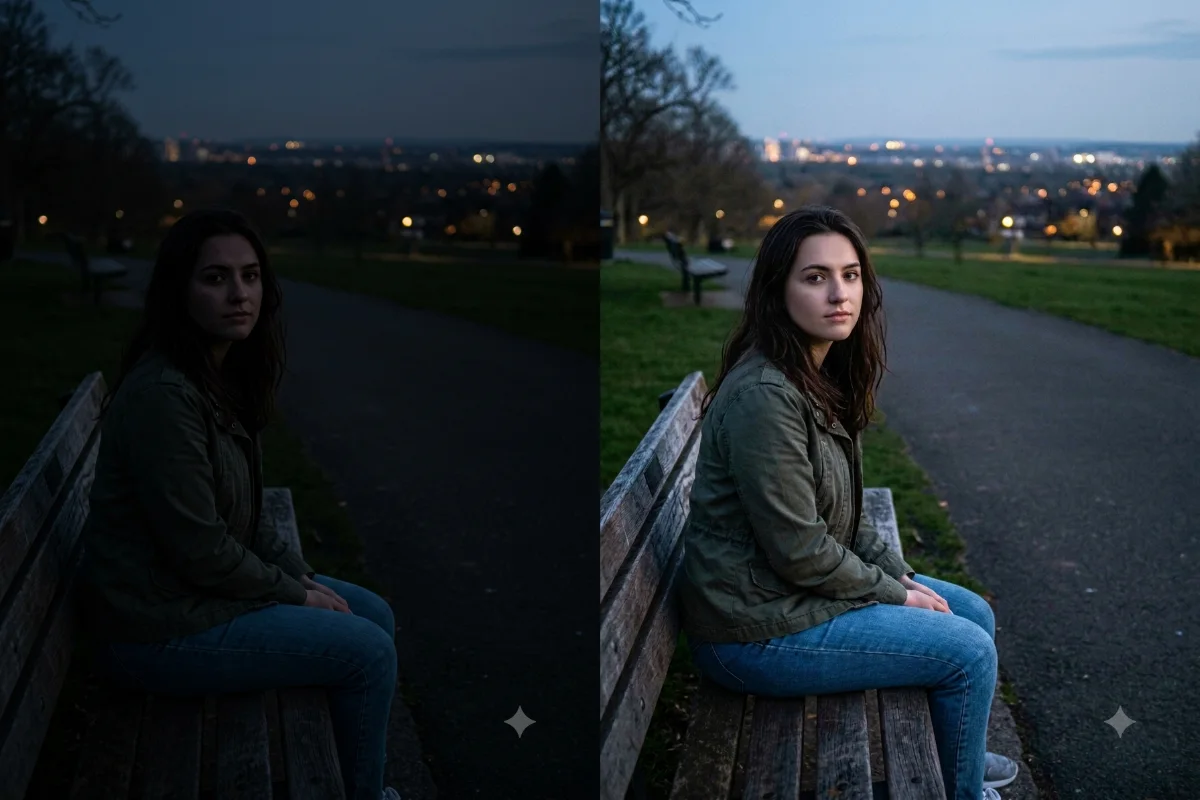
Brighten a Dark Photo
Rescue a dark, underexposed photo by lifting the shadows and balancing the light for a clear result.
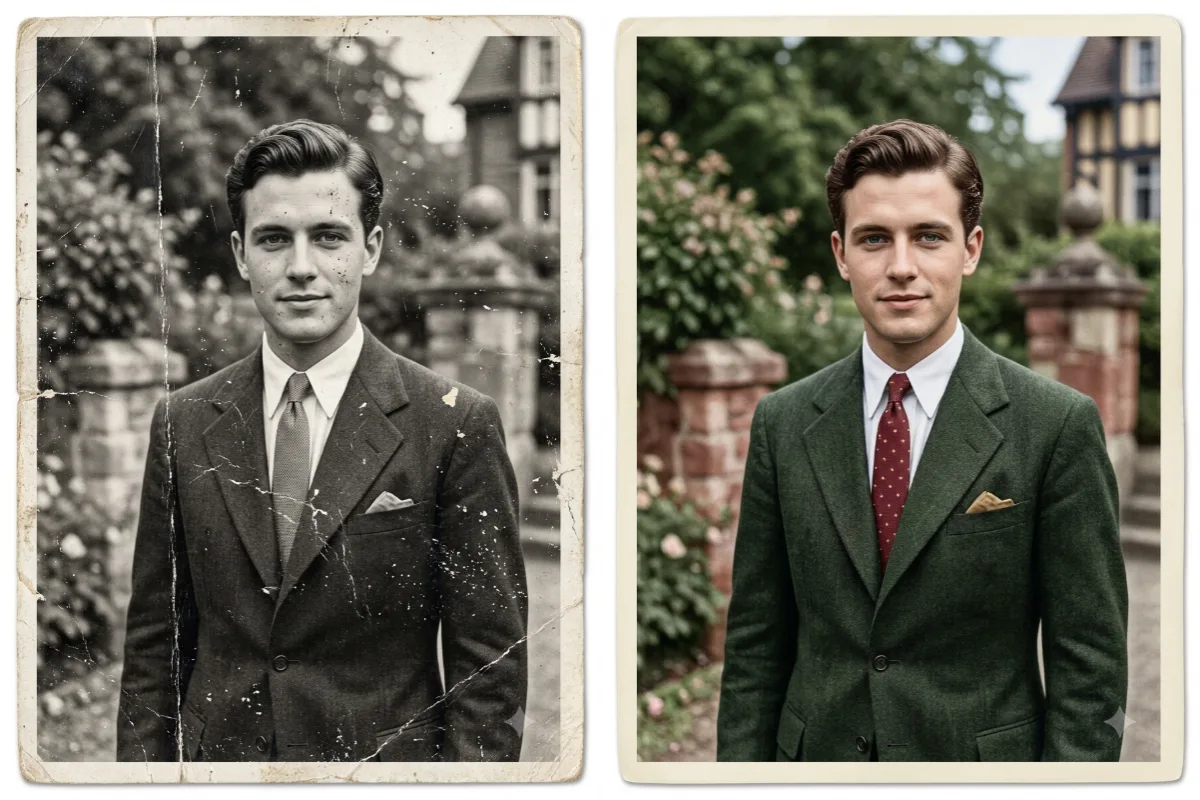
Restore and colorize old, damaged, or faded photos with Gemini, repairing scratches and bringing vintage memories to life.
16 prompts Rescue a dark, underexposed photo by lifting the shadows and balancing the light for a clear result.
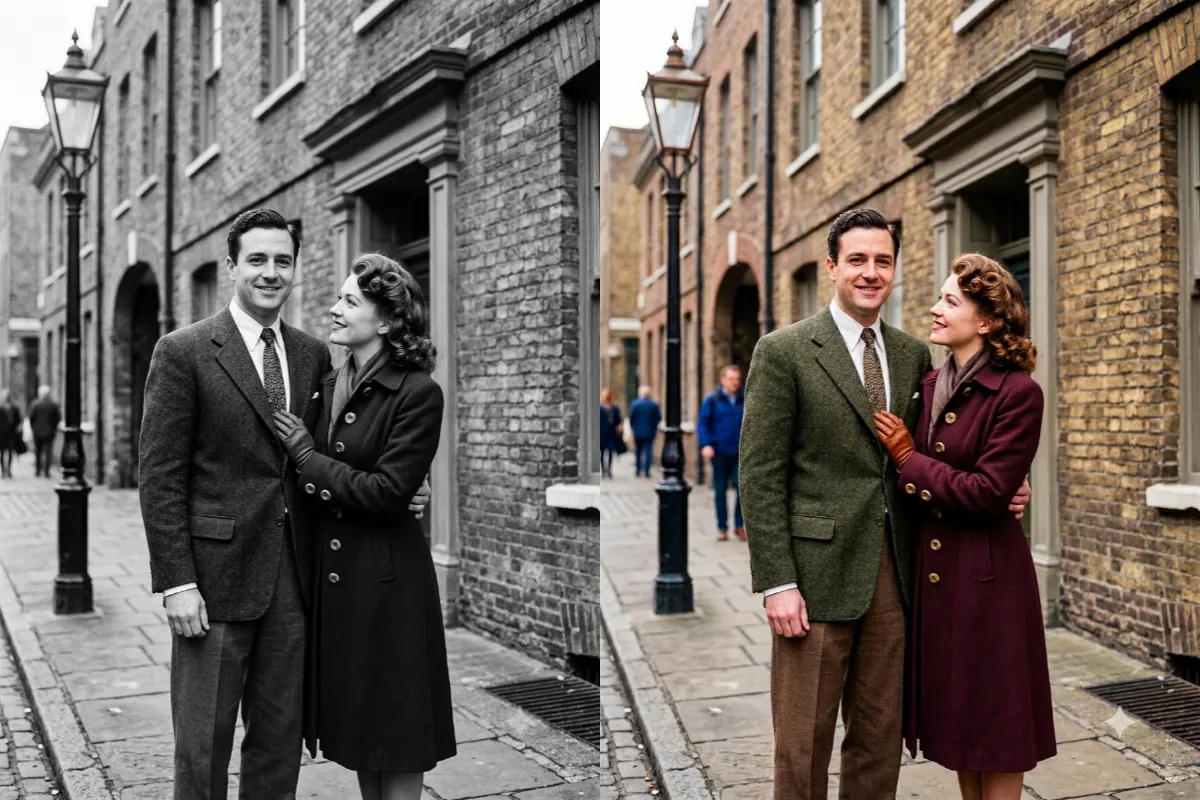
Add natural, realistic color to a black-and-white photo while keeping every face and fine detail true.
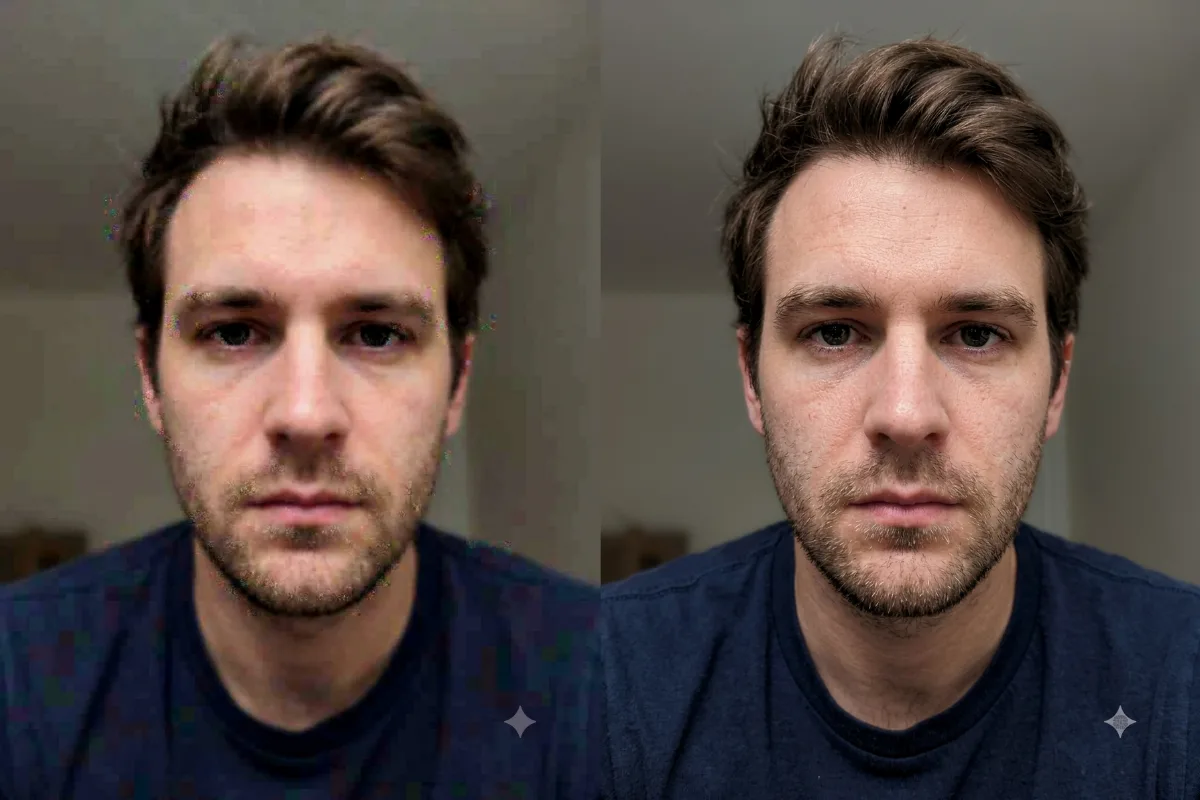
Upscale a small or low-resolution photo into a sharp, high-resolution image with crisp, clean detail.

Fix a bright, washed-out photo by recovering blown highlights and restoring natural color and detail.

Remove a yellow, orange, or other color tint from a photo and restore clean, natural, true-to-life color.
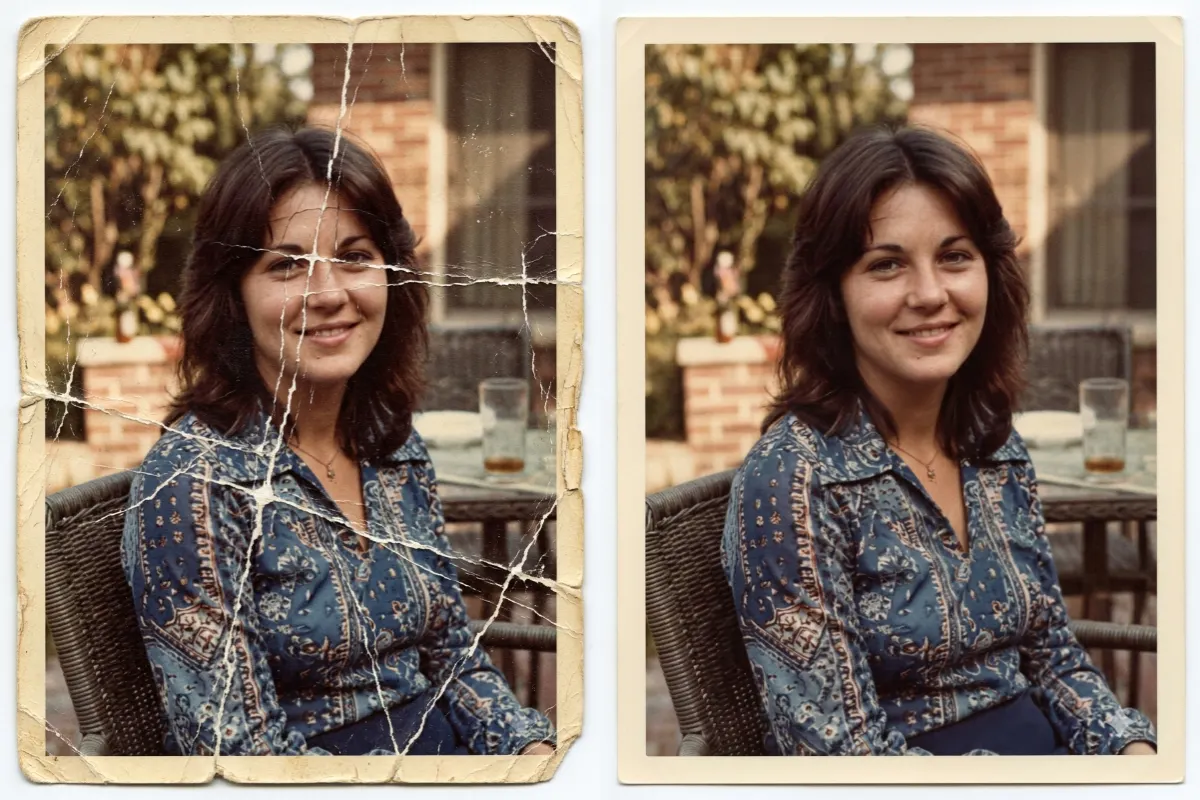
Smooth out creases, fold lines, and surface cracks in an old printed photo while keeping real detail.
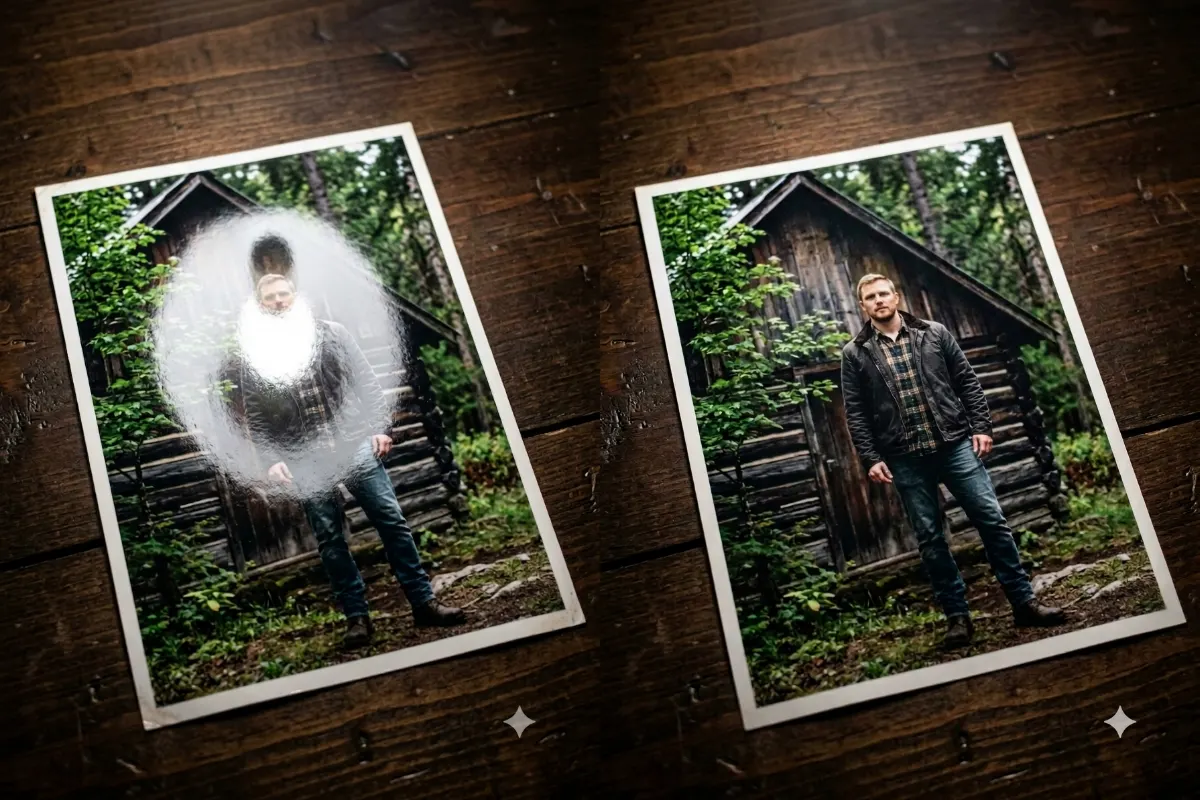
Clean up a scanned or phone-snapped photo by removing glare, reflections, and harsh shiny spots from a print.

Clear the glare and reflections off eyeglasses in a portrait so the eyes show through clearly and naturally.
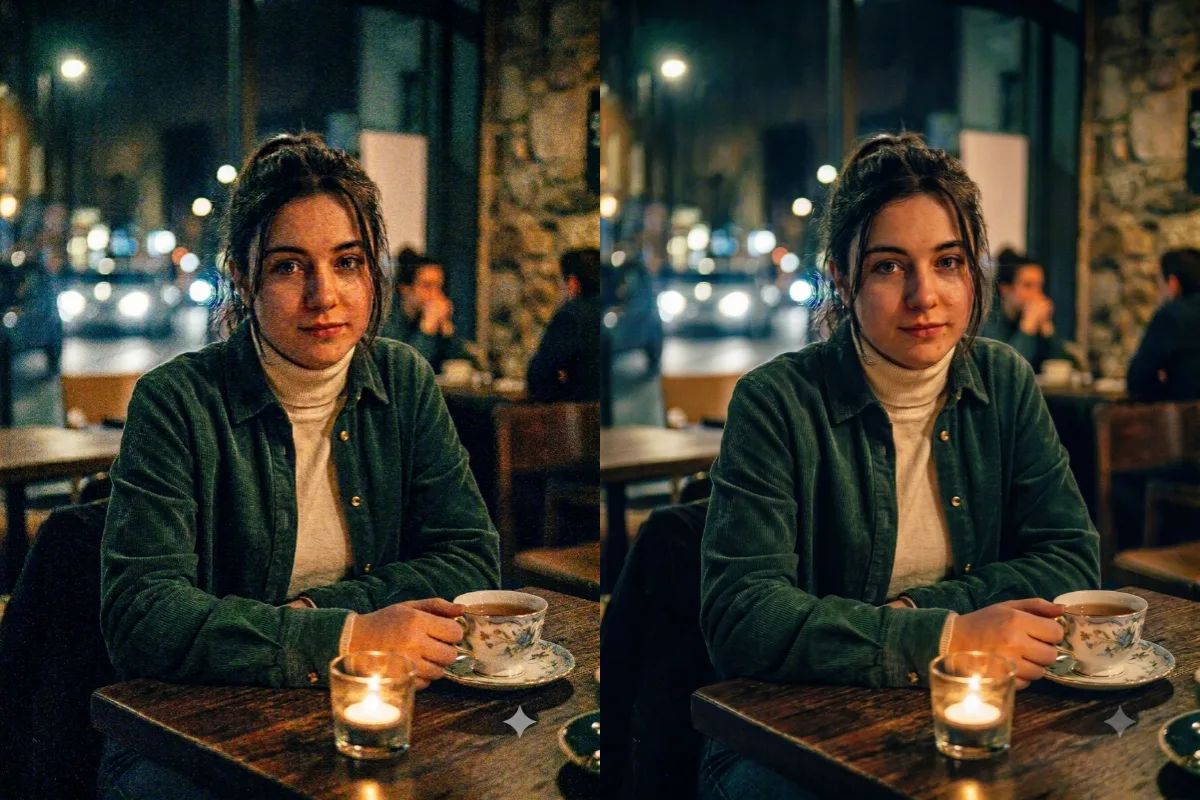
Clean up a grainy, noisy photo from low light into a smooth, clear image while keeping the real detail.
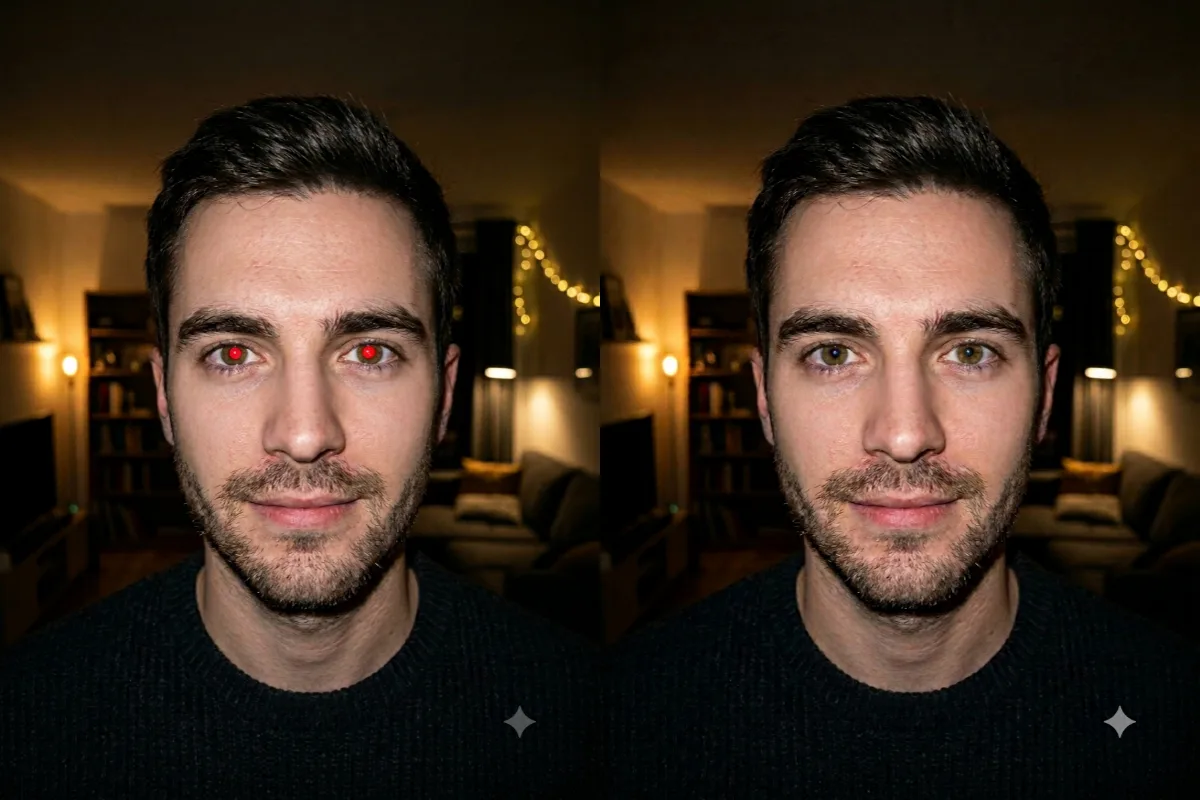
Fix the red-eye flash effect in a photo and restore natural, true eye color without changing the face.
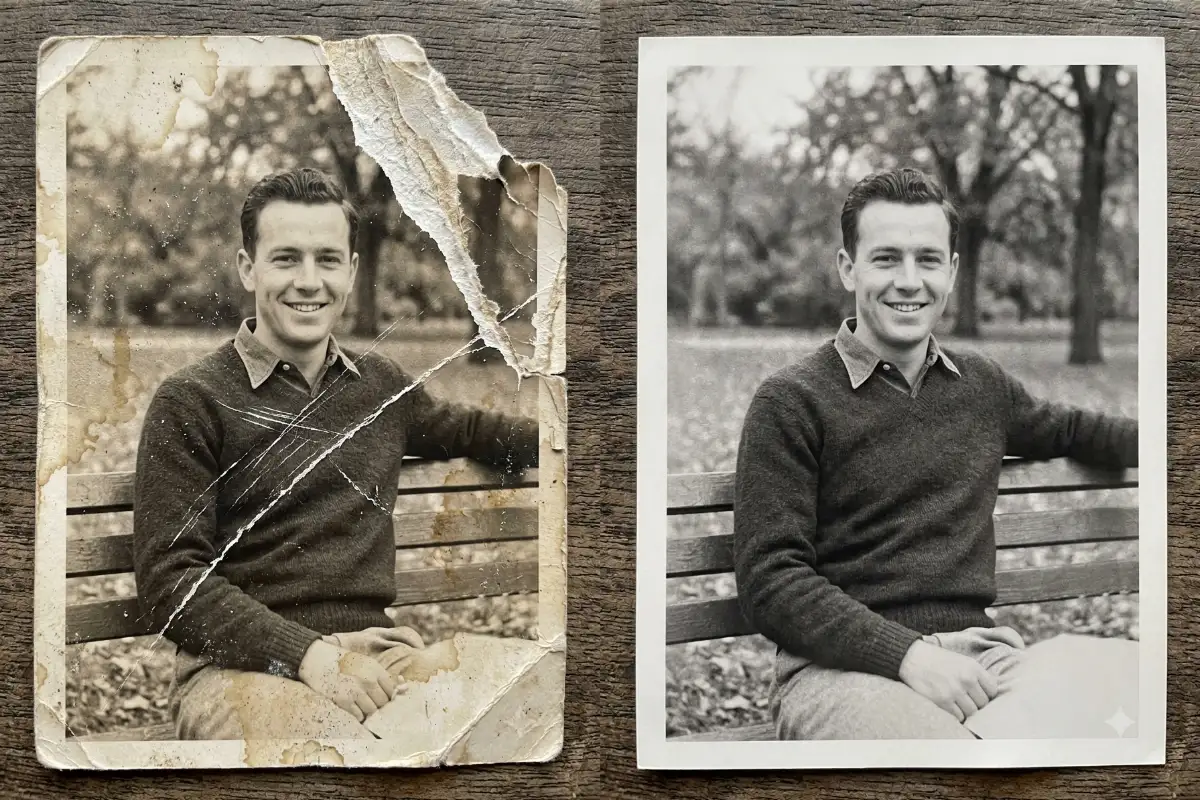
Fix tears, scratches, stains, and missing areas in an old photo while keeping the original faces intact.
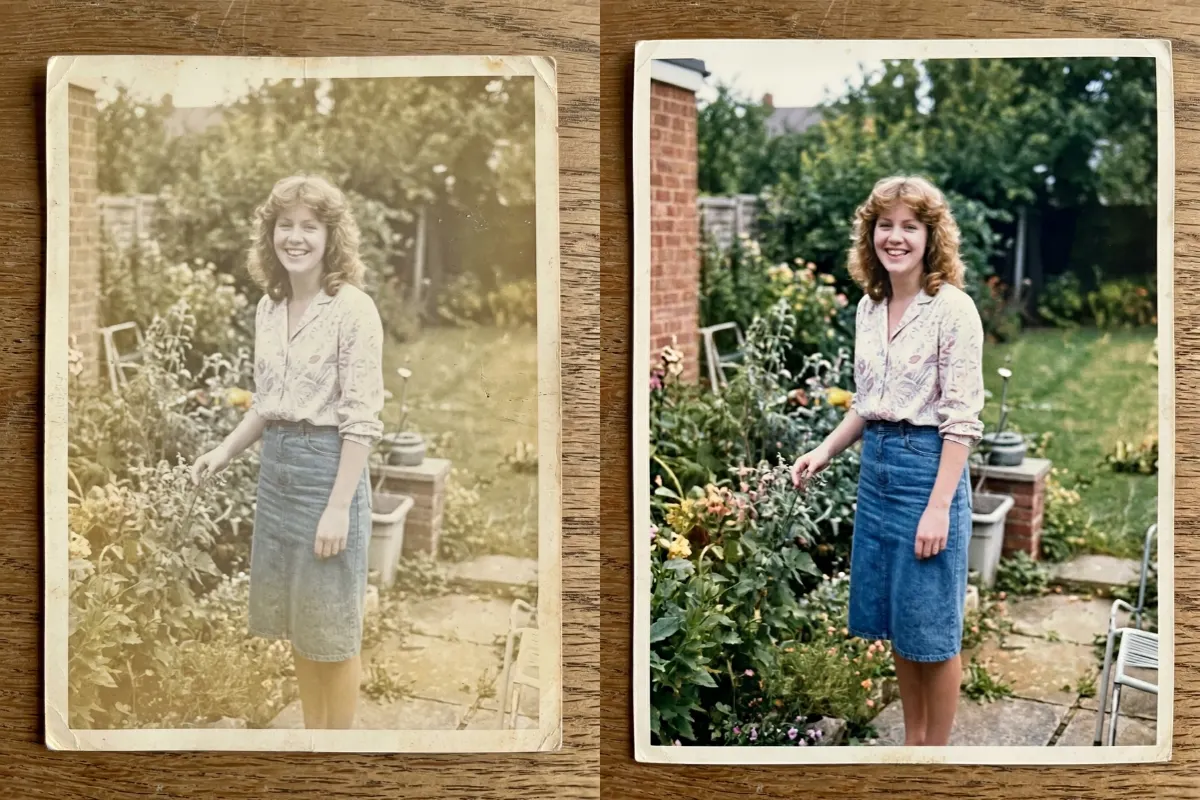
Bring a faded, washed-out photo back to life with rich color, balanced contrast, and crisp, clear detail.
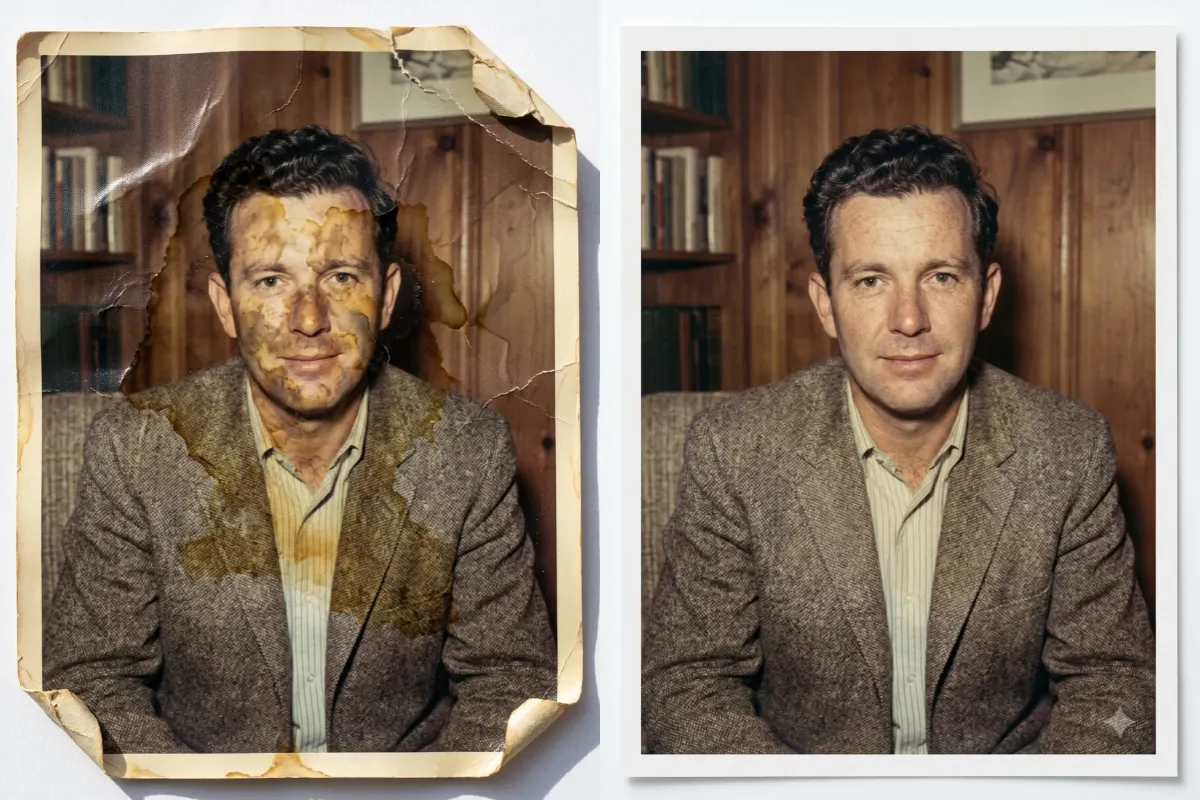
Repair a water-stained, warped, or discolored photo and bring back clean, natural color and crisp detail.
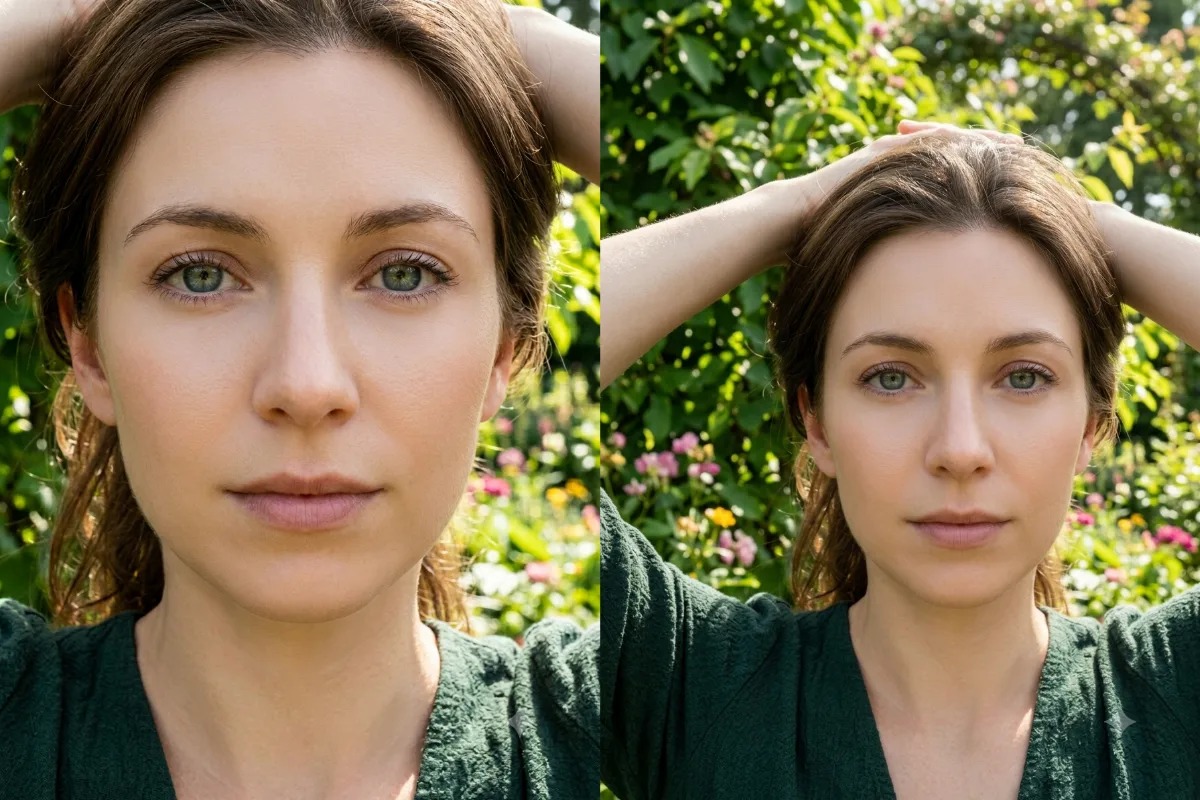
Extend the edges of a photo with believable new scenery to uncrop a too-tight or awkwardly cropped shot.
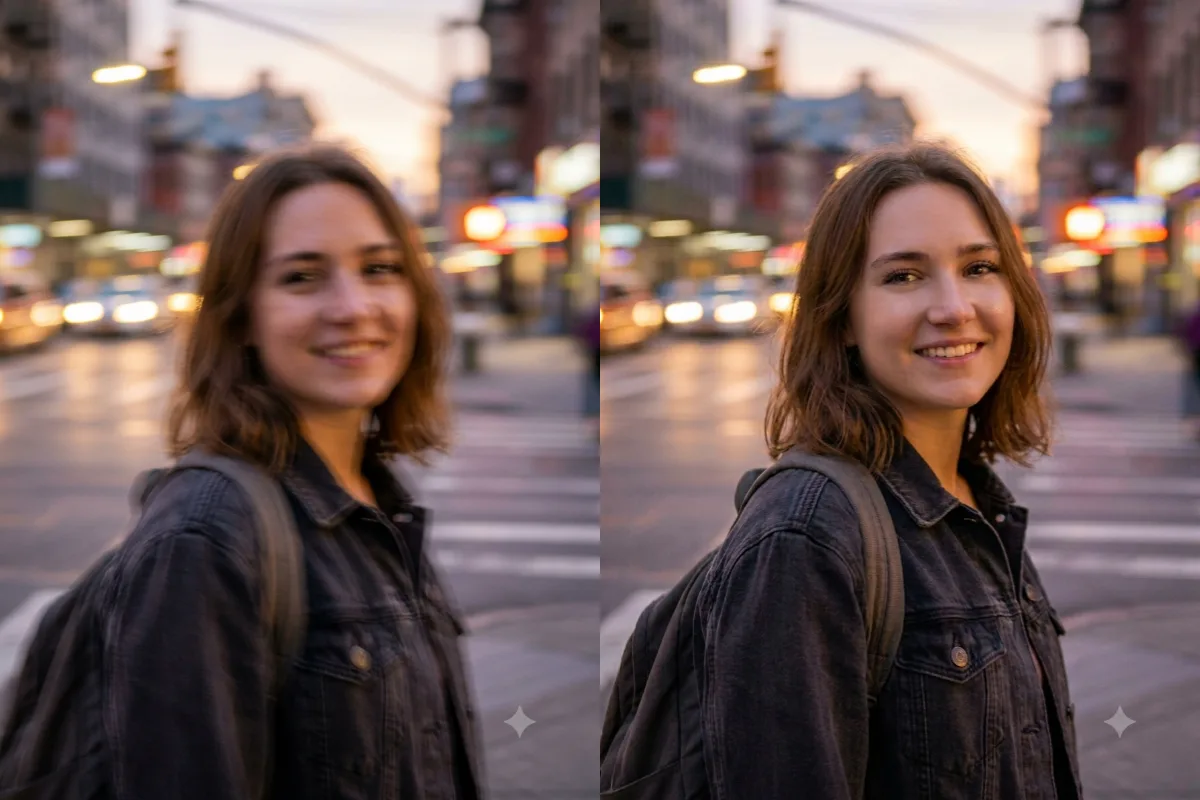
Improve a low-quality, blurry, or pixelated photo with sharper detail, better clarity, and higher resolution.
 Trending
 Repair scratches, sharpen detail, and add natural color to an old black-and-white or damaged photograph.