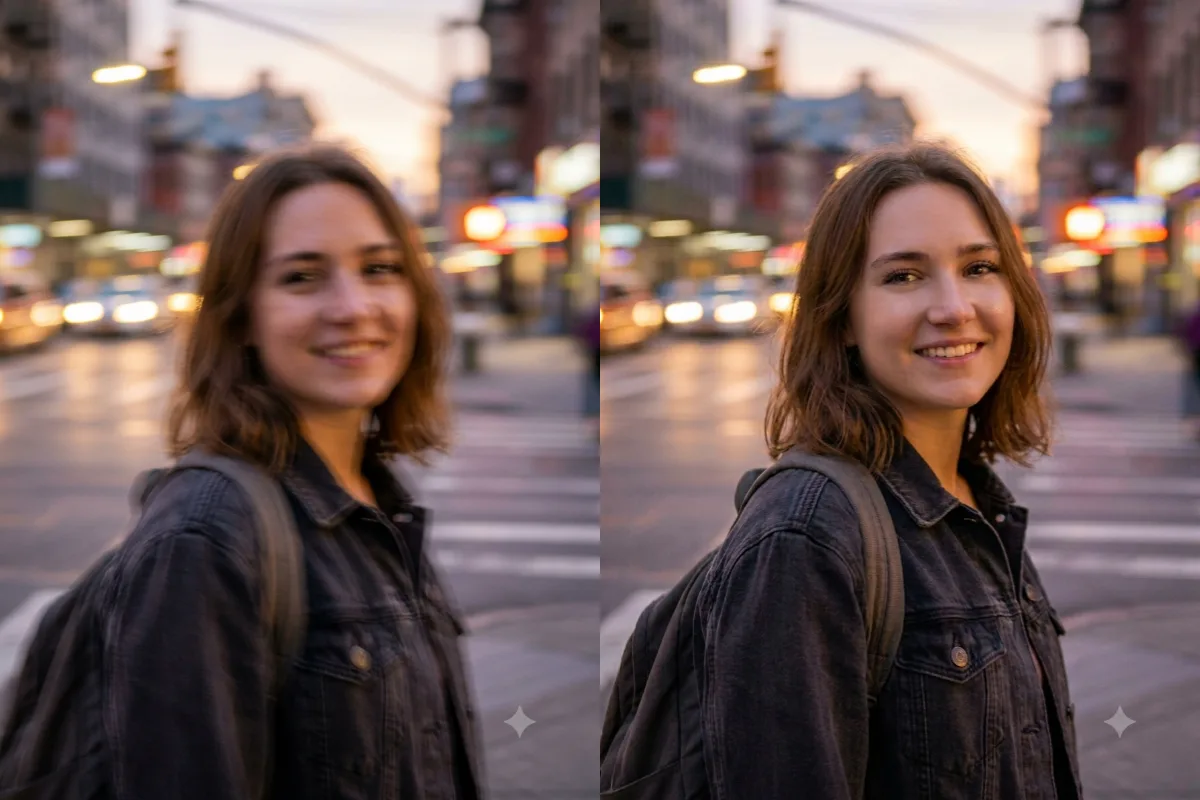
Photo Restoration
Sharpen and Enhance a Blurry Photo
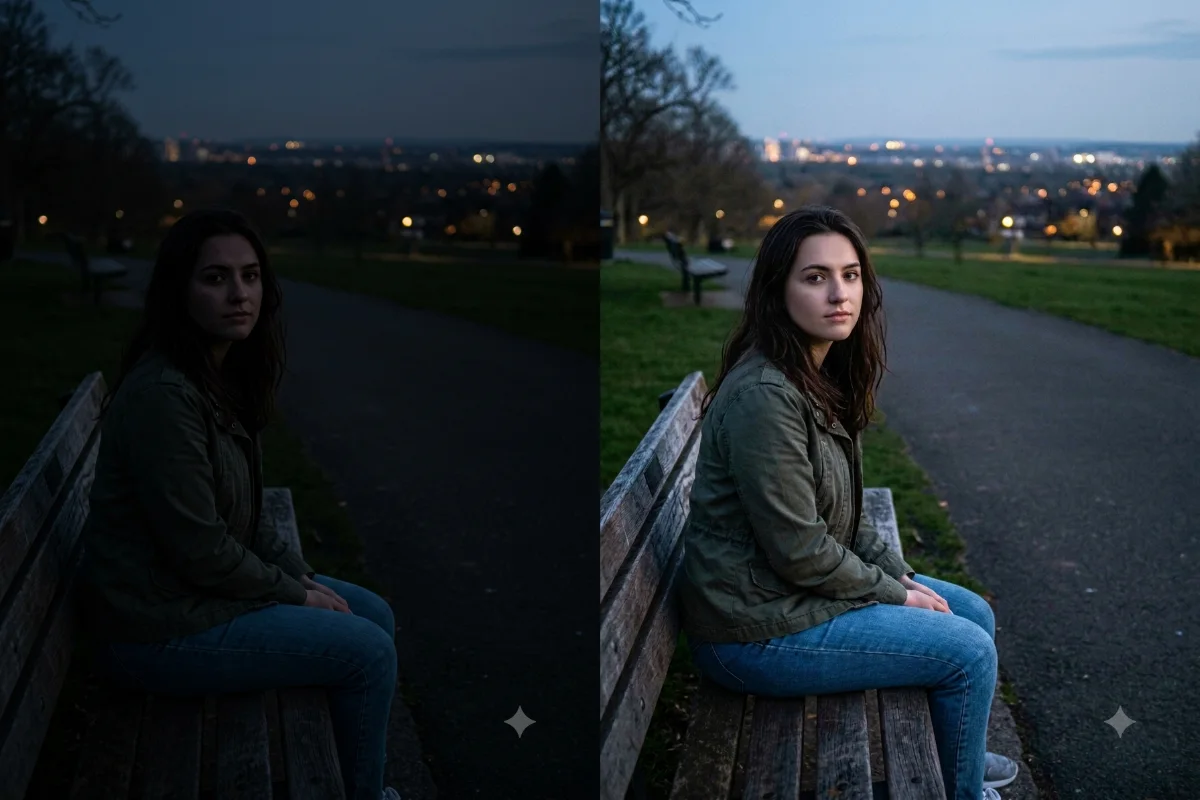
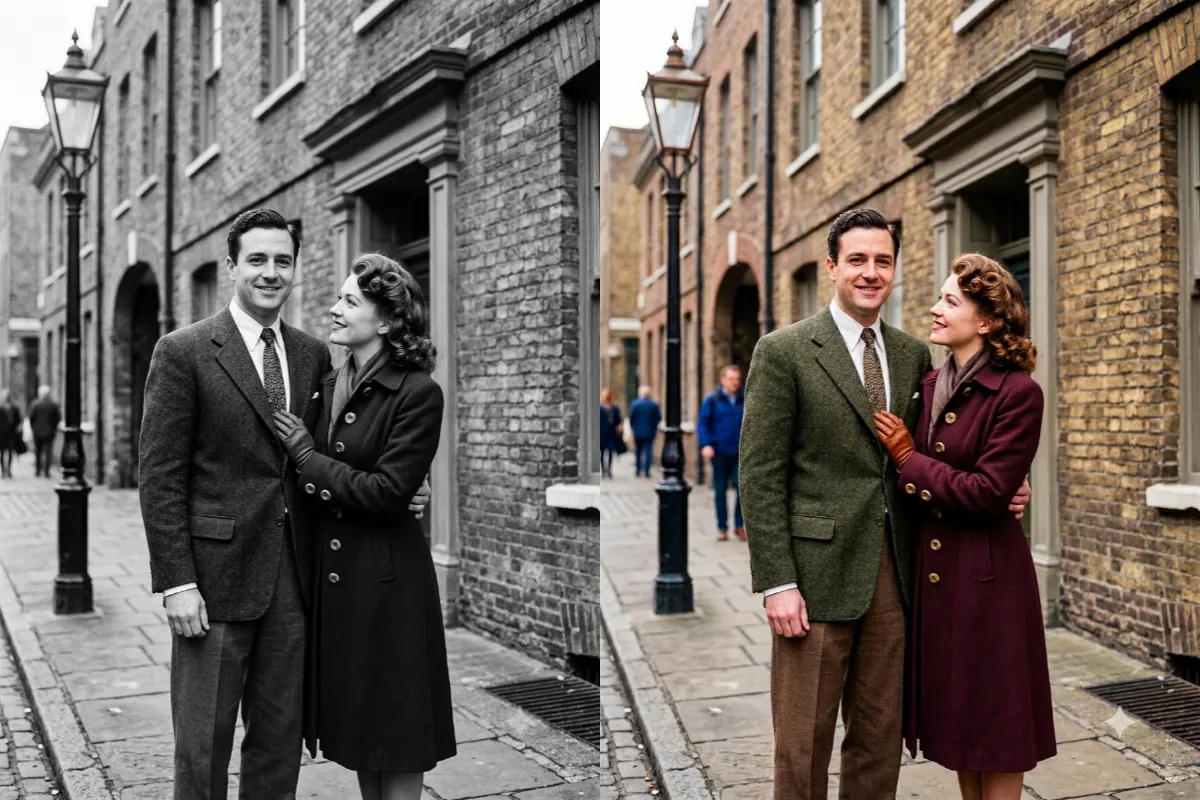
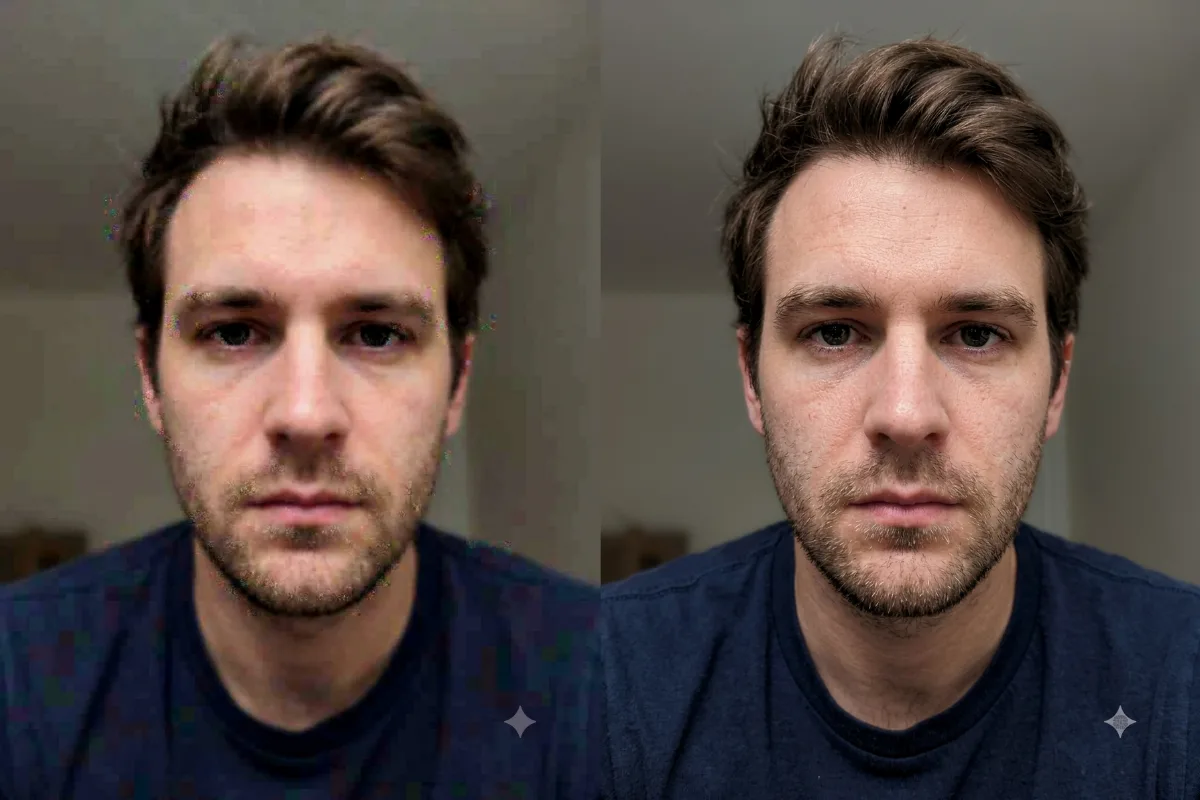
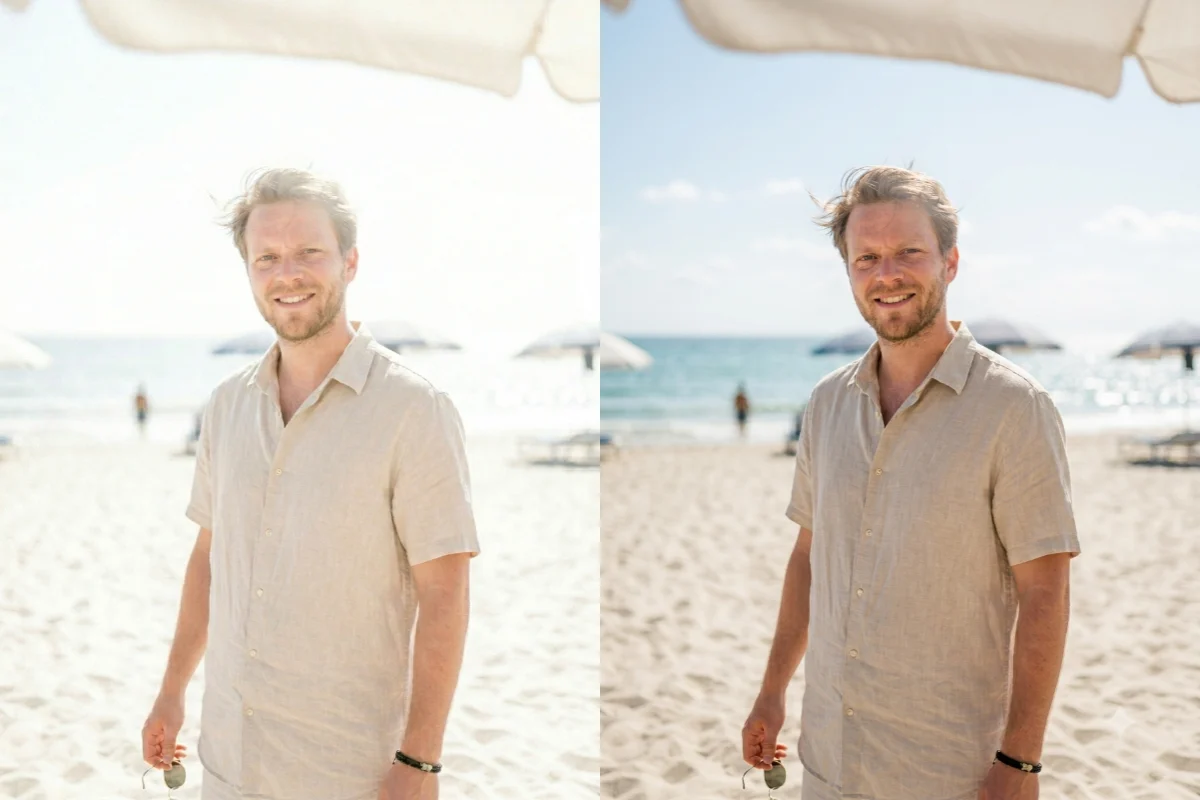
Improve a low-quality, blurry, or pixelated photo with sharper detail, better clarity, and higher resolution.
The prompt
Enhance and sharpen this photo. Increase the clarity and detail, reduce blur, noise, and pixelation, and improve the overall resolution and dynamic range, while keeping the original subject, colors, and facial features exactly the same. Make it look like a naturally high-quality photograph, not over-sharpened or artificial. Crisp, clean, and realistic.
How to use this prompt
- Upload the blurry or low-resolution photo.
- Paste the prompt and generate.
- Add "keep the original facial features exactly" for portraits.
Tips and variations
- Don't overdo it, and add "keep it natural, avoid an artificial look".
- Pairs well with the restoration prompt for old photos.