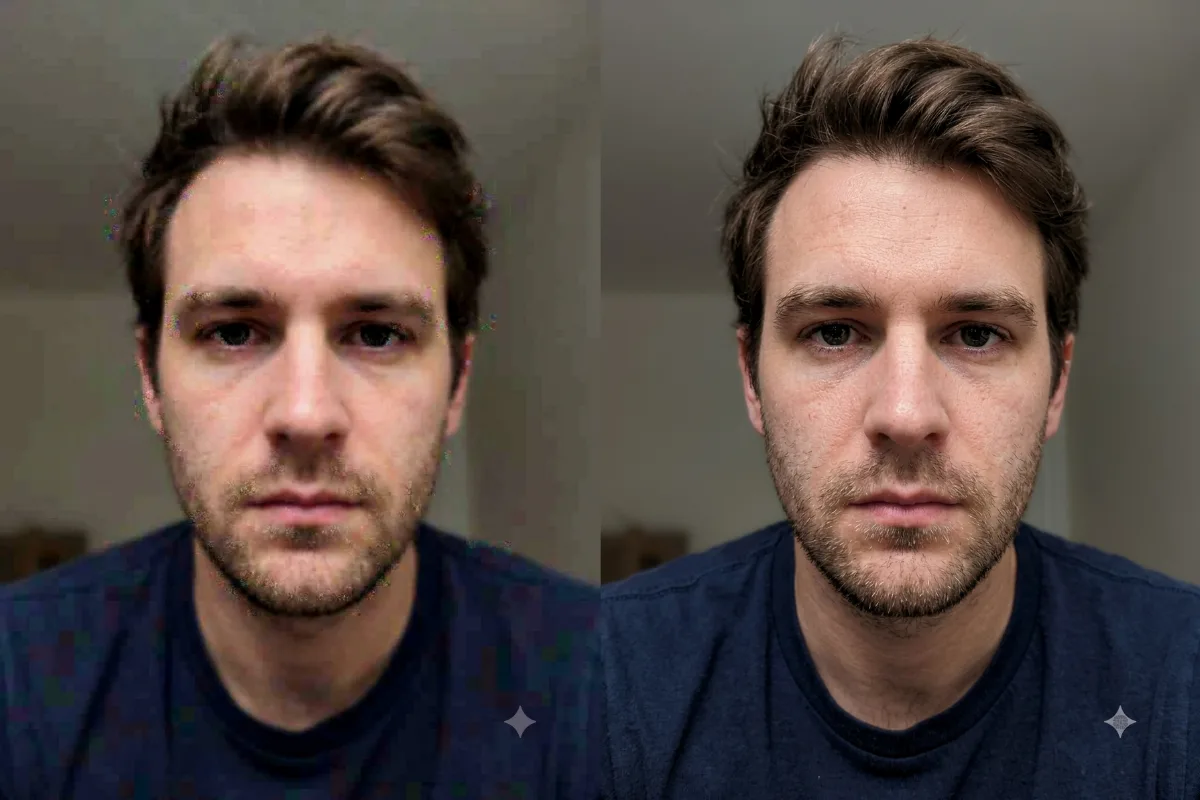
Photo Restoration
Increase Photo Resolution (Upscale)
Upscale a small or low-resolution photo into a sharp, high-resolution image with crisp, clean detail.
The prompt
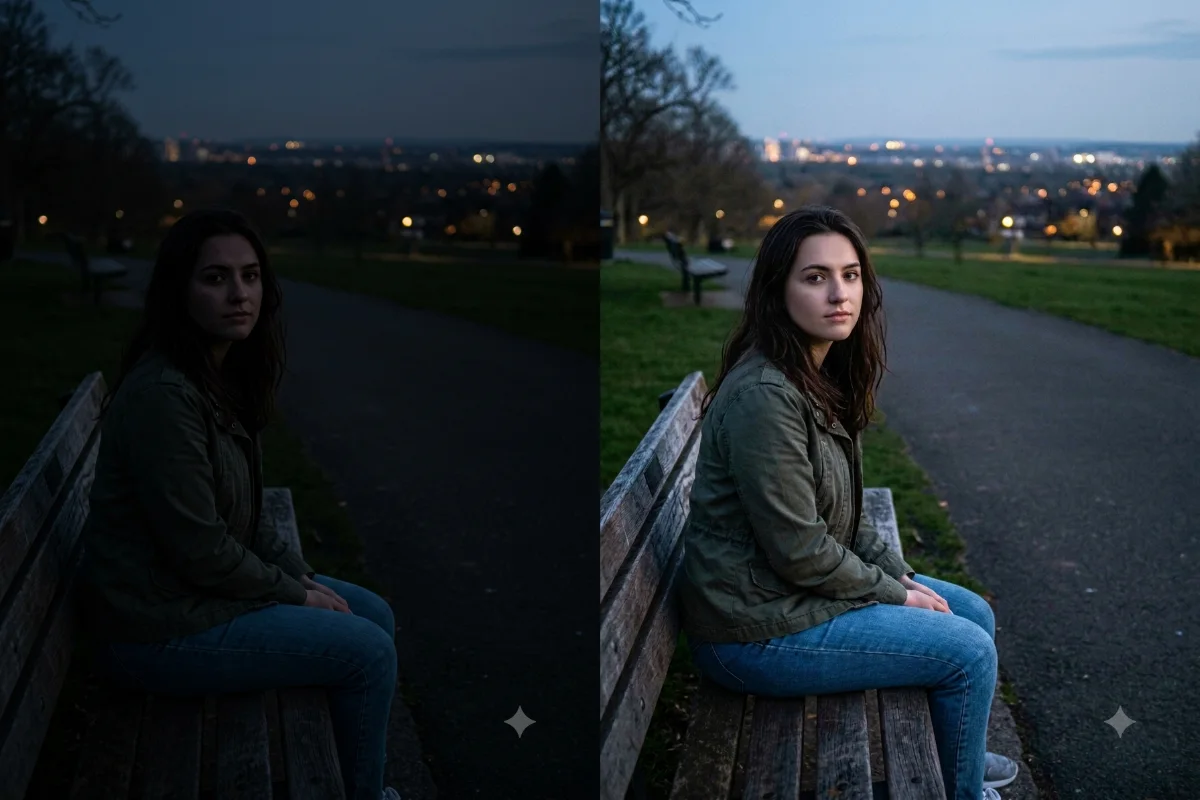
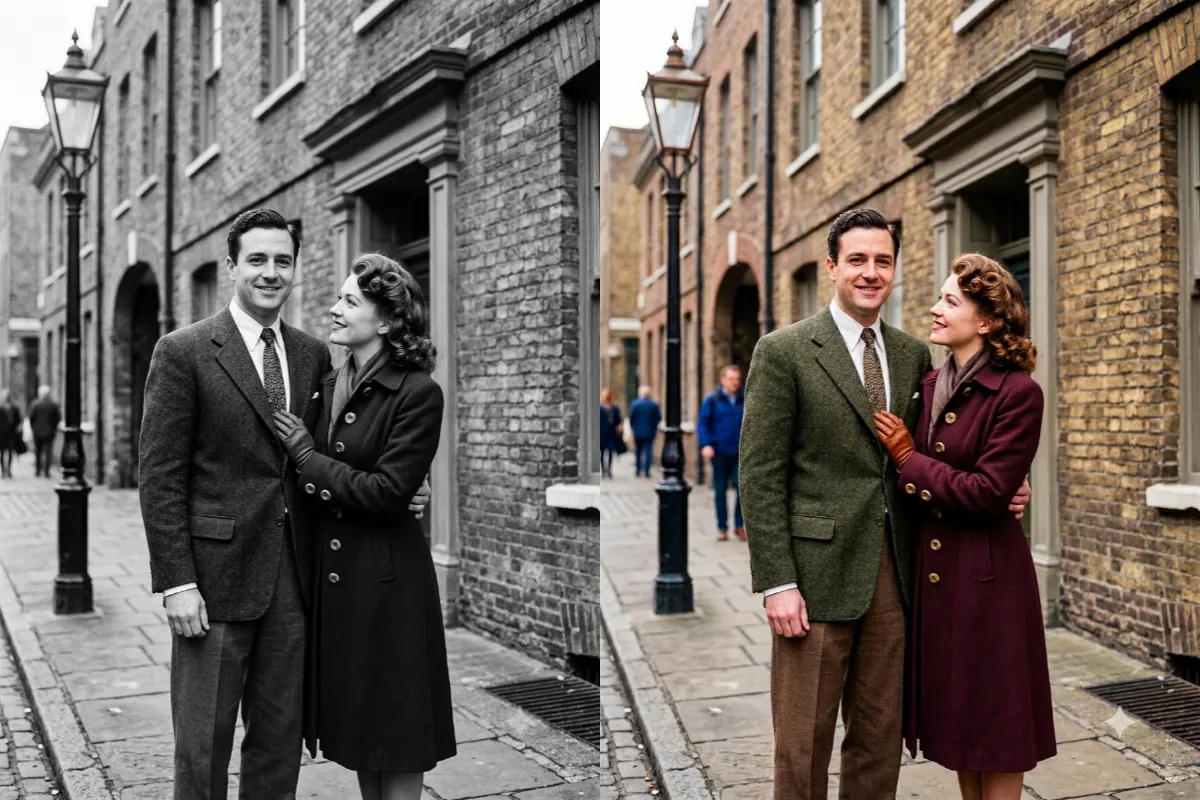
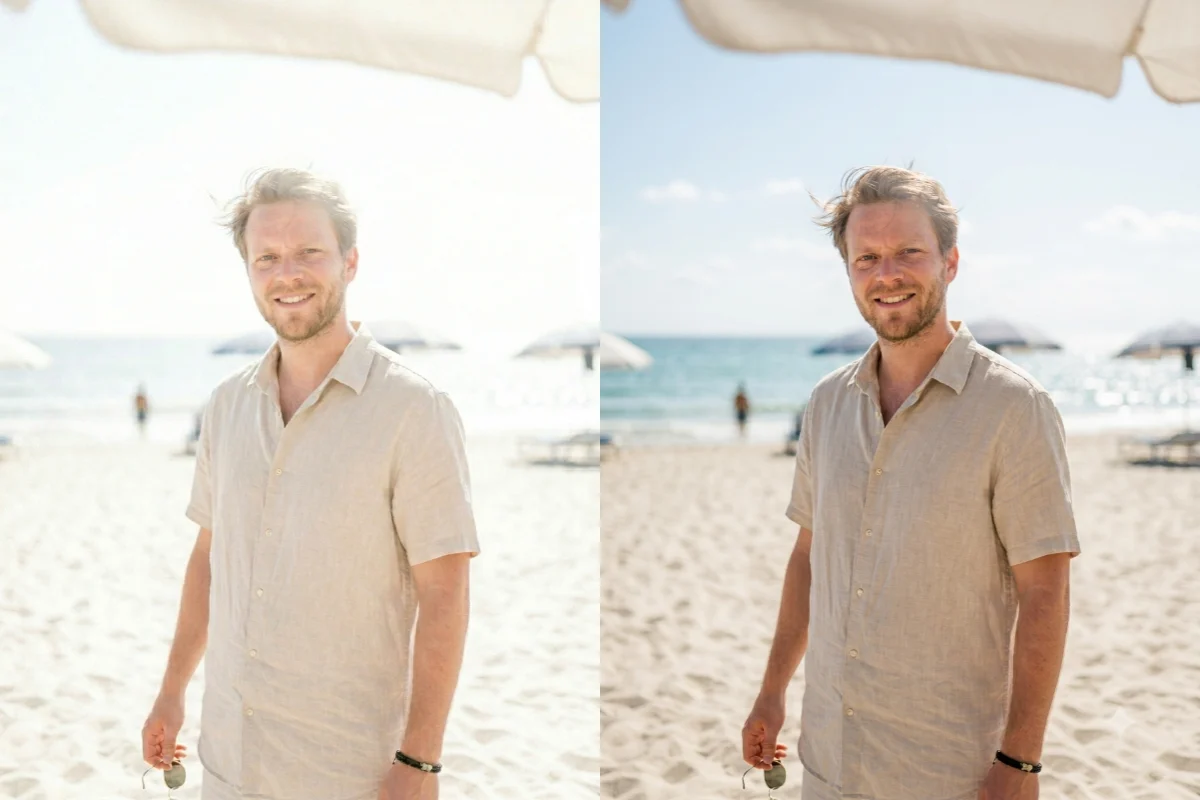
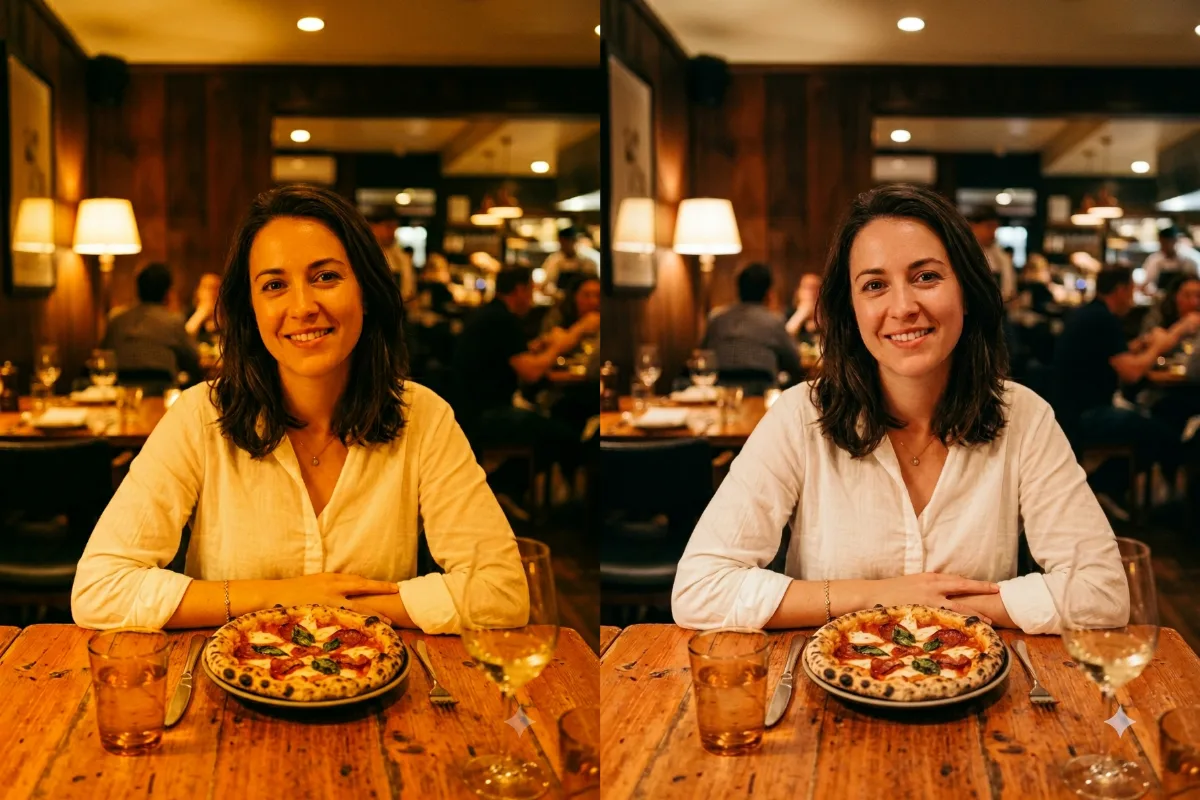
Upscale this low-resolution photo into a sharp, high-resolution image. Increase the detail and clarity, clean up compression artifacts and soft edges, and recover fine texture in [the face, hair, and clothing], while keeping the original colors, lighting, and composition exactly the same. Natural and realistic, not over-sharpened. Photorealistic, crisp, and clean.
How to use this prompt
- Upload the small or low-resolution photo.
- Paste the prompt and generate.
- Ask for more sharpening if any area still looks soft.
Tips and variations
- Add "keep it natural, do not over-sharpen" for a realistic result.
- Add "recover fine detail in the eyes and hair" for portraits.