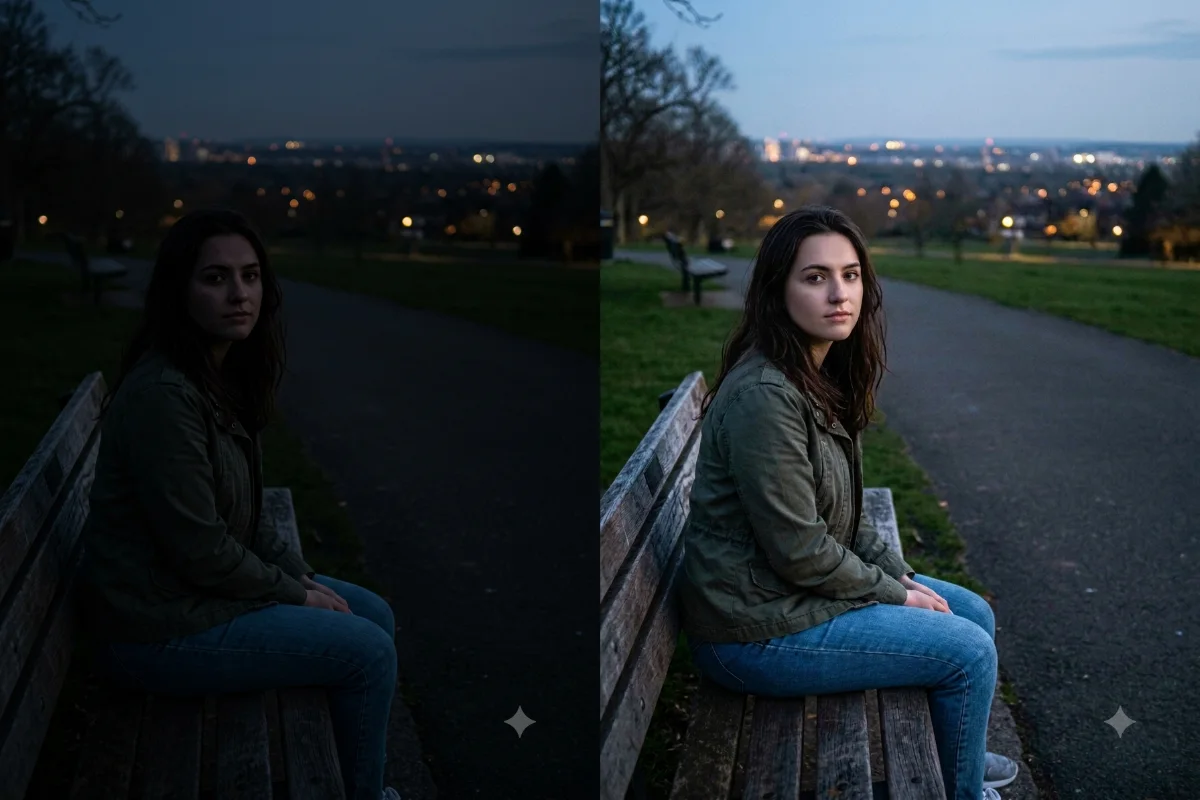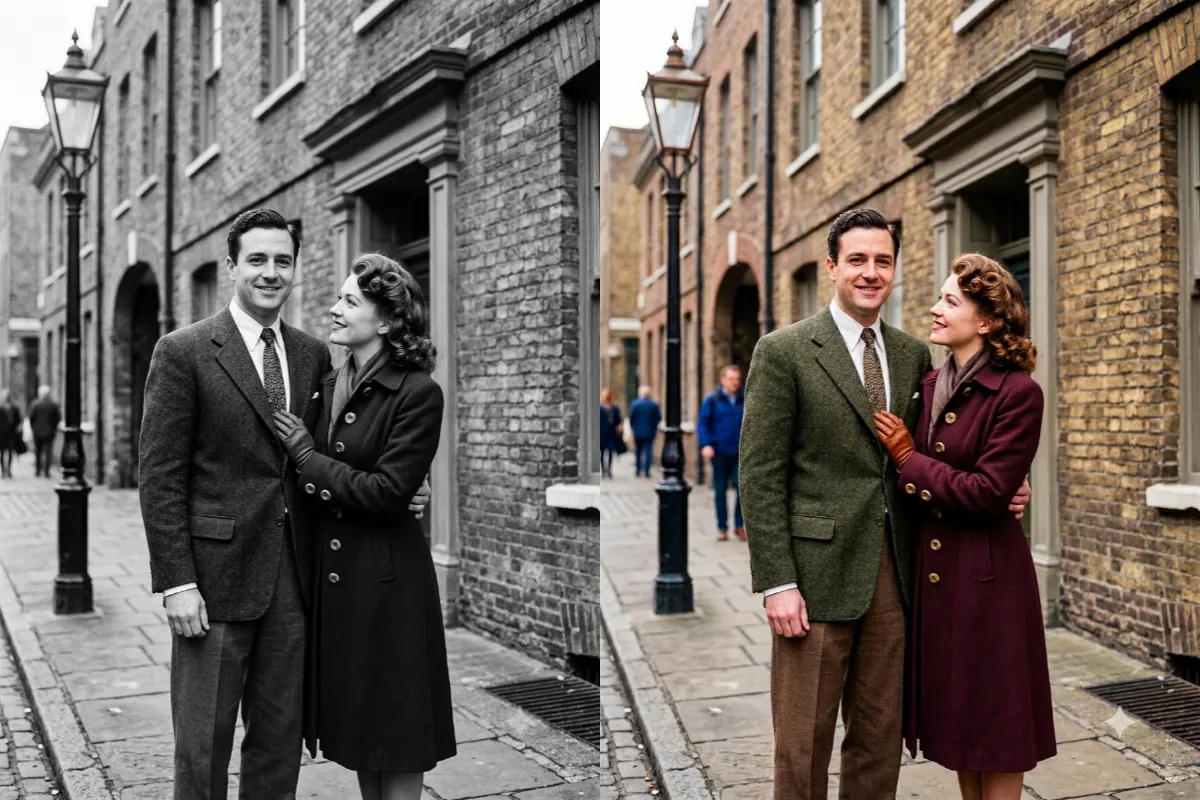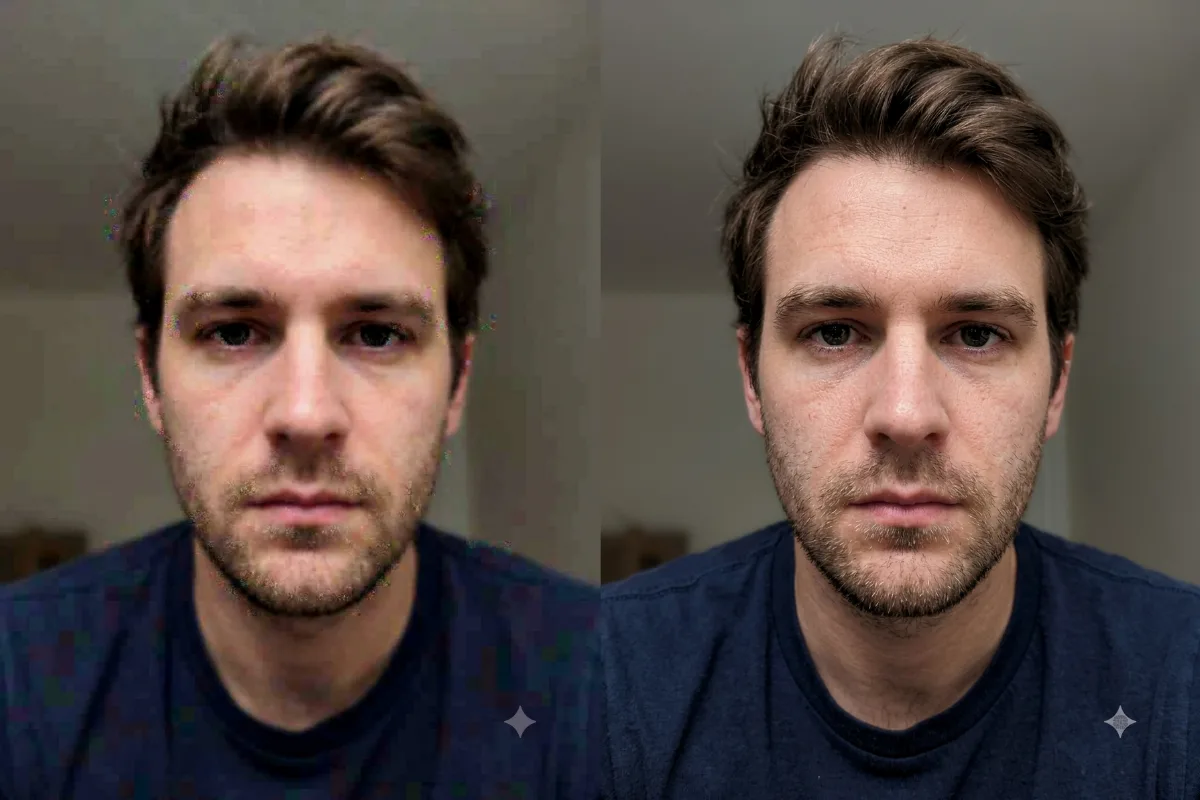
Photo Restoration
Remove a Yellow Color Tint
Remove a yellow, orange, or other color tint from a photo and restore clean, natural, true-to-life color.
The prompt
Remove the [yellow] color tint from this photo and correct the white balance so colors look clean and true to life. Neutralize the cast across the whole image, keep skin tones natural, and keep the detail, contrast, and composition the same. Avoid swinging too far the other way. Photorealistic, with accurate, natural color.
How to use this prompt
- Upload the photo with the color tint.
- Paste the prompt and name the tint to remove.
- Generate, then ask for a warmer or cooler balance.
Tips and variations
- Name the cast: "remove the yellow tint" or "the blue tint".
- Add "keep skin tones natural" for portraits.