Photo Restoration
Recover an Overexposed Photo
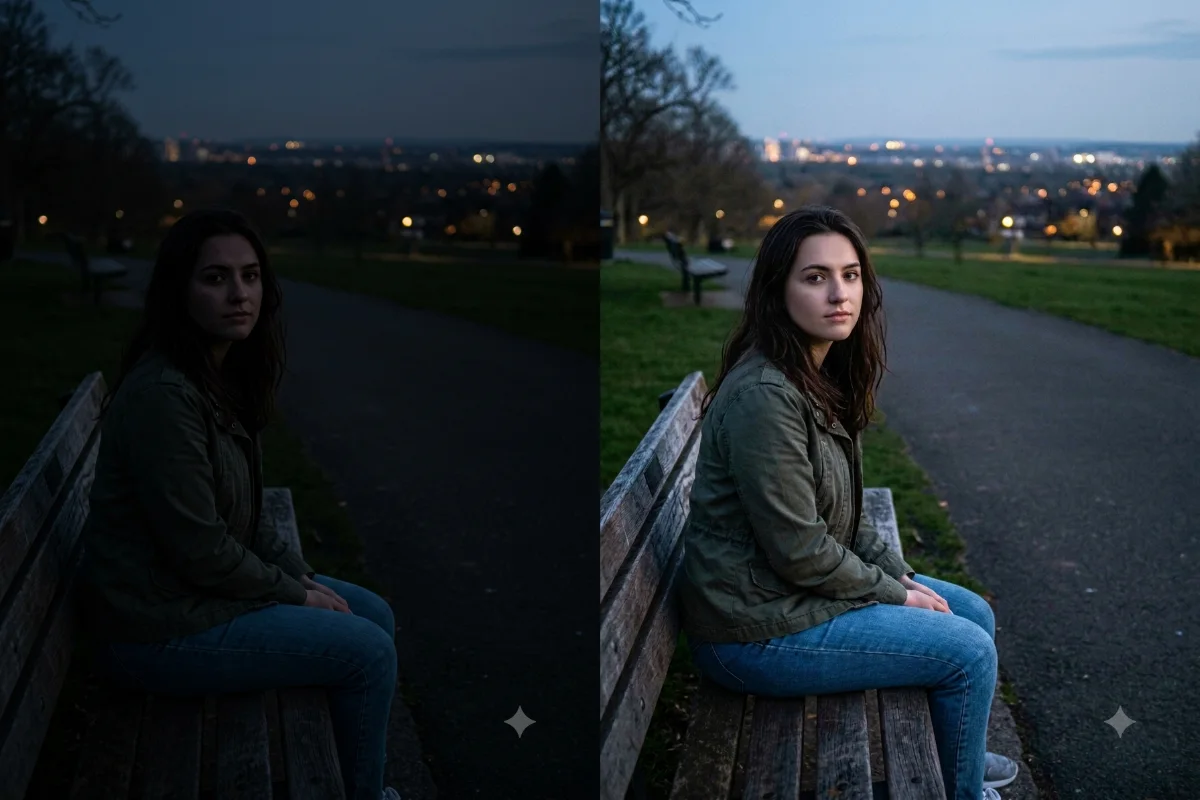
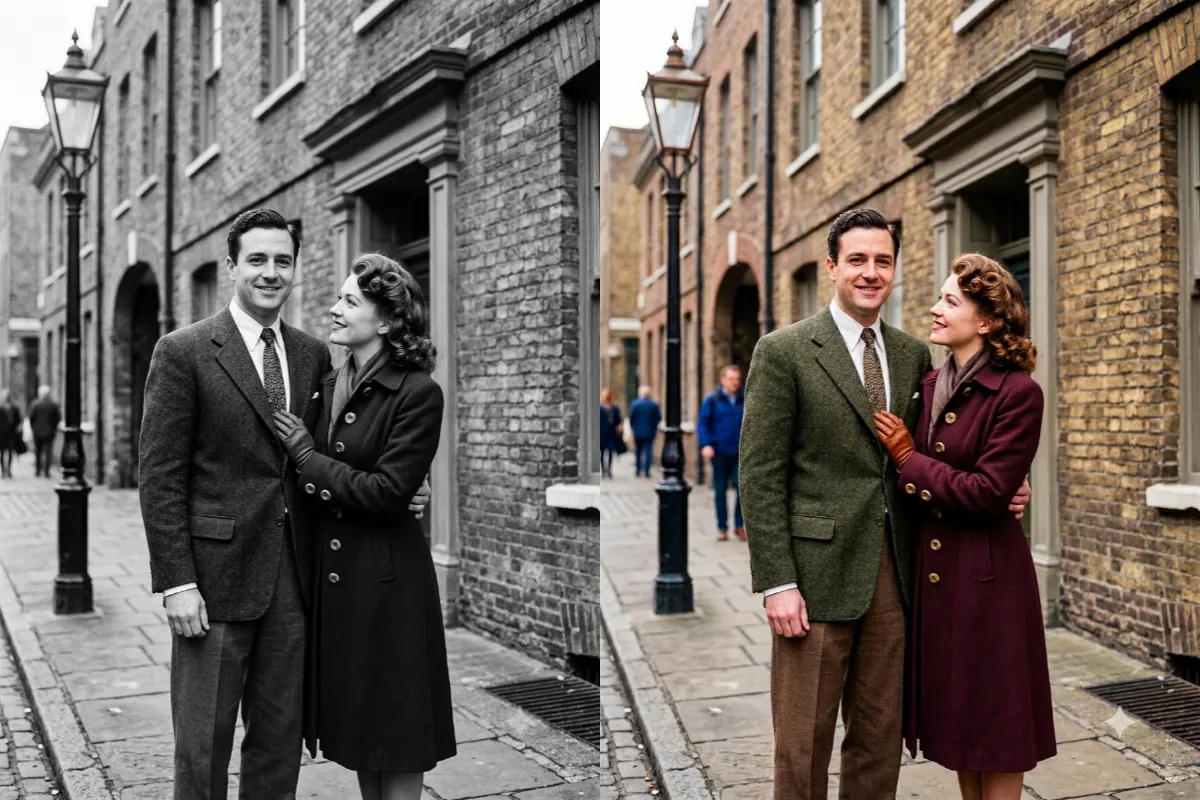
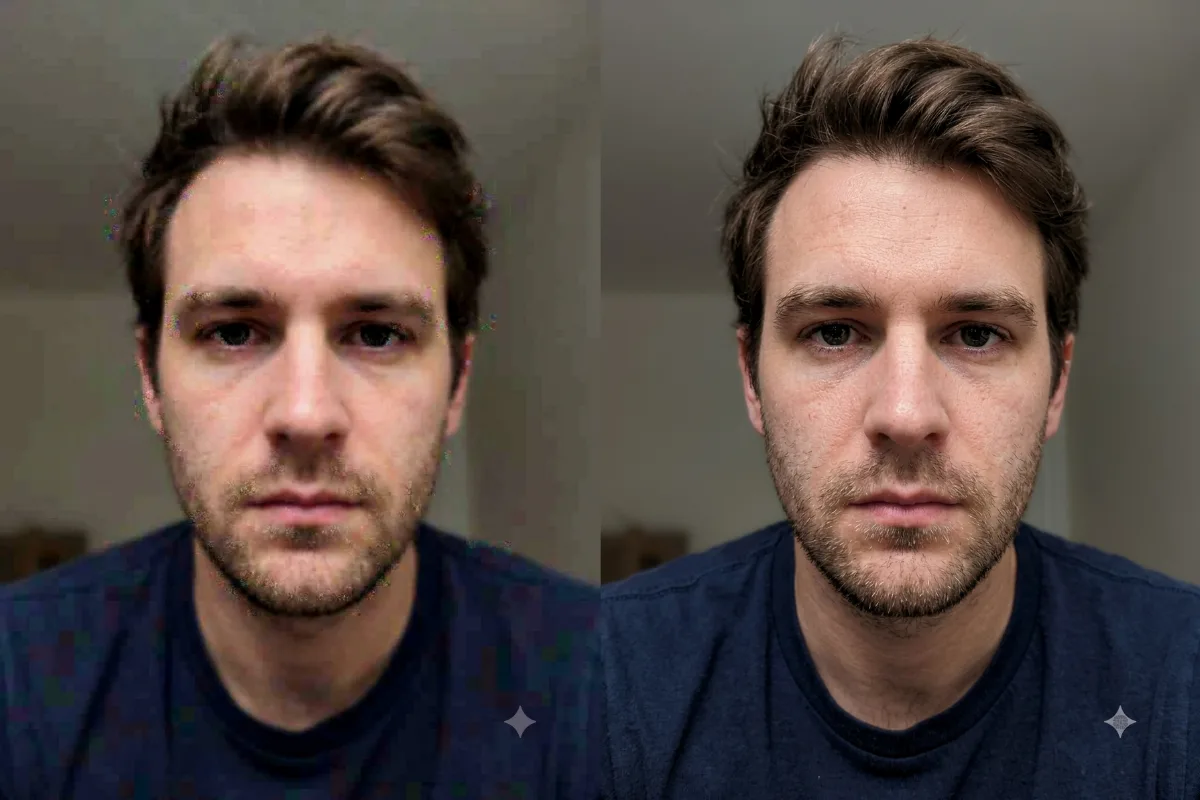
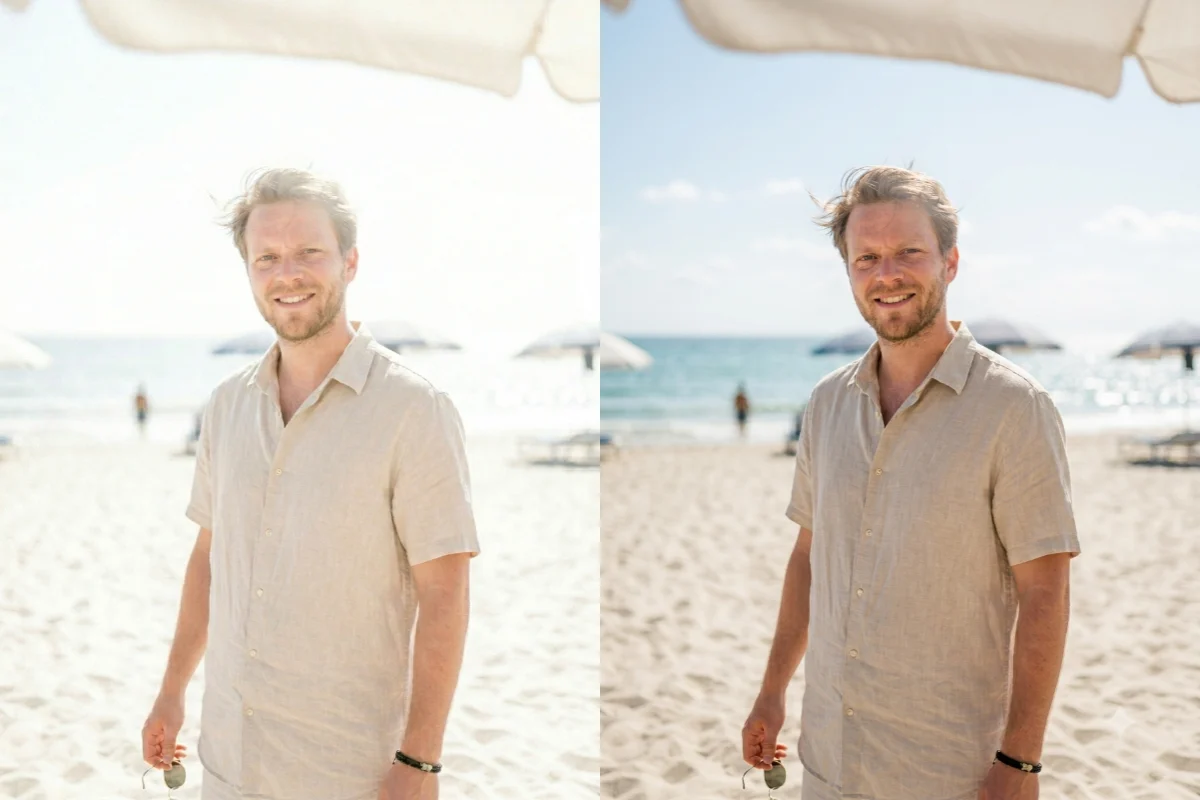
Fix a bright, washed-out photo by recovering blown highlights and restoring natural color and detail.
The prompt
Recover this overexposed, washed-out photo by toning down the blown-out highlights, restoring detail in the brightest areas like [the sky and skin], and bringing back natural color and contrast. Keep the shadows from going muddy and keep the composition the same. Avoid a dull, gray result. Photorealistic, balanced, and natural.
How to use this prompt
- Upload the overexposed photo.
- Paste the prompt and generate.
- Ask for a softer or richer recovery.
Tips and variations
- Add "recover detail in the bright sky and skin".
- Add "keep it natural, not dull or gray".