

Photo Editing
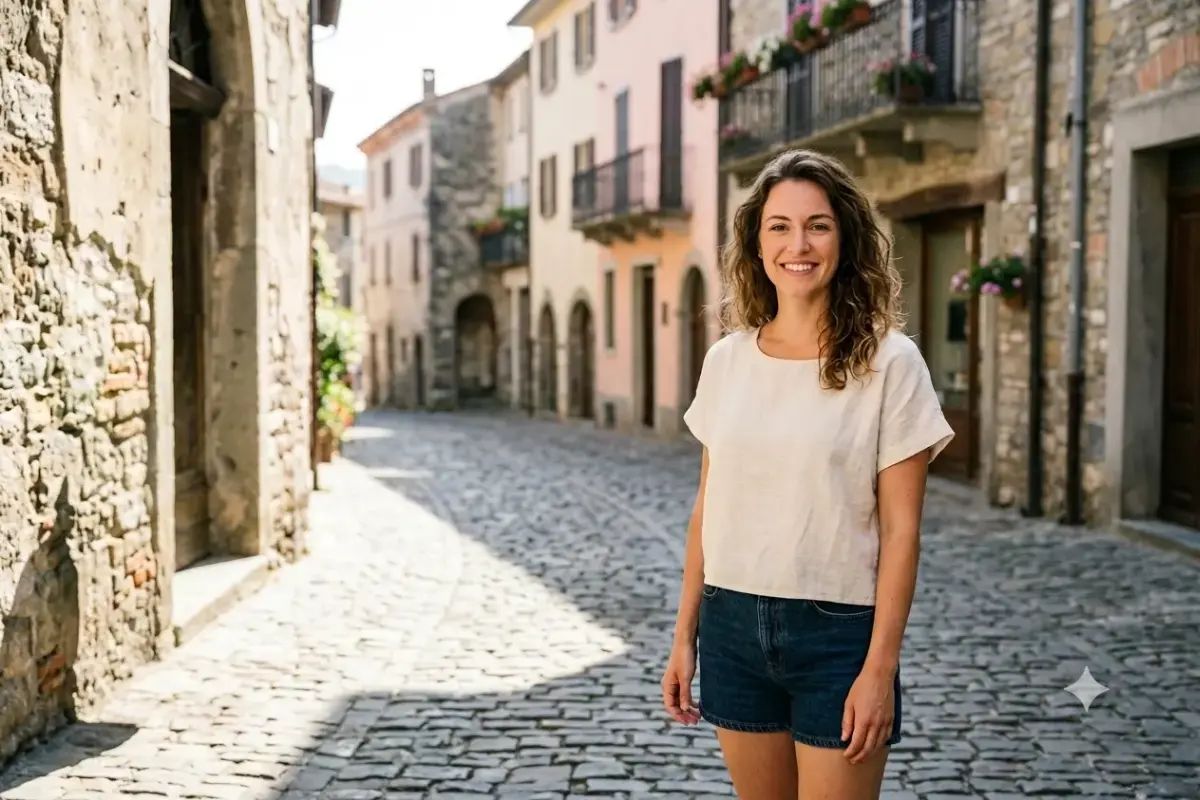
Add a Natural Smile
Turn a neutral or serious expression into a warm, natural smile while keeping the face fully true to you.
Copy-paste Gemini photo editing prompts to change styles, swap backgrounds, fix the lighting, and cleanly restyle portraits.
16 prompts Turn a neutral or serious expression into a warm, natural smile while keeping the face fully true to you.

Add realistic glasses or sunglasses to a portrait, fitted naturally to the face with matching light.

Add tasteful, natural-looking makeup to a portrait, enhancing the features without changing the face.
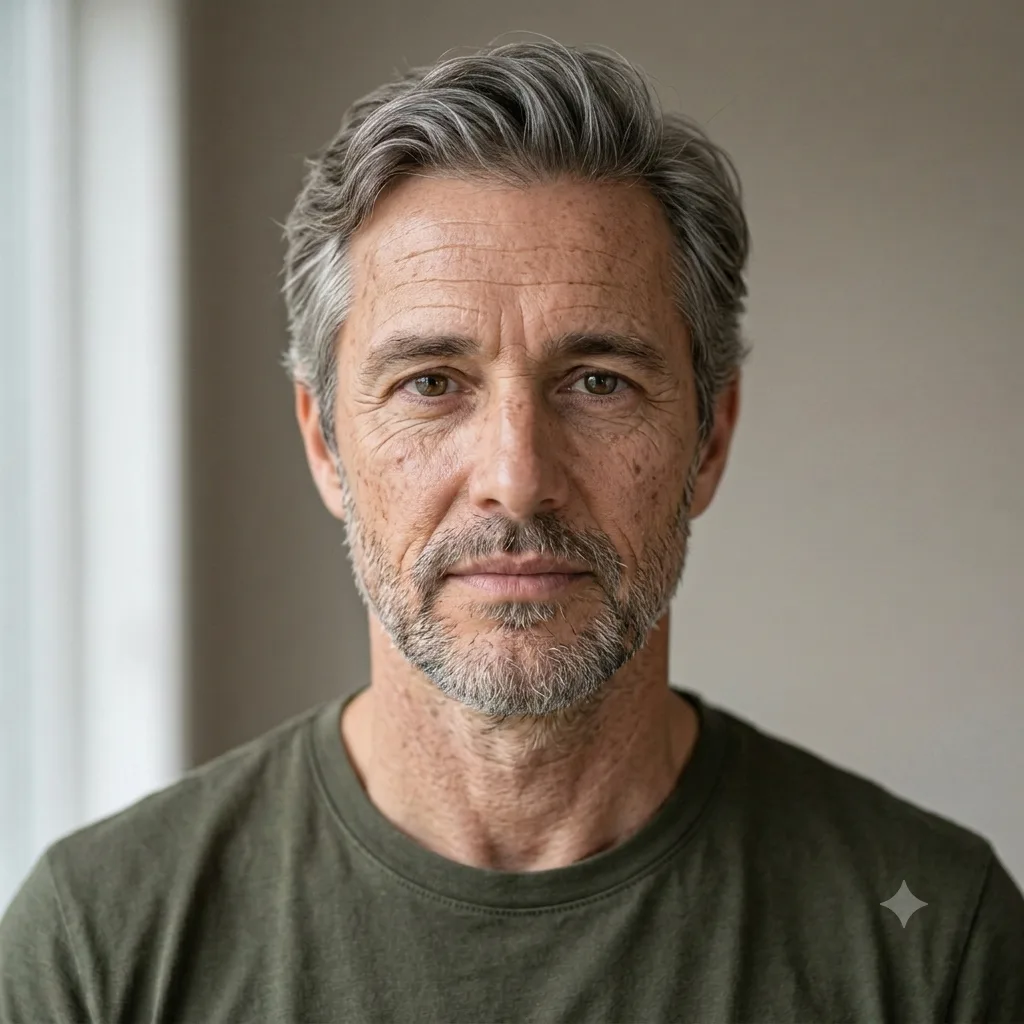
See a realistic older version of yourself, with natural aging to the face, hair, and skin over time.
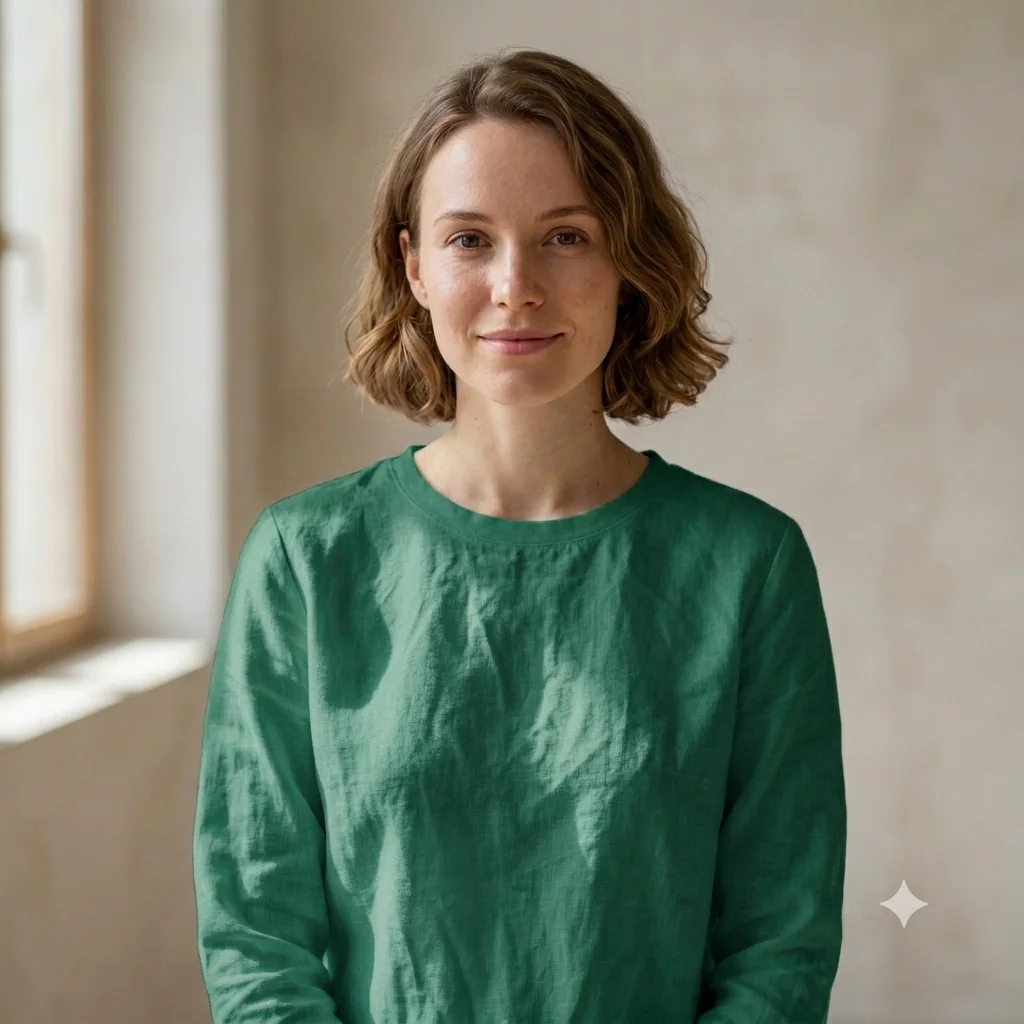
Recolor an outfit in a photo to any shade while keeping the fabric, folds, and natural lighting realistic.
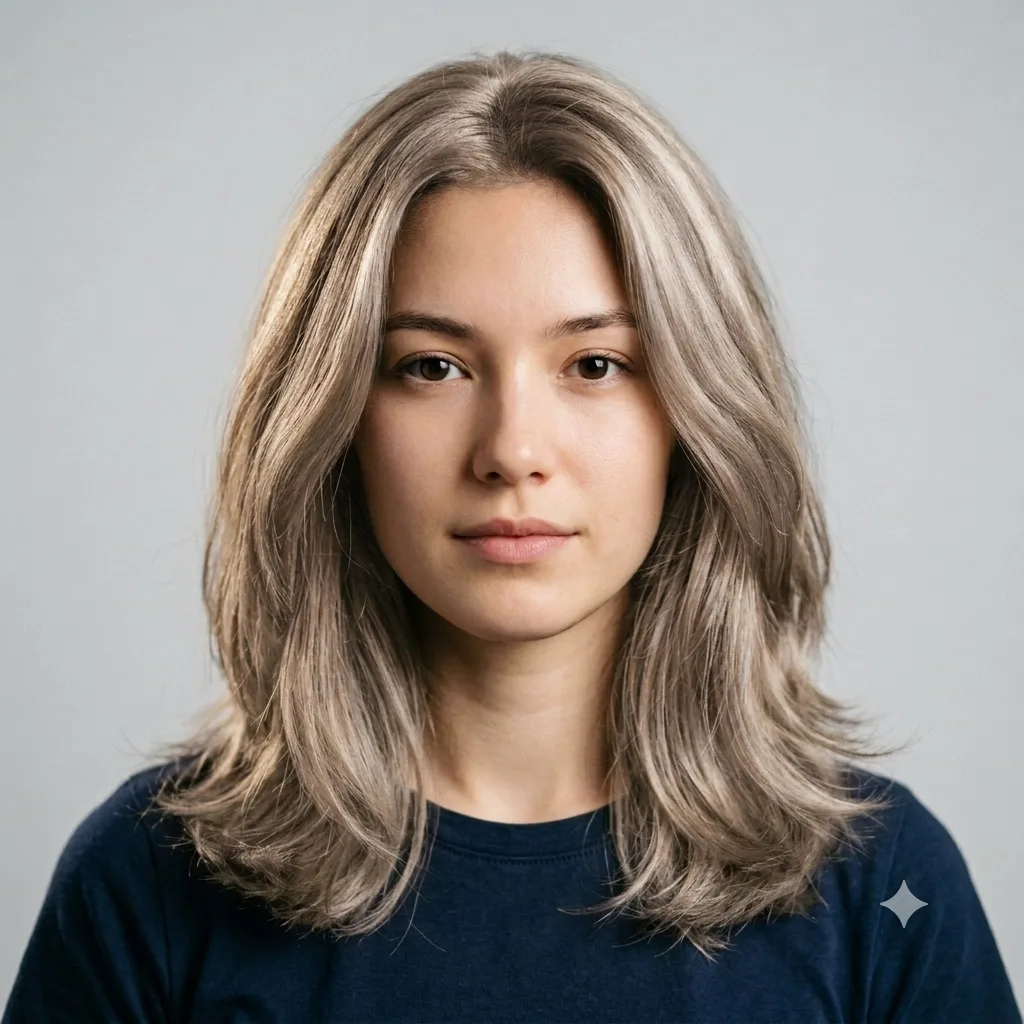
Change the hair color in a photo to any shade while keeping the face, hairstyle, and lighting natural.
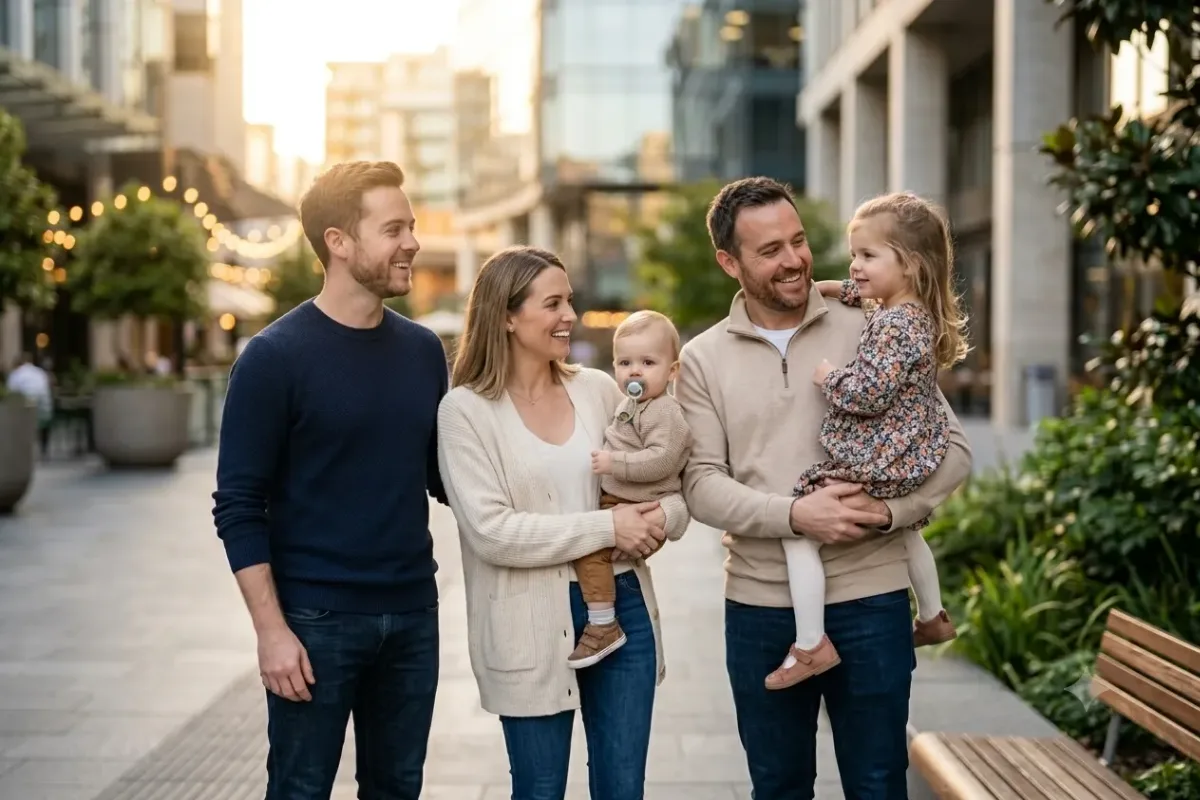
Merge people from two separate photos into one natural group shot with matched lighting, color, and scale.

See a younger version of yourself, with smoother skin and youthful features that still look like you.
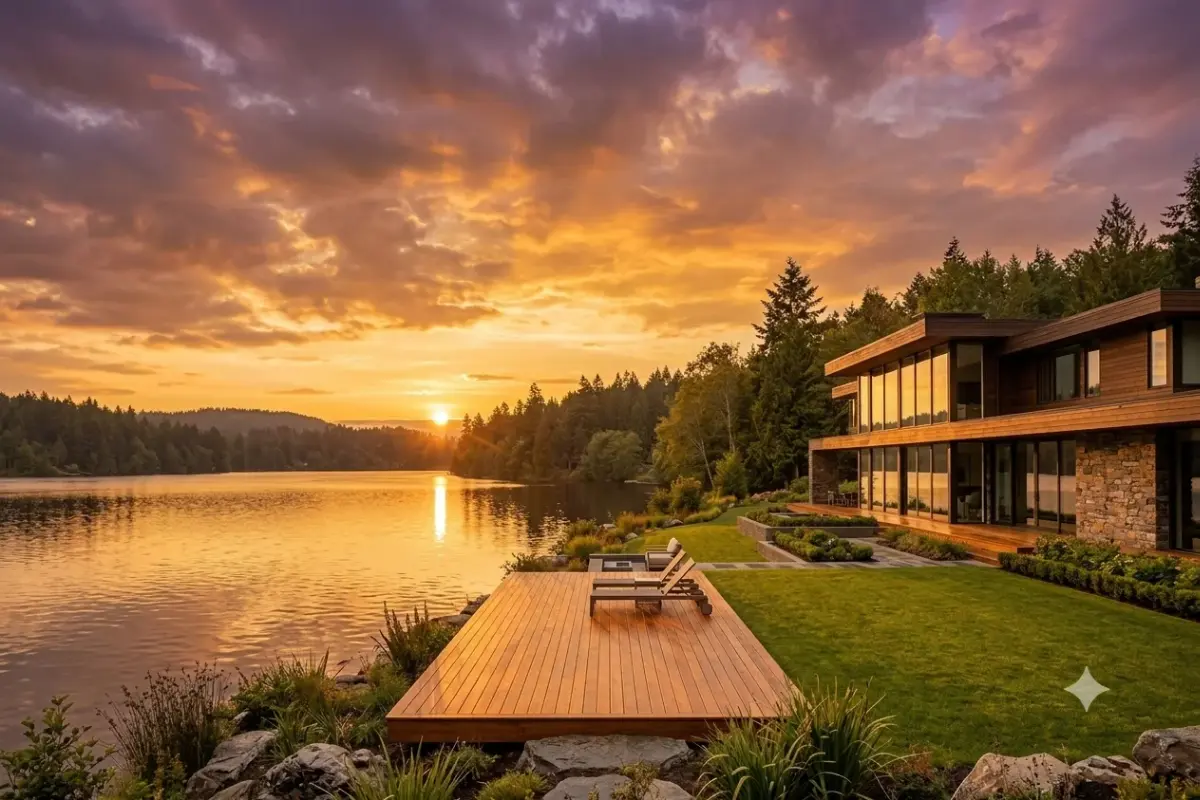
Swap a dull sky for a dramatic one, like sunset, blue, or stormy, with the whole scene relit to match.

Naturally whiten teeth and brighten a smile in a portrait without that fake, glaringly over-white look.

Preview a new haircut, hairstyle, or hair color on yourself before you commit to the change in real life.
 Trending
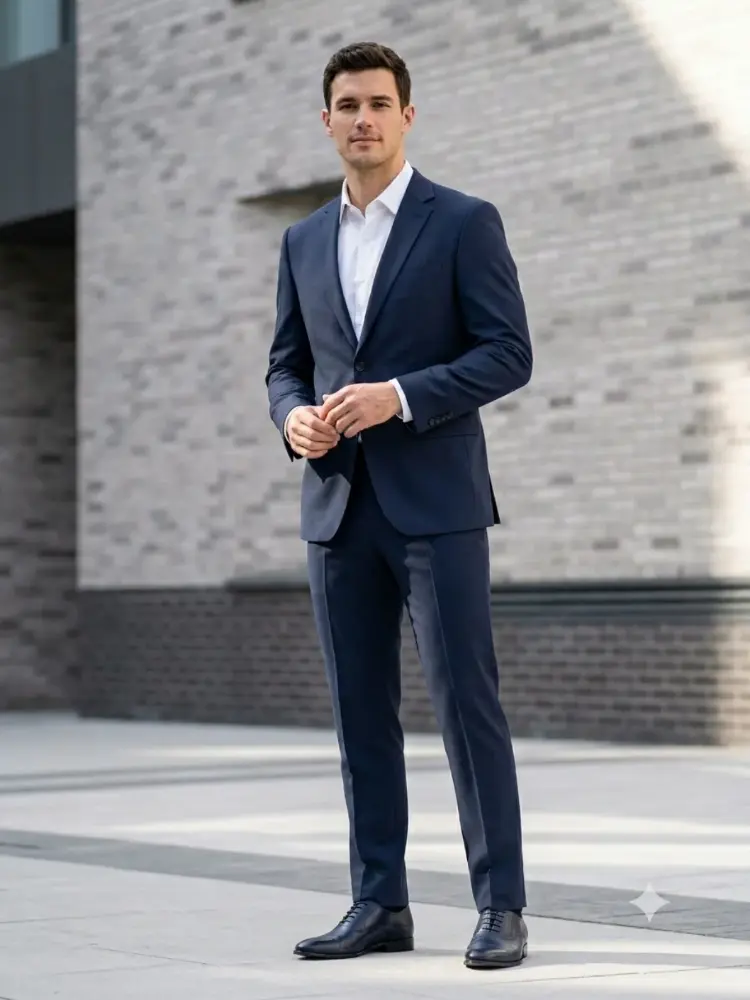
 Change the clothing in a photo to any outfit you describe, while keeping the person and pose exactly the same.
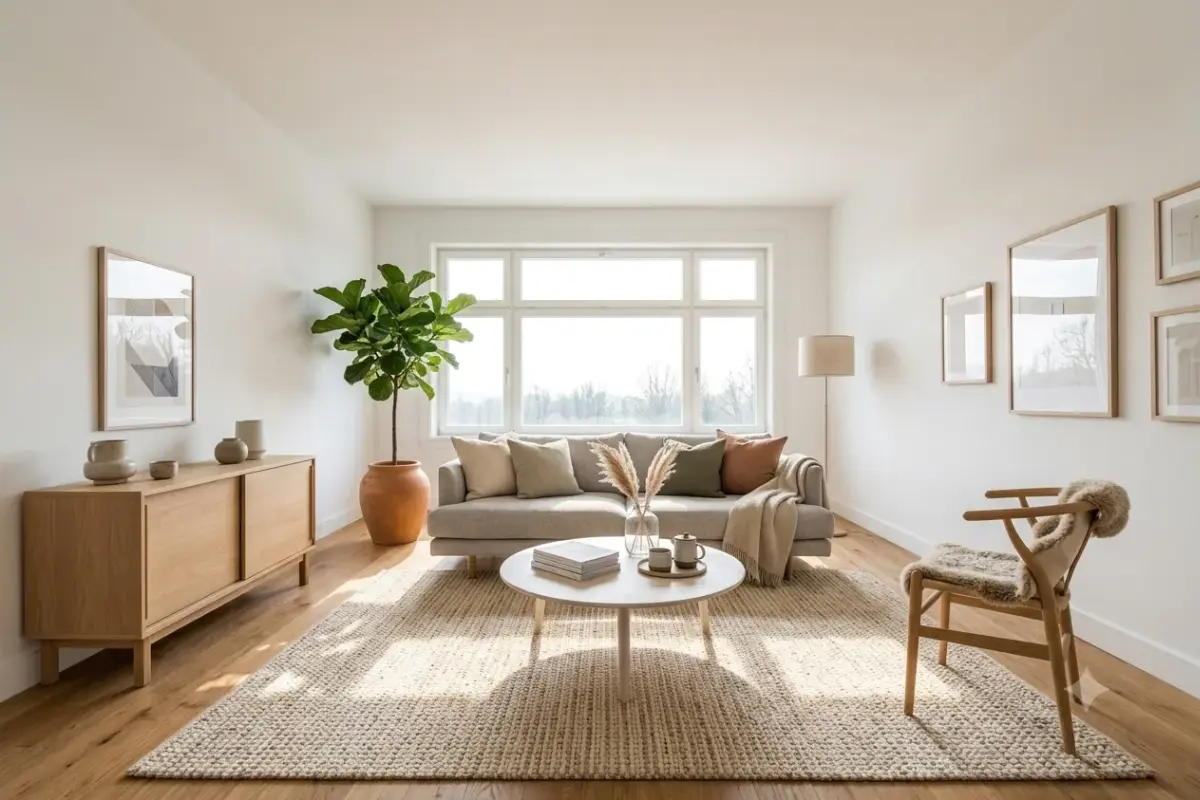
Restyle an empty or dated room into a beautifully furnished, modern interior for real estate and decor.

Naturally add a missing person into any group photo so it looks like they were really there all along.
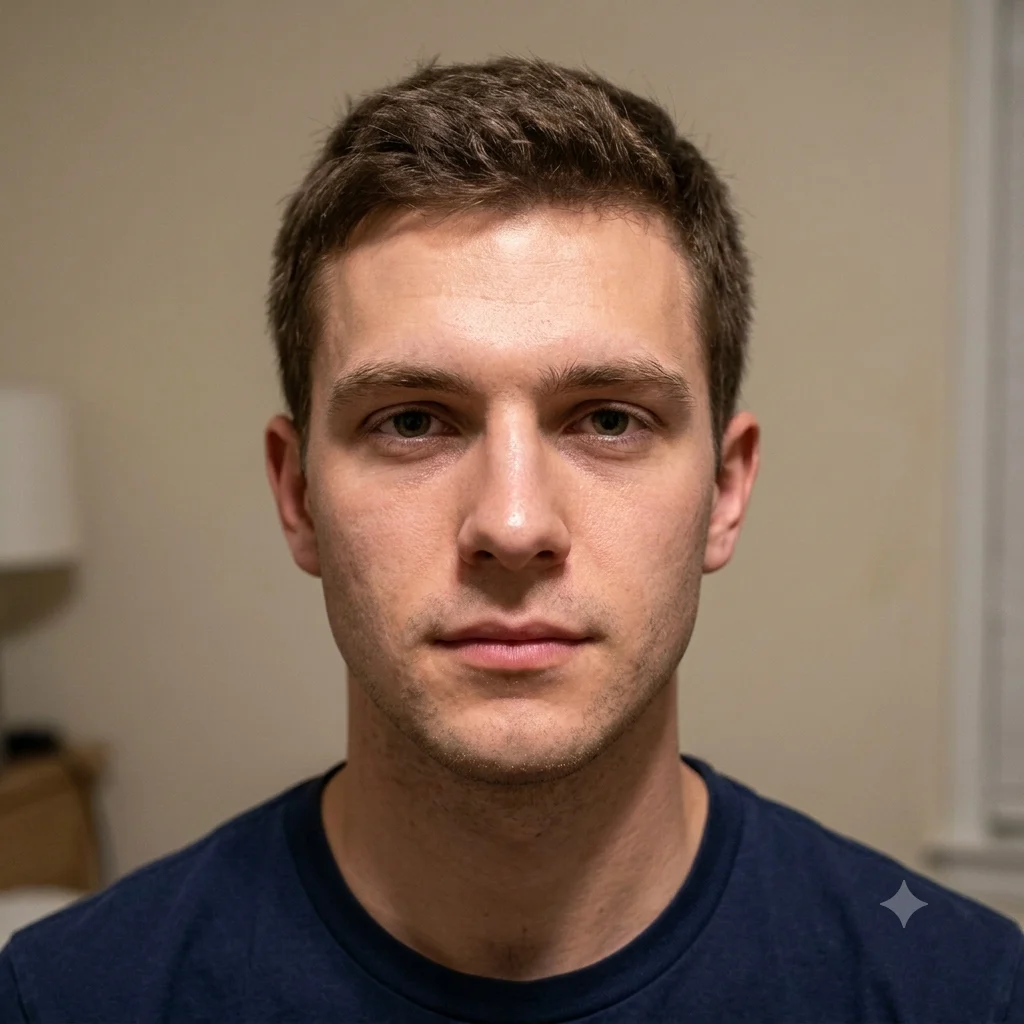
Clean up a portrait with natural skin retouching and flattering studio lighting, without the plastic look.
Cleanly remove photobombers, clutter, or unwanted objects from a photo while keeping the rest untouched.