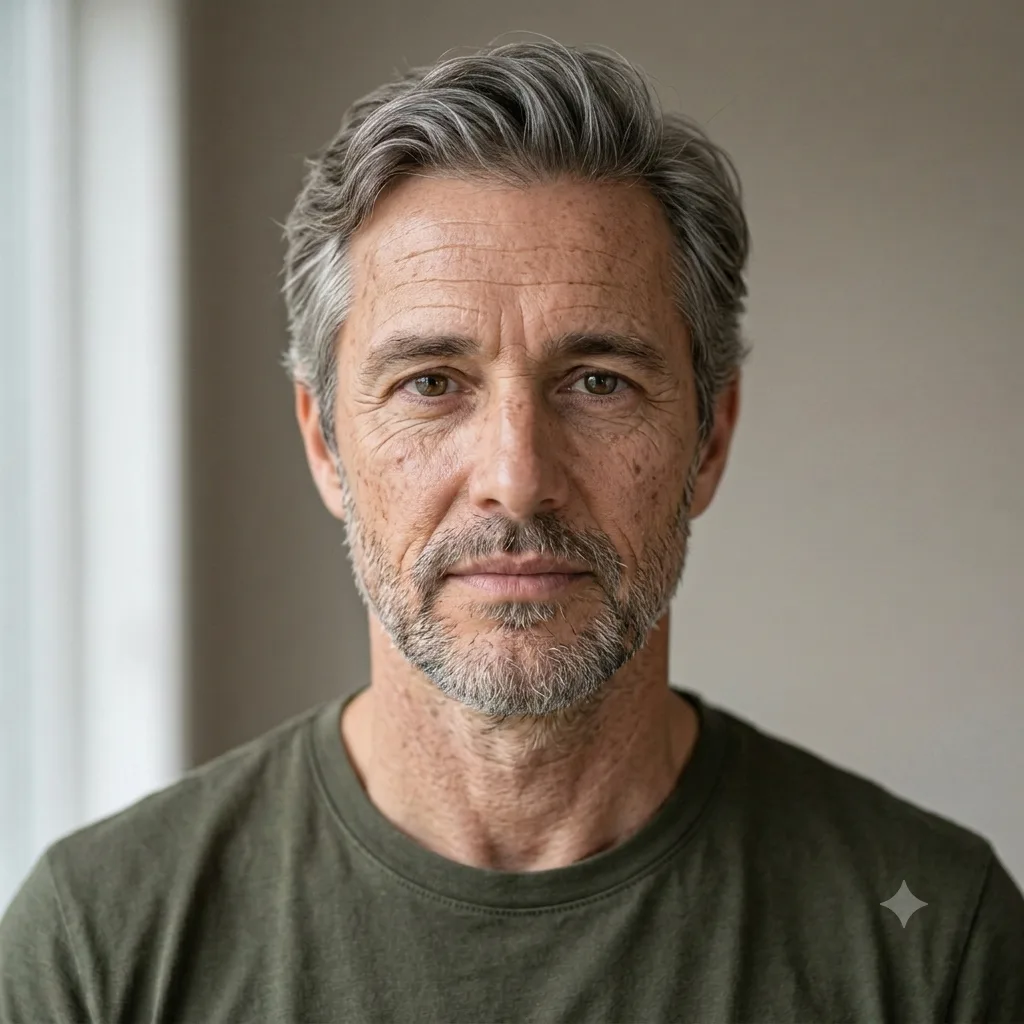
Photo Editing
Age Progression (See Yourself Older)
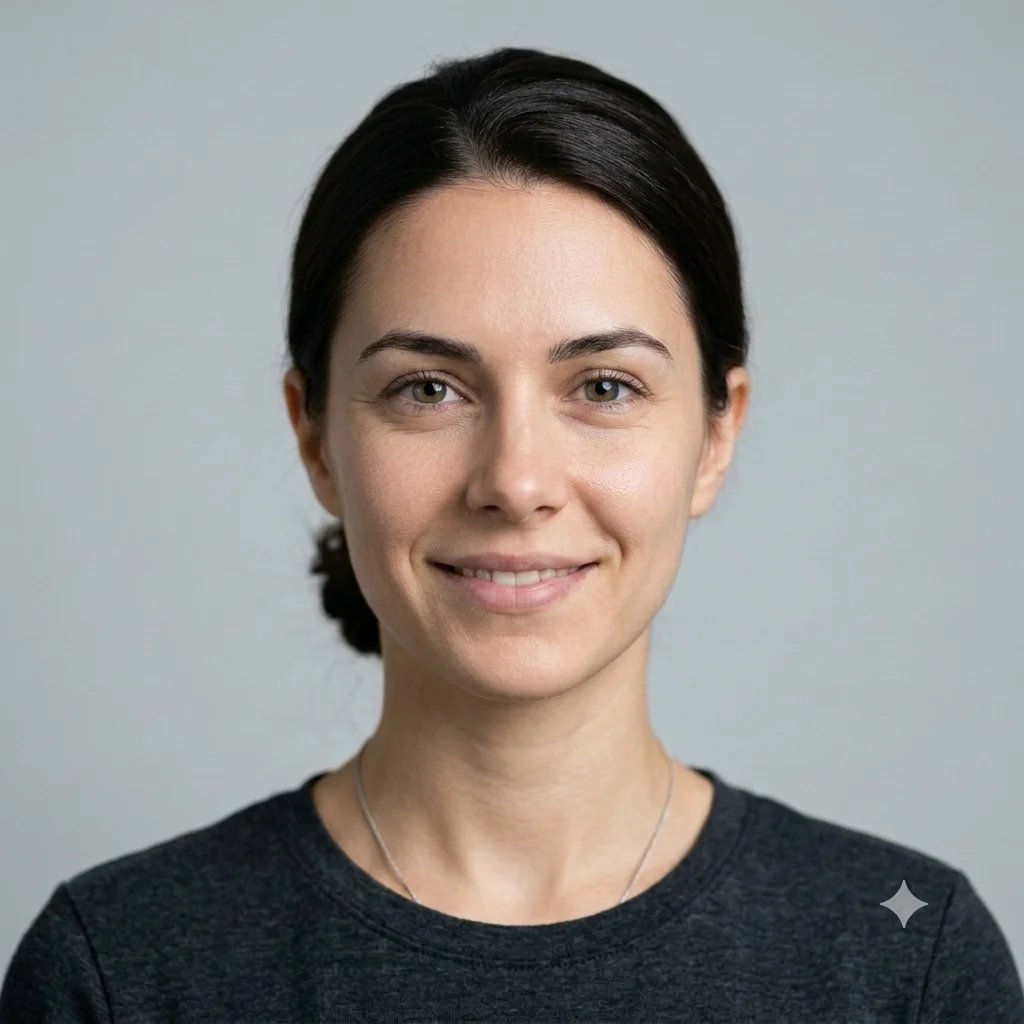
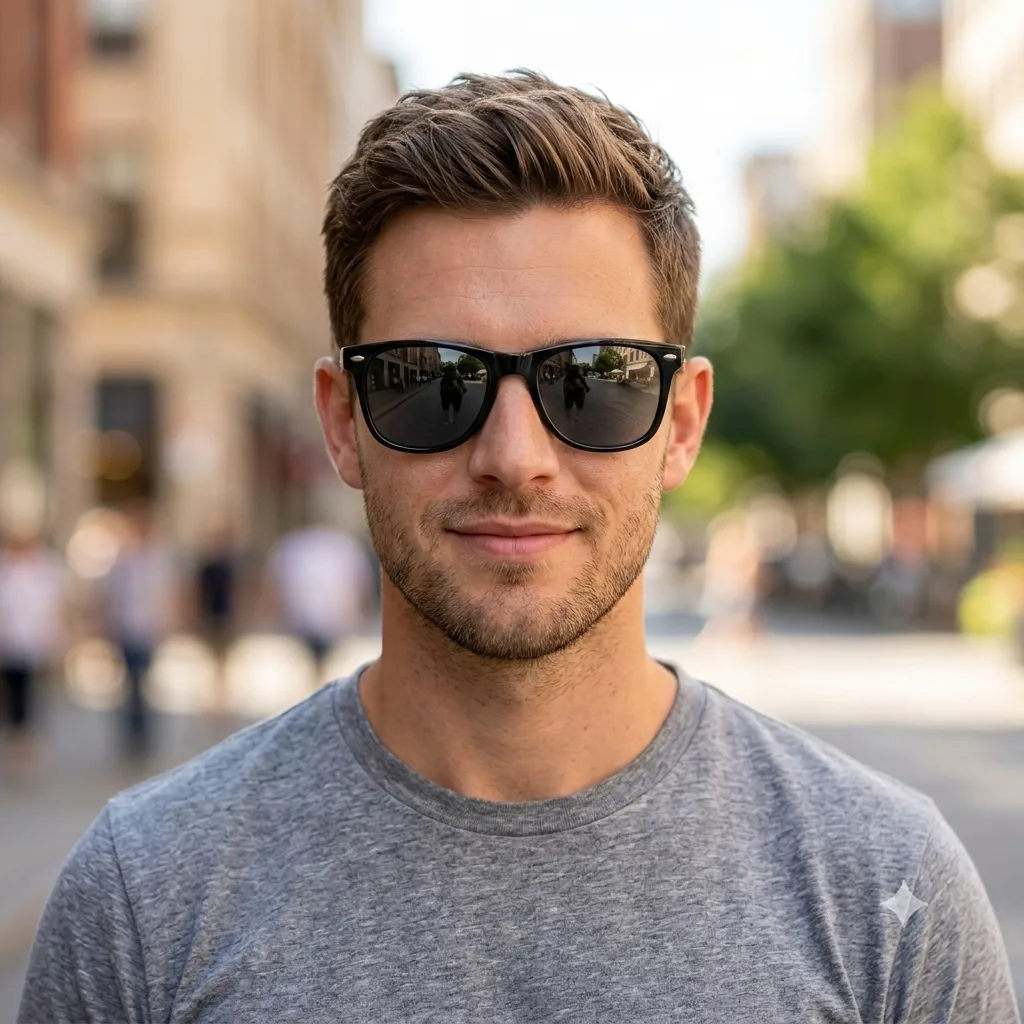
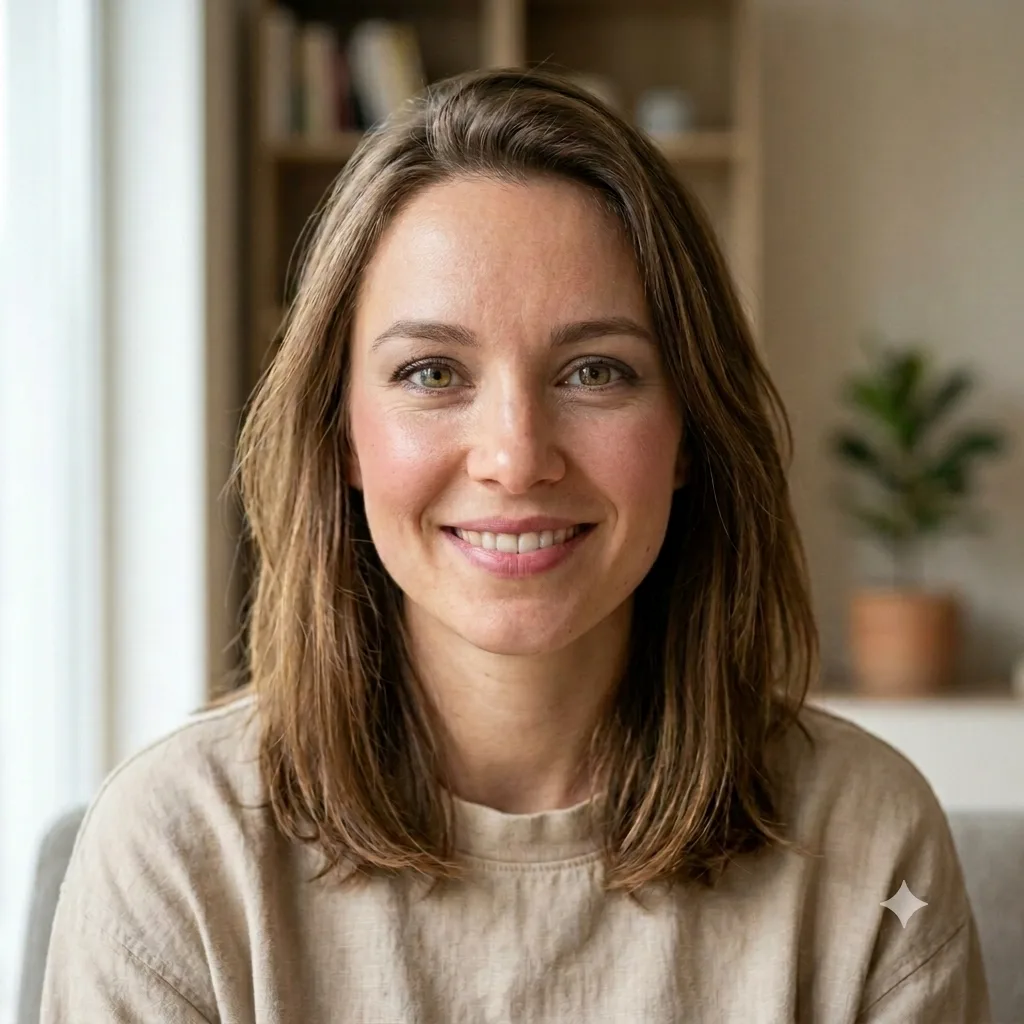
See a realistic older version of yourself, with natural aging to the face, hair, and skin over time.
The prompt
Show a realistic older version of the person in this photo, around [age 65]. Add natural aging: subtle wrinkles, softer skin, graying hair, and mature features, while keeping their identity clearly recognizable and the same pose, expression, and background. Photorealistic, believable, and respectful, with natural skin texture.
How to use this prompt
- Upload a clear, front-facing photo.
- Paste the prompt and name an age or number of years.
- Generate, then ask for more or less aging.
Tips and variations
- Name a target: "in my 60s" or "about 30 years older".
- Add "keep my identity recognizable" so it still looks like you.