Photo Editing
Add Someone to a Photo
Naturally add a missing person into any group photo so it looks like they were really there all along.
The prompt
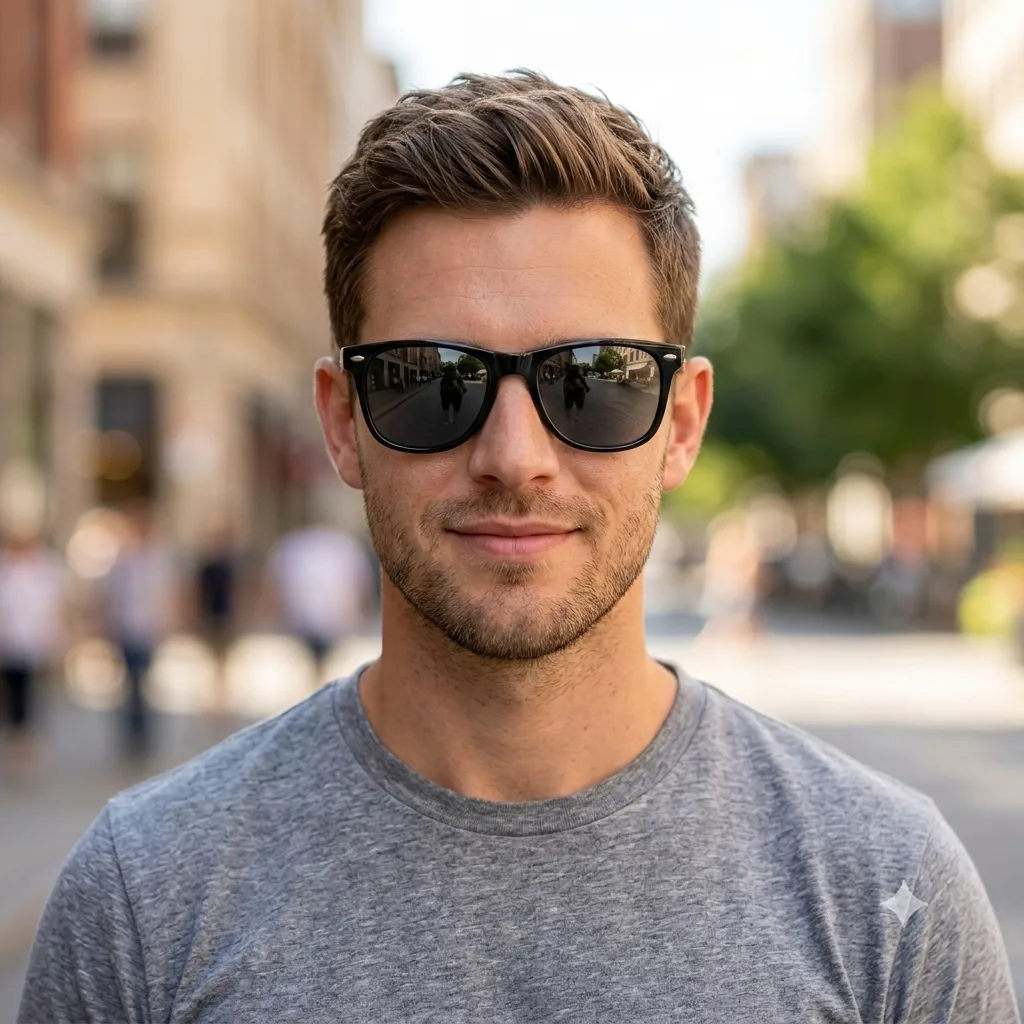
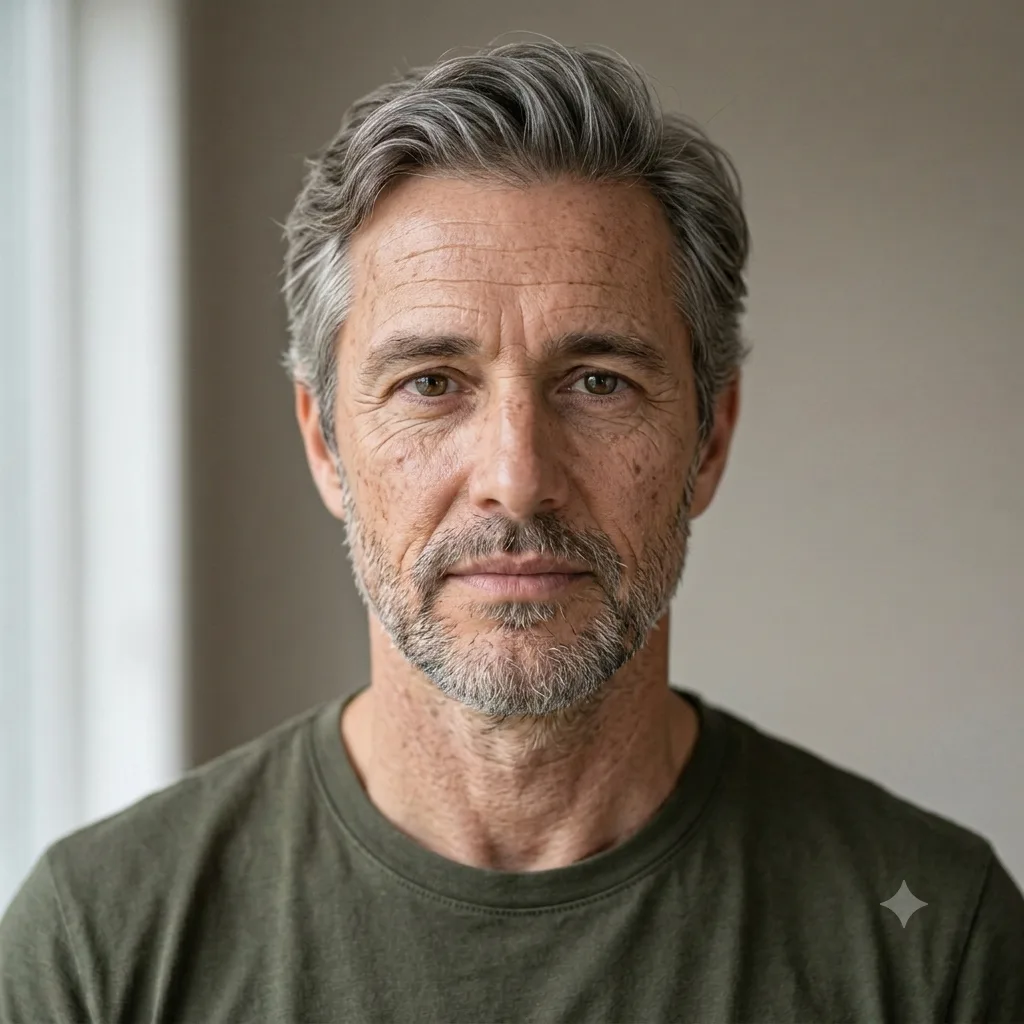
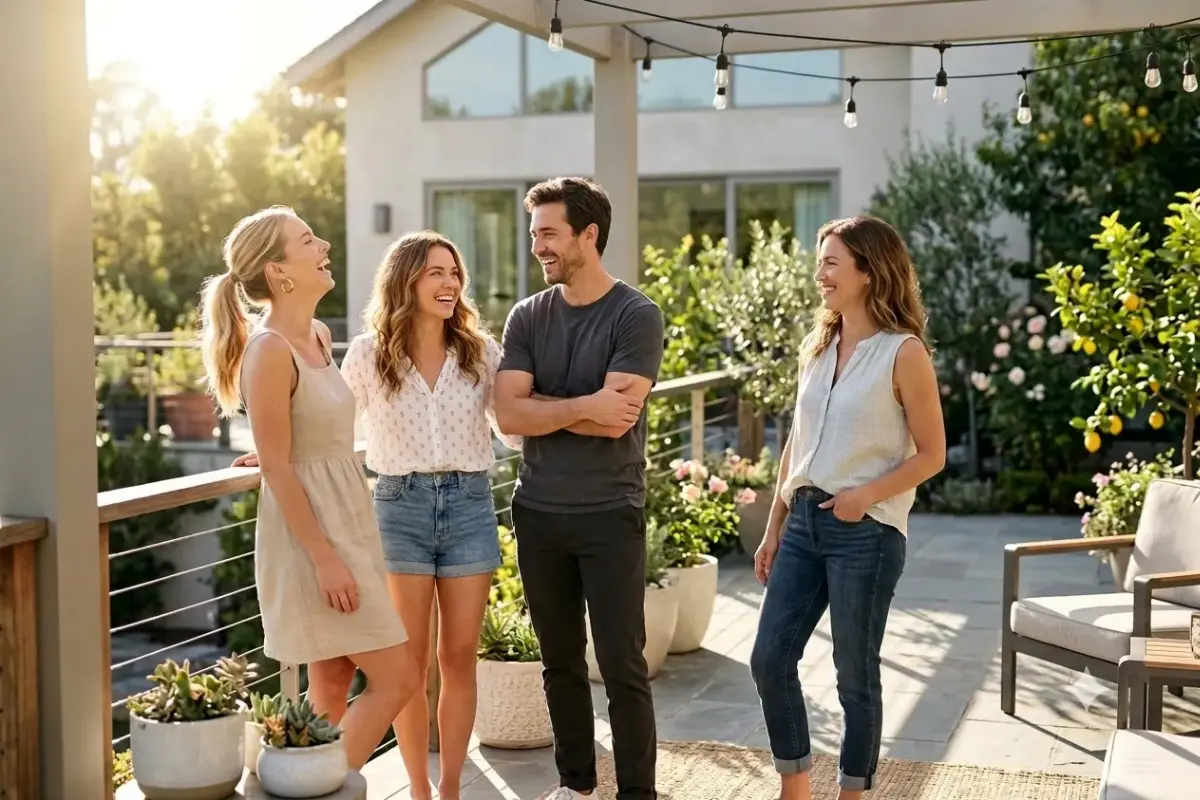
Add [the person from the second image] into this group photo, placing them [on the right side, next to the others] at a natural size and pose. Blend them in seamlessly by matching the lighting direction, color temperature, shadows, and image quality, so it looks like they were really there when the photo was taken. Keep their face and likeness accurate, and the rest of the original photo unchanged. Photorealistic, with no visible edges or pasted-on look.
How to use this prompt
- Upload the main photo (you can also provide a second photo of the person to add).
- Paste the prompt and describe where they should stand.
- Ask Gemini to match the lighting and shadows.
Tips and variations
- Describe placement clearly: "standing on the right, next to the woman in blue".
- Add "match the lighting, color and shadows so it looks seamless".