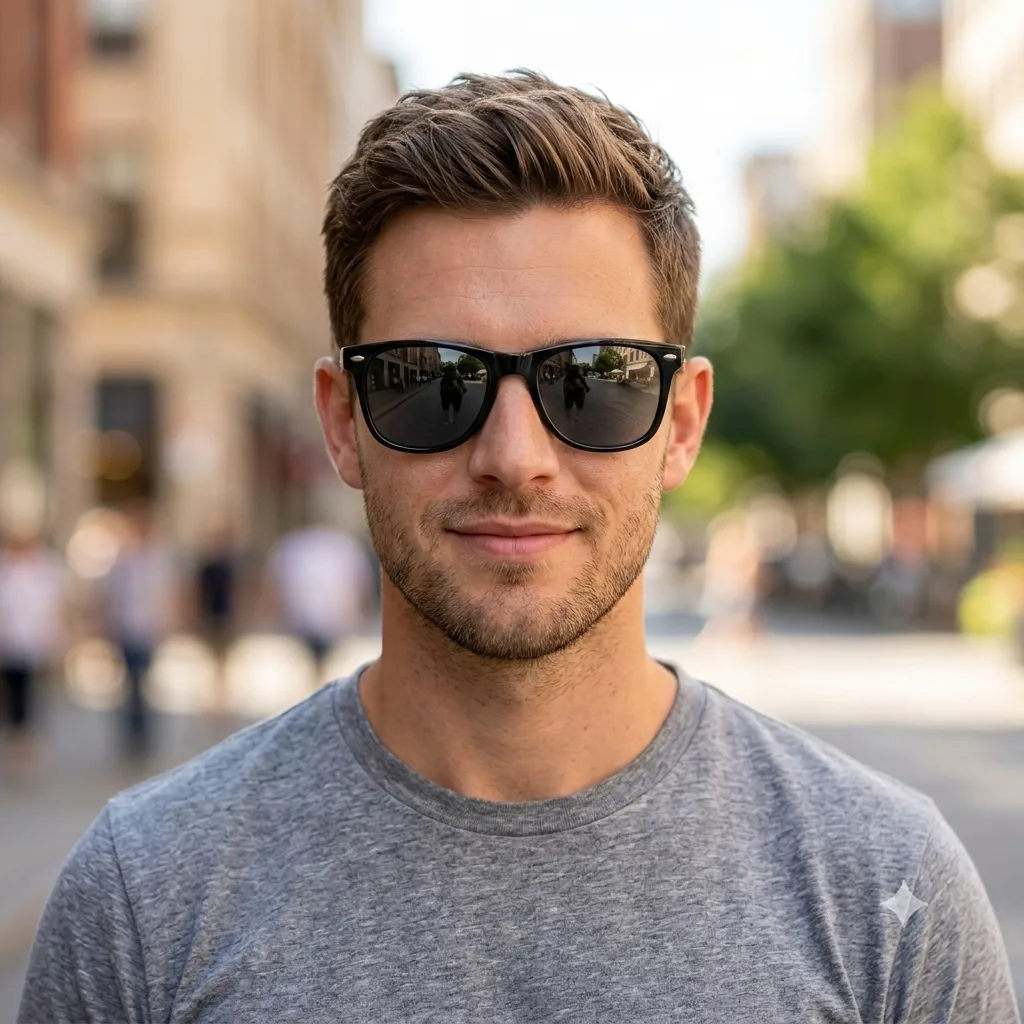
Photo Editing
Add Glasses or Sunglasses
Add realistic glasses or sunglasses to a portrait, fitted naturally to the face with matching light.
The prompt
Add [black wayfarer sunglasses] to the person in this photo, fitted naturally to their face at the correct size and angle, with realistic reflections, a soft shadow, and lighting that matches the scene. Keep the face, hairstyle, expression, and everything else exactly the same. Photorealistic, as if they were really wearing them.
How to use this prompt
- Upload a clear, front-facing photo.
- Paste the prompt and describe the frames you want.
- Generate, then ask for a different frame shape or tint.
Tips and variations
- Name the style: "thin gold round frames" or "black wayfarer sunglasses".
- Add "realistic reflections and a soft shadow" so they sit naturally.