Photo Editing
Change Hair Color in a Photo
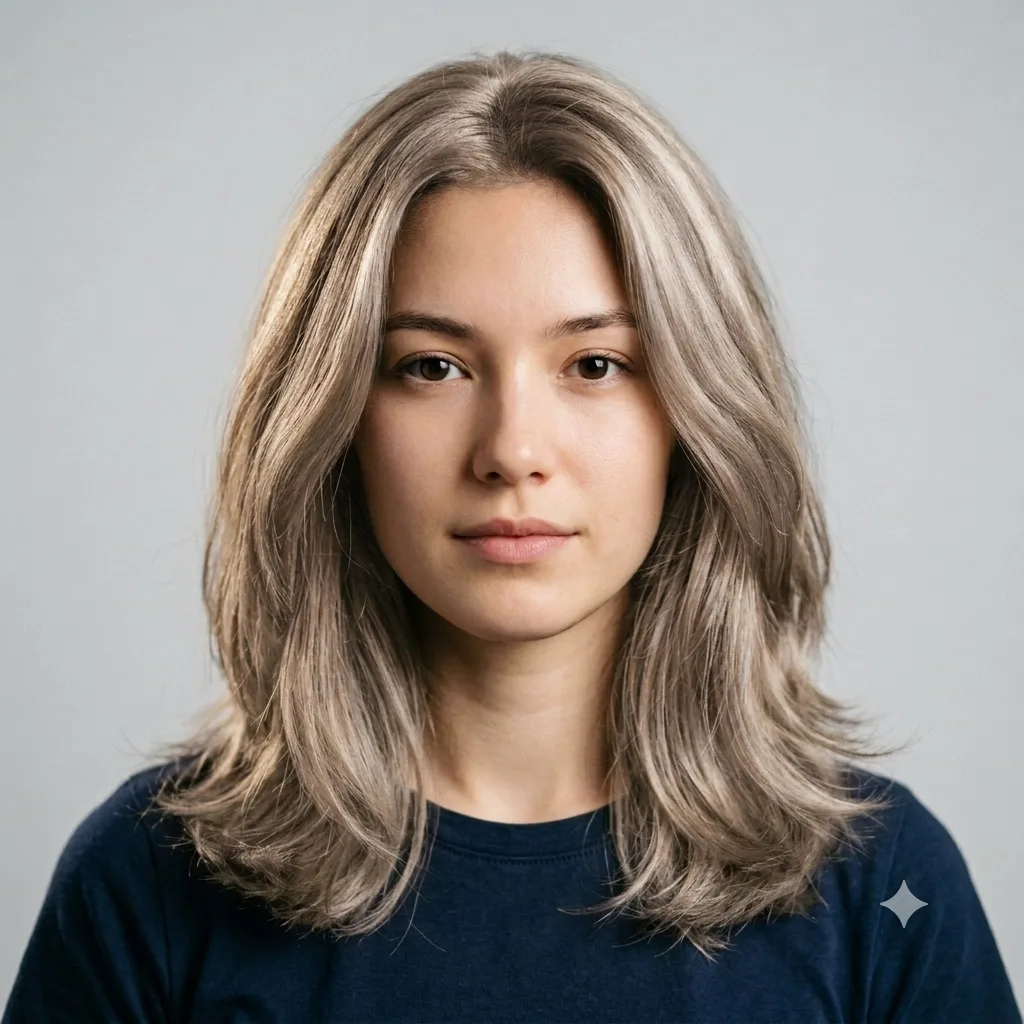
Change the hair color in a photo to any shade while keeping the face, hairstyle, and lighting natural.
The prompt
Change only the hair color in this photo to [ash blonde], keeping the exact hairstyle, length, and texture the same. Keep the face, skin tone, expression, and background unchanged. Blend the new color naturally with realistic shine, soft roots, and lighting that matches the photo. Photorealistic, with no color bleeding onto the skin.
How to use this prompt
- Upload a clear, front-facing photo.
- Paste the prompt and name the new hair color.
- Generate, then ask for a lighter or richer shade.
Tips and variations
- Name a precise shade: "ash blonde", "copper red", or "jet black".
- Add "keep my natural hair texture and shine" for a realistic result.