Photo Editing
Combine Two Photos into One
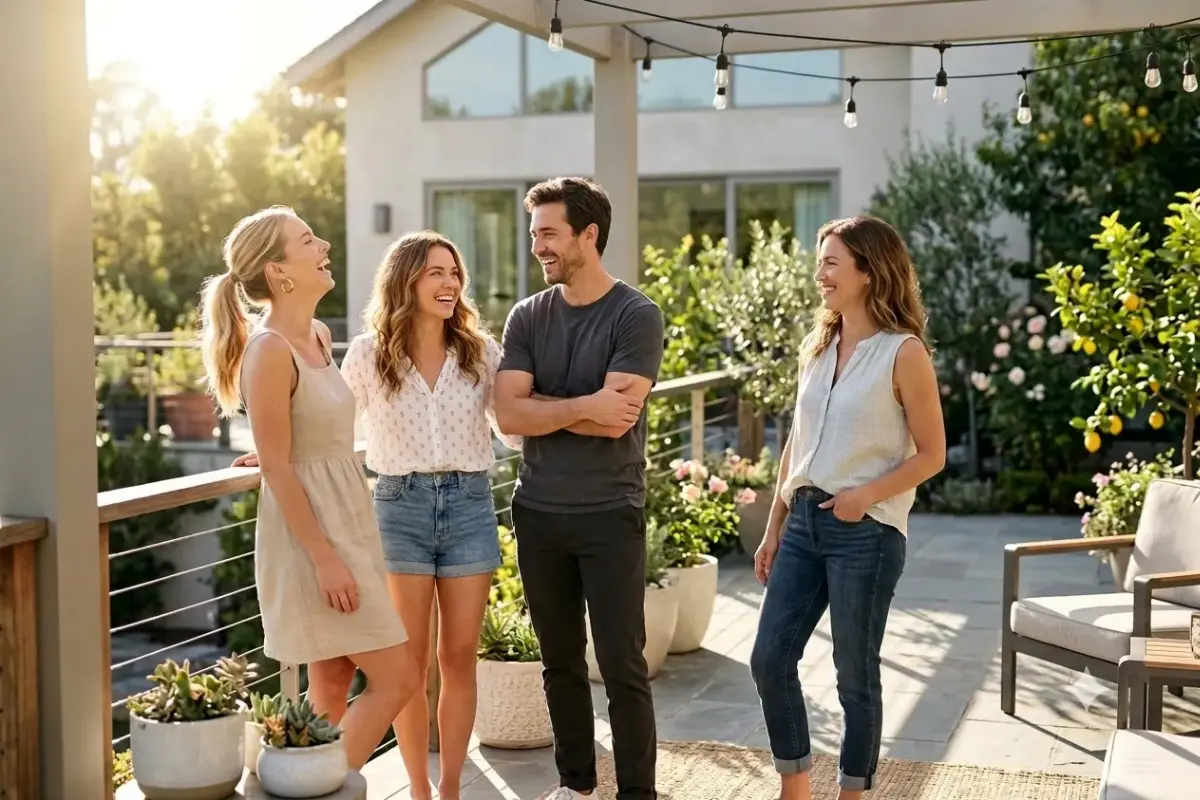
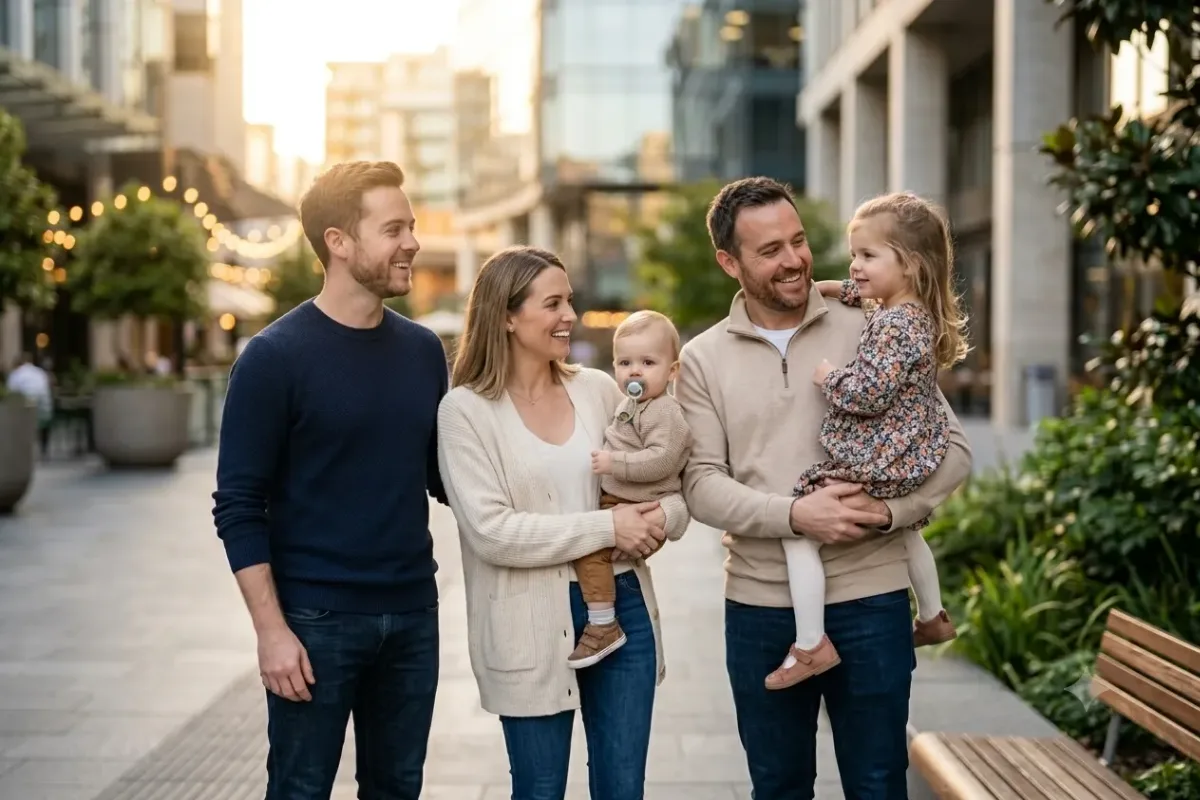
Merge people from two separate photos into one natural group shot with matched lighting, color, and scale.
The prompt
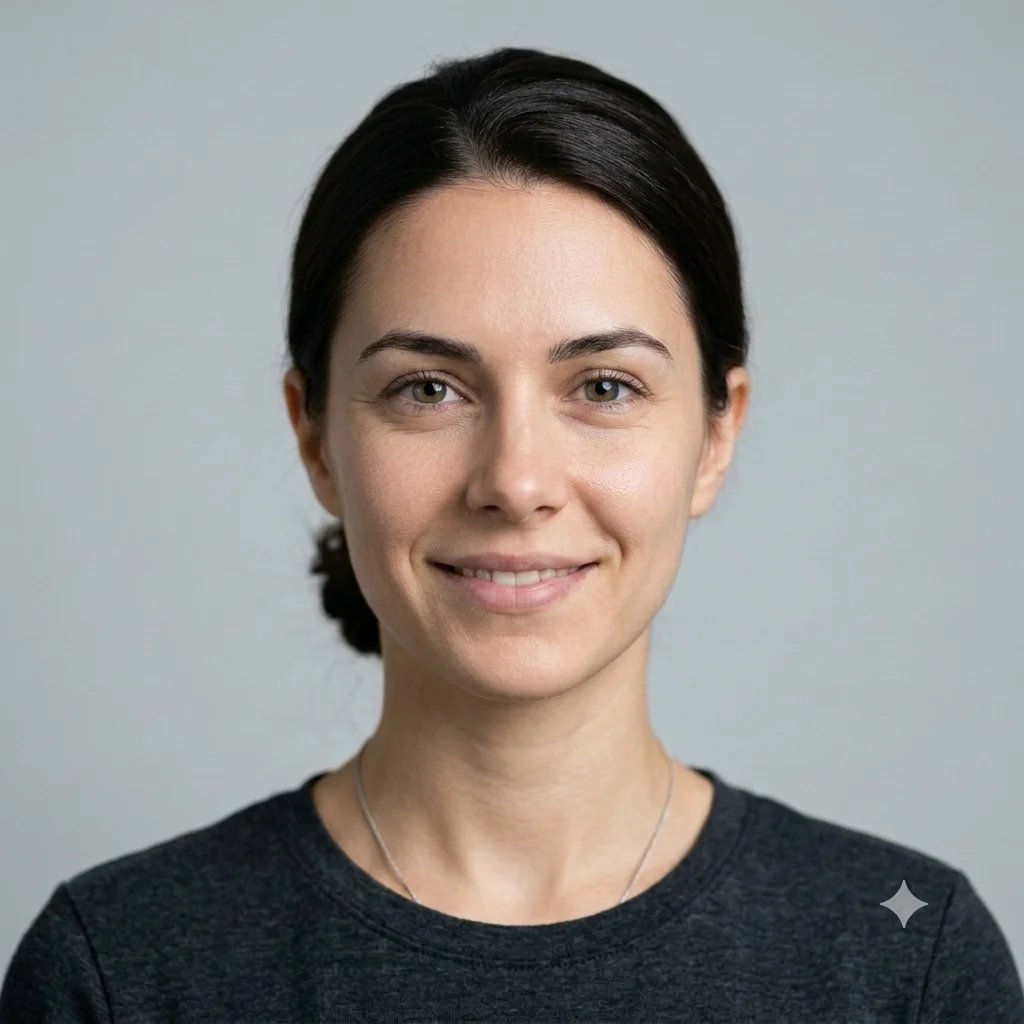
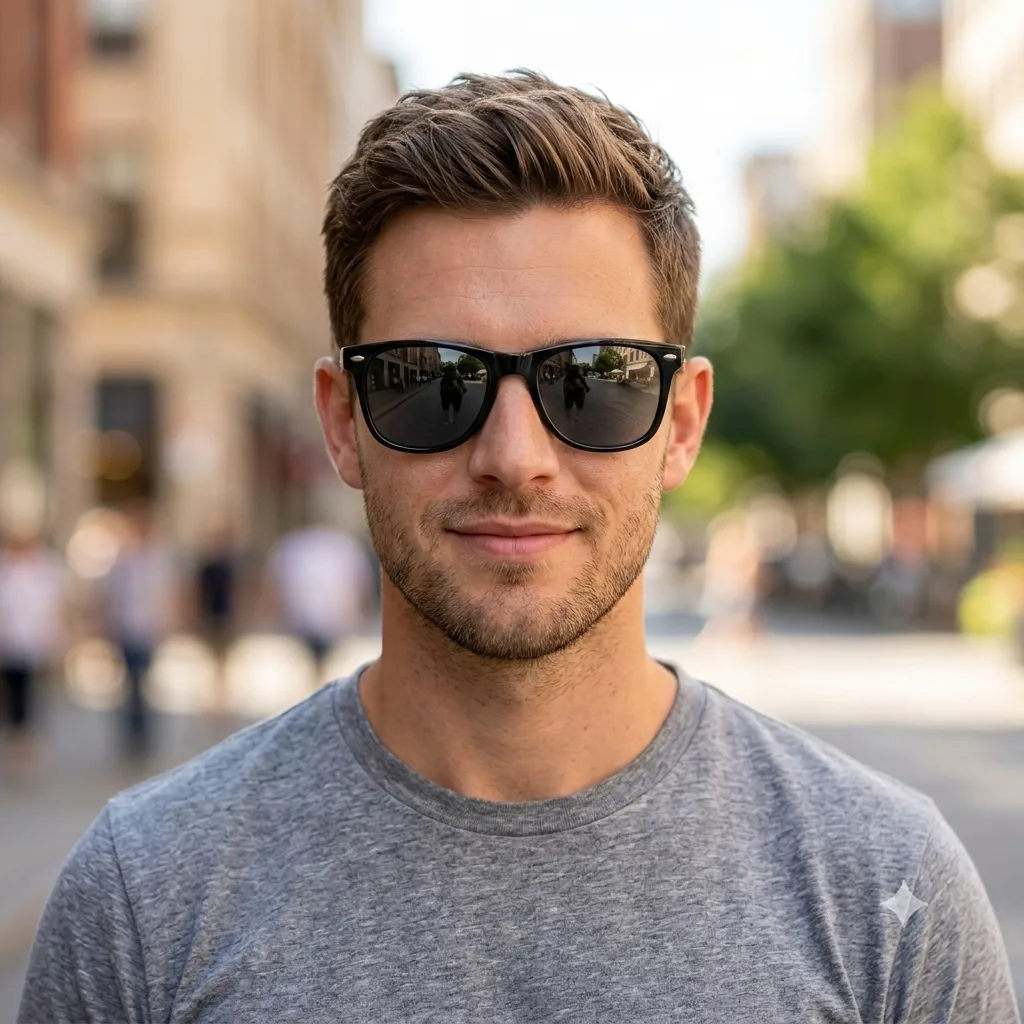
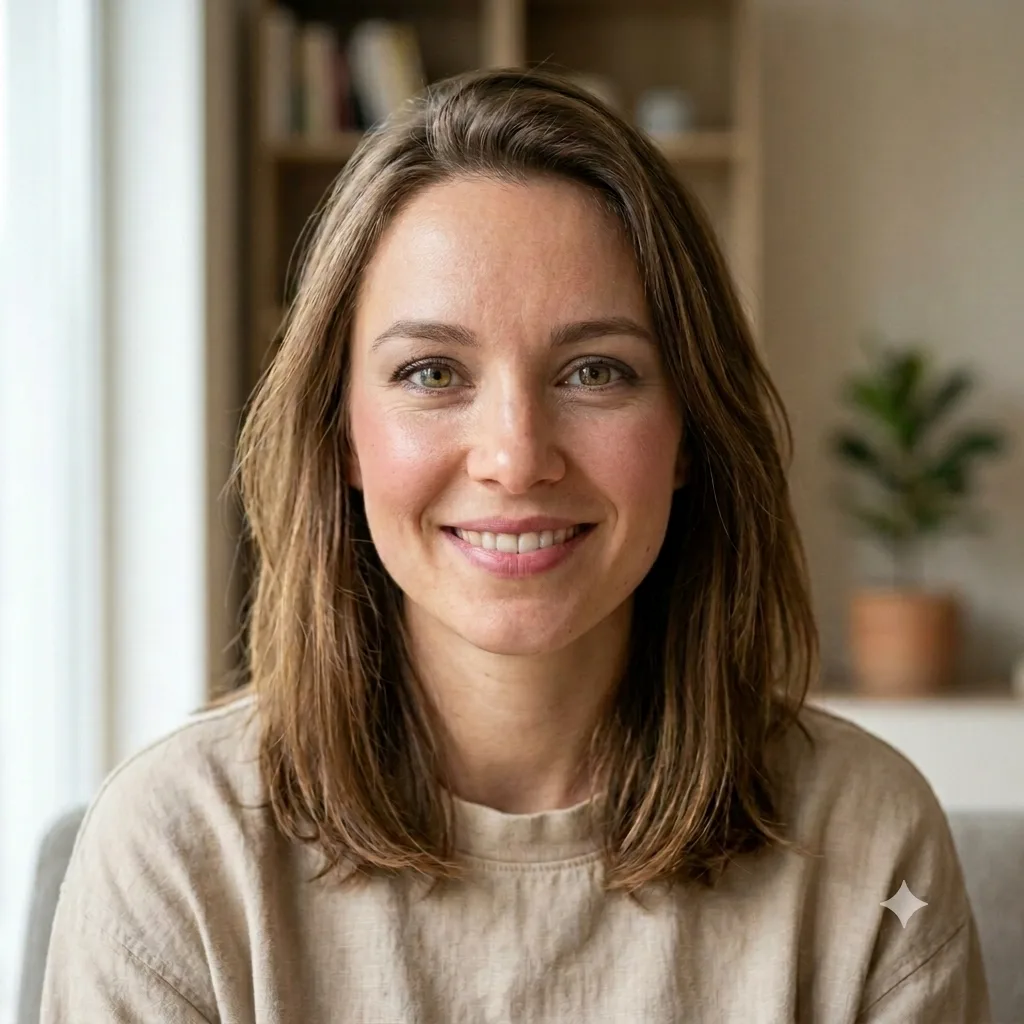
Combine the people from these two photos into one natural group shot. Place [the person from the second image] beside the others at a believable size and pose, and blend everyone with matching lighting direction, color temperature, shadows, and image quality, so it looks like a single real photo taken together. Keep each person's face and identity accurate. Photorealistic, with no visible seams.
How to use this prompt
- Upload the main photo, then add the second photo of the person to include.
- Paste the prompt and say where they should stand.
- Generate, then ask Gemini to match the lighting.
Tips and variations
- Describe placement clearly: "add them on the left, at the same height".
- Add "match the lighting, color, and shadows" so it blends.