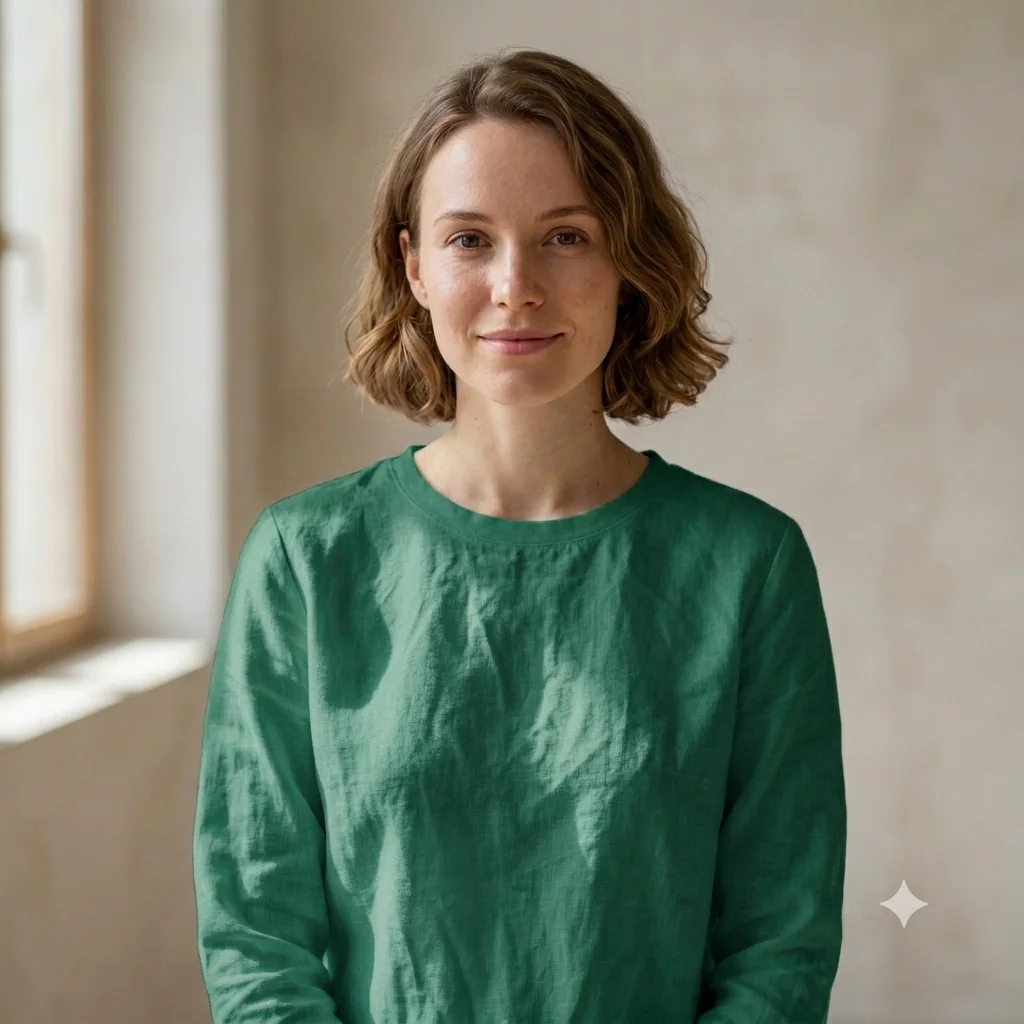
Photo Editing
Change Clothing Color
Recolor an outfit in a photo to any shade while keeping the fabric, folds, and natural lighting realistic.
The prompt
Change the color of [the shirt] in this photo to [deep emerald green], keeping the exact garment, fit, fabric texture, folds, and shadows the same. Keep the person, pose, face, and background unchanged, and make sure the new color reacts naturally to the existing light. Photorealistic, with no color bleeding onto skin or background.
How to use this prompt
- Upload your photo.
- Paste the prompt and name the item and new color.
- Generate, then ask for a different shade or finish.
Tips and variations
- Name the item and color: "make the shirt deep emerald green".
- Add "keep the fabric texture and natural shadows" for realism.