Photo Editing
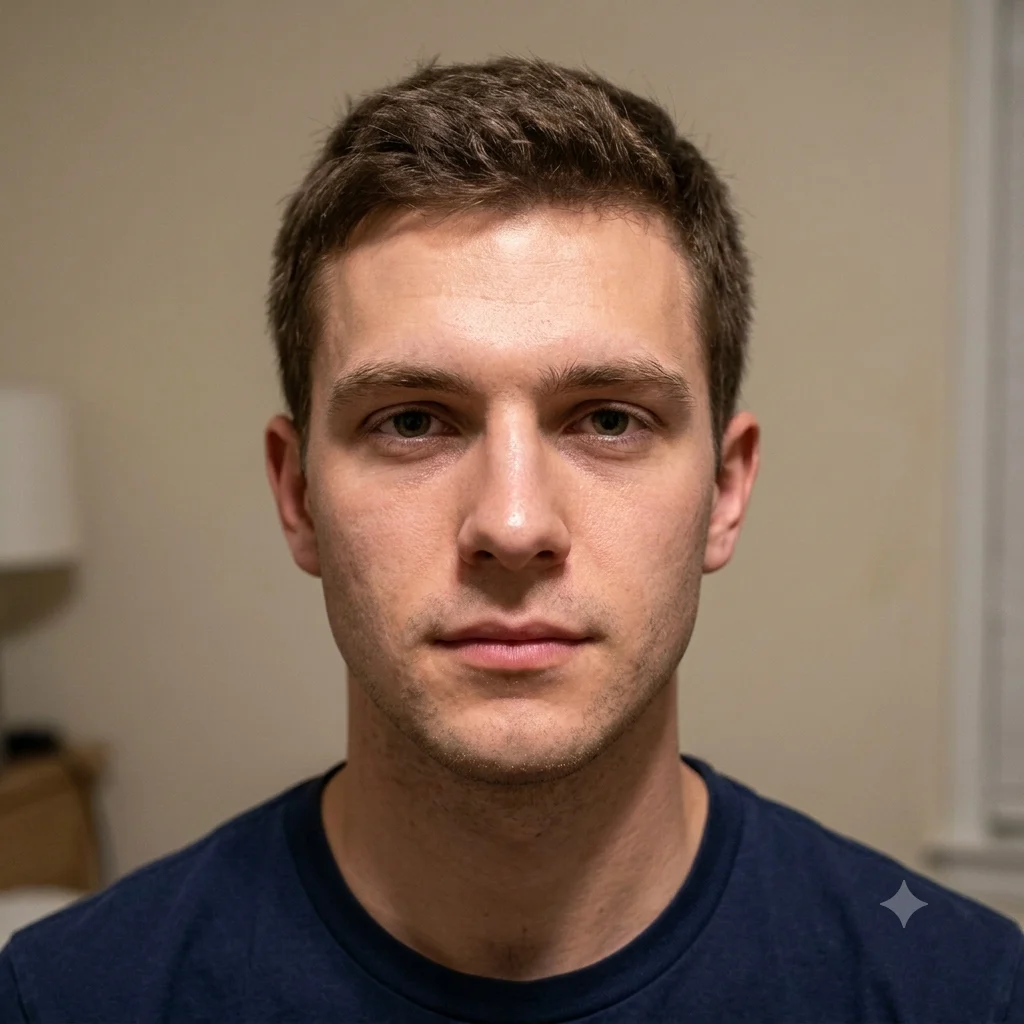
Natural Portrait Retouch and Relight
Clean up a portrait with natural skin retouching and flattering studio lighting, without the plastic look.
The prompt
Retouch this portrait naturally. Even out the skin tone and remove temporary blemishes while keeping real skin texture and pores, with no plastic or over-smoothed look. Add soft, flattering studio lighting with a gentle catchlight in the eyes, balance the exposure, and subtly enhance sharpness and color. Keep the person's exact features and expression. Polished but believable.
How to use this prompt
- Upload your portrait to Gemini.
- Paste the prompt and generate.
- Ask for "warmer" or "cooler" light if the mood isn't right.
Tips and variations
- Add "keep natural skin texture and pores" to avoid an airbrushed look.
- Try "soft window light from the left" for a flattering, natural feel.