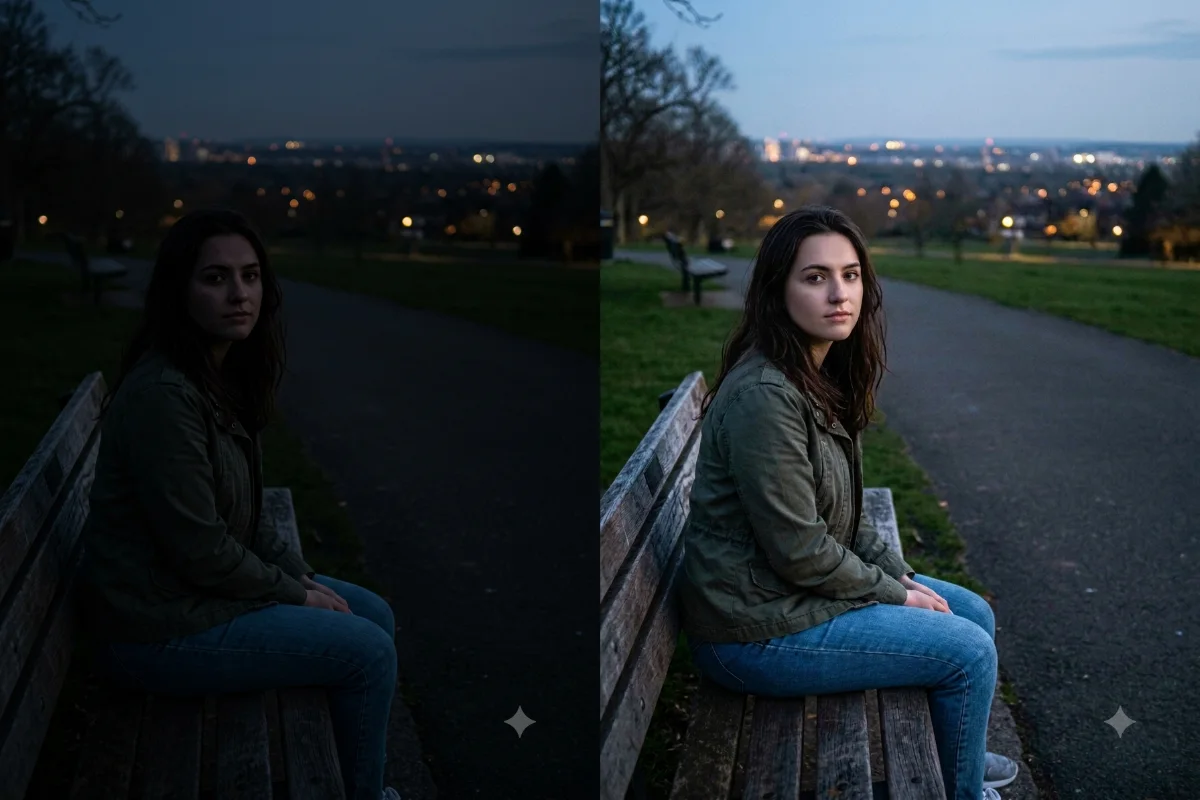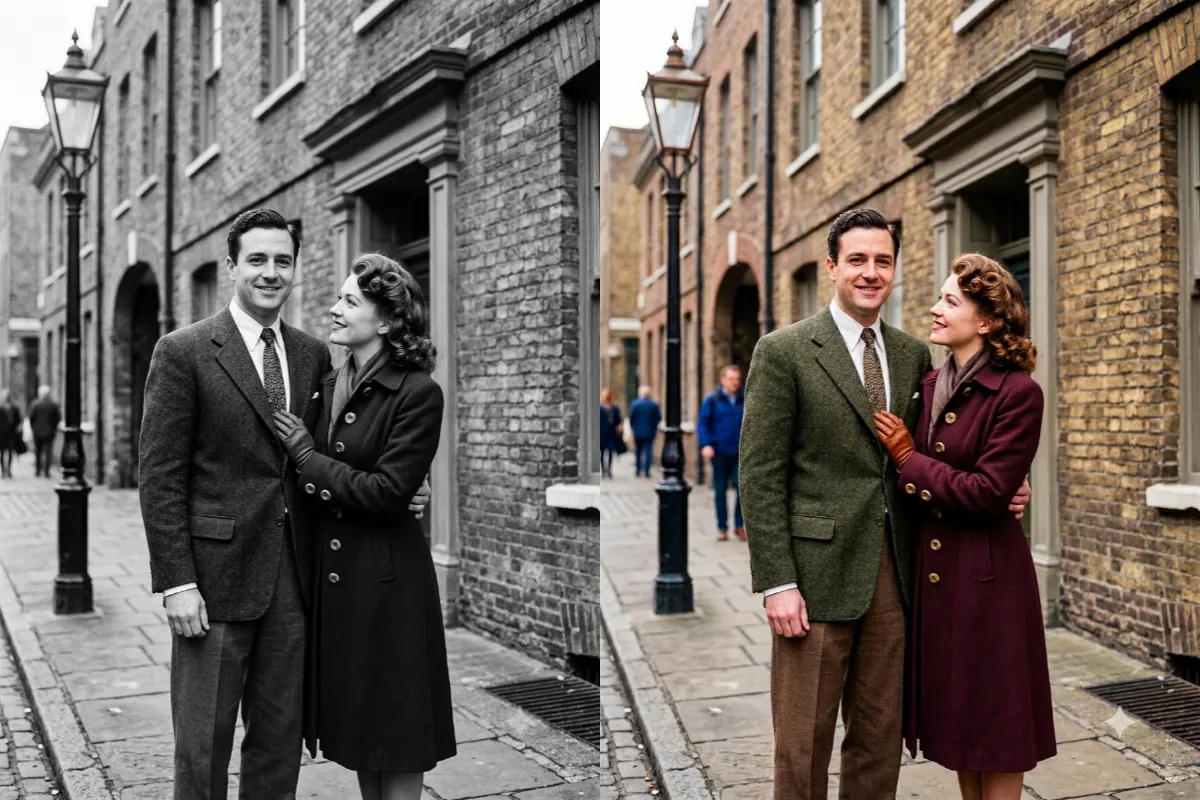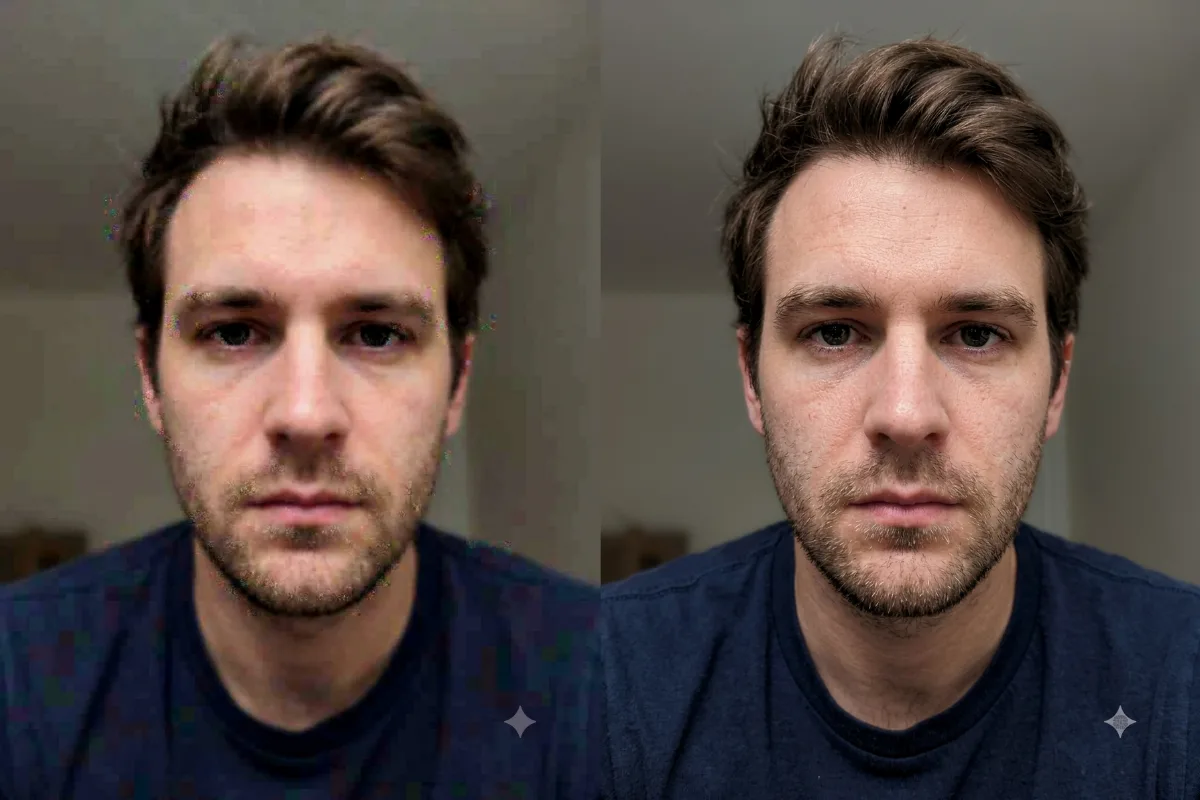
Photo Restoration
Remove Glare from a Scan
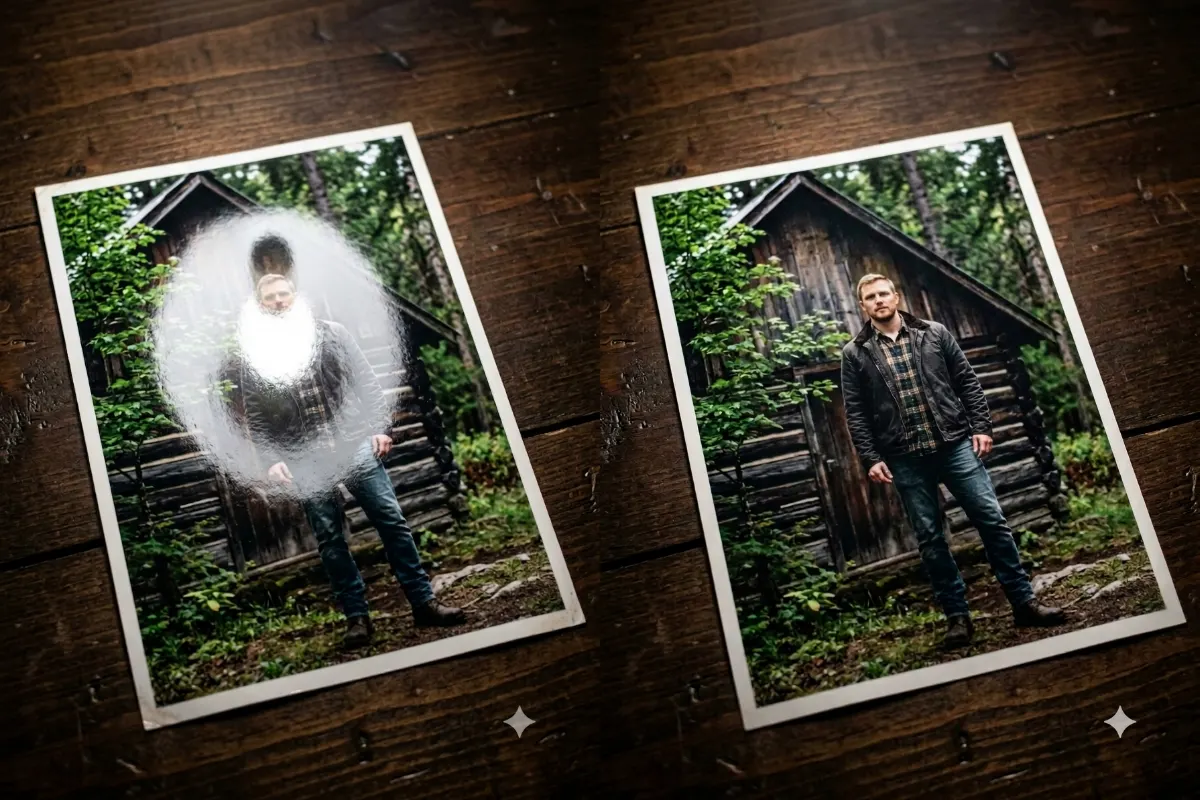
Clean up a scanned or phone-snapped photo by removing glare, reflections, and harsh shiny spots from a print.
The prompt
Remove the glare, reflections, and harsh shiny spots from this scanned or photographed print, rebuilding the detail and color hidden underneath so the surface looks even. Keep the original photo's content, colors, and composition the same, and flatten out any uneven lighting from the scan. Photorealistic, clean, and even.
How to use this prompt
- Upload the scanned or photographed print.
- Paste the prompt and generate.
- Ask for more cleanup on any spots that remain.
Tips and variations
- Add "rebuild the detail hidden under the glare".
- Snap prints in soft, even light to reduce glare first.