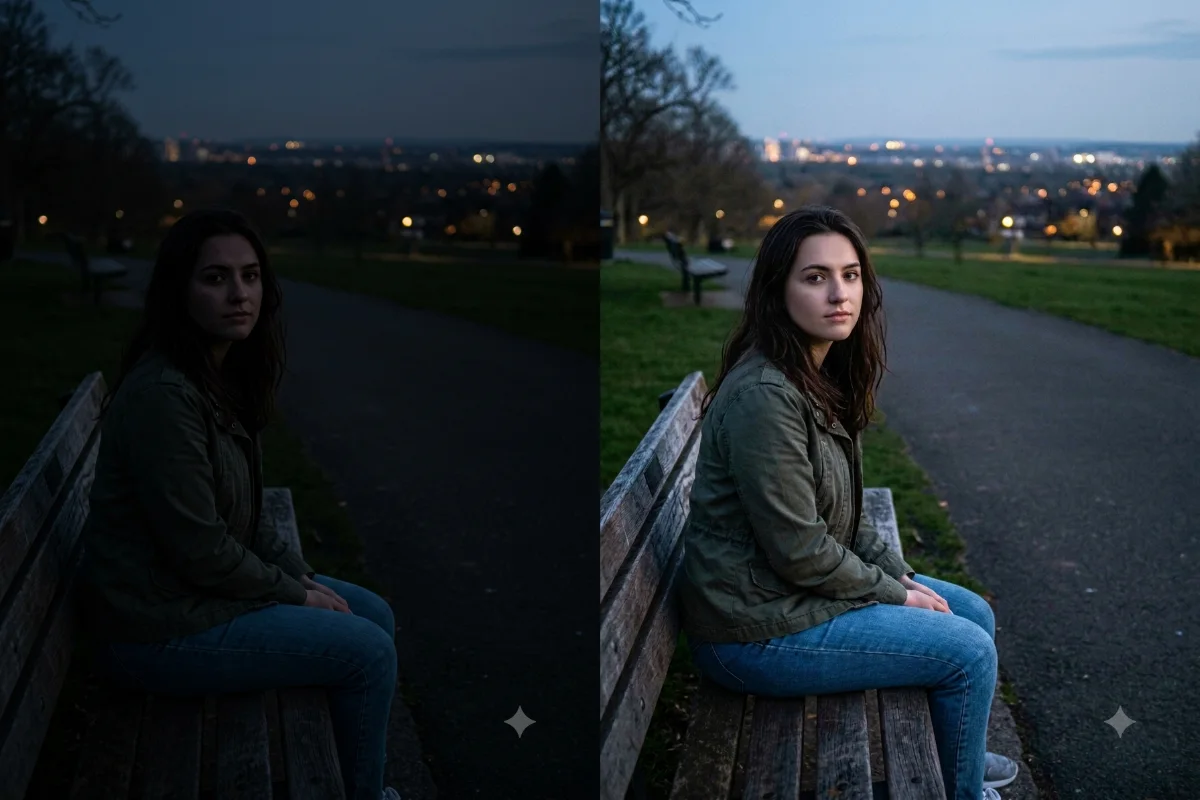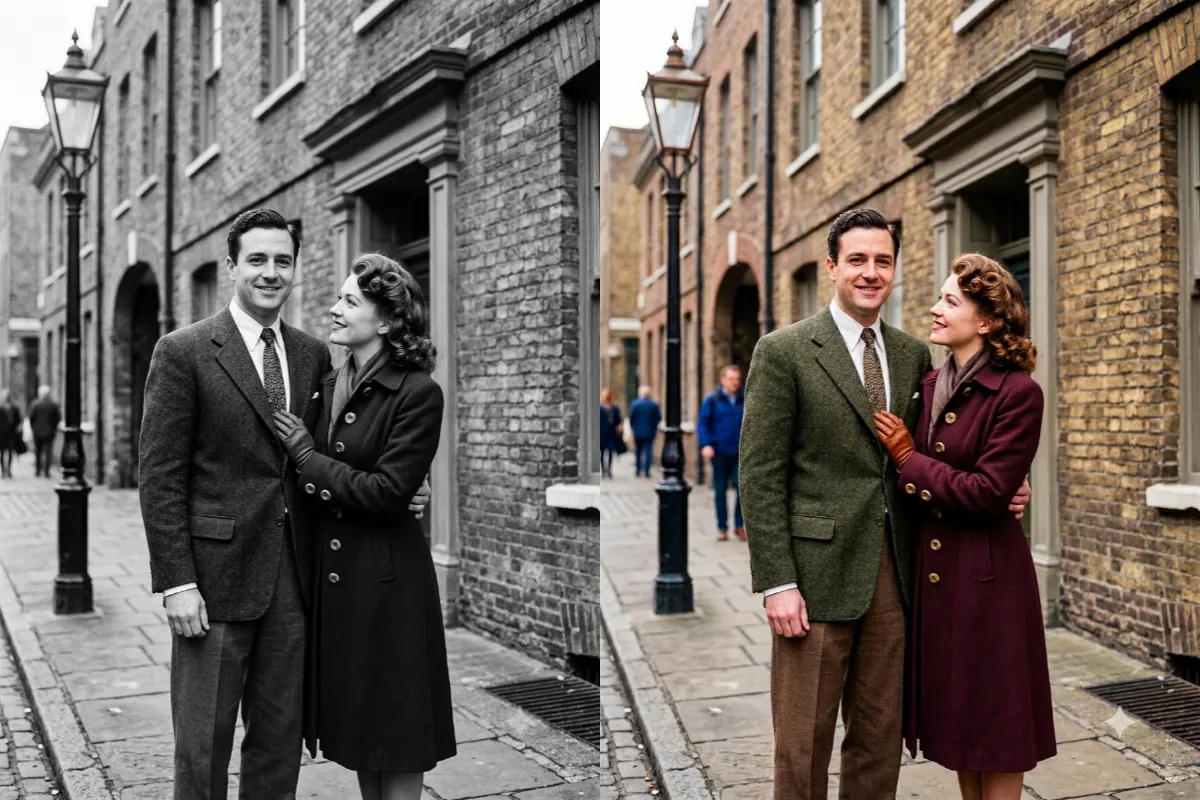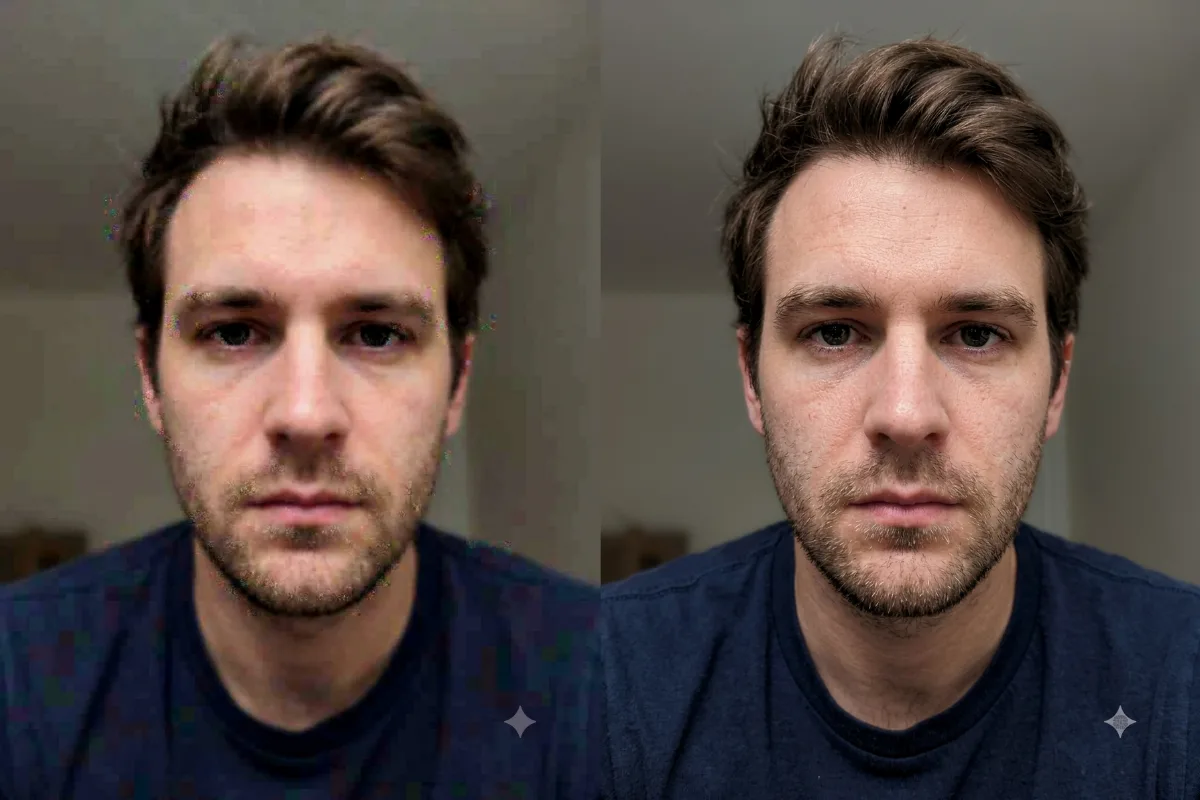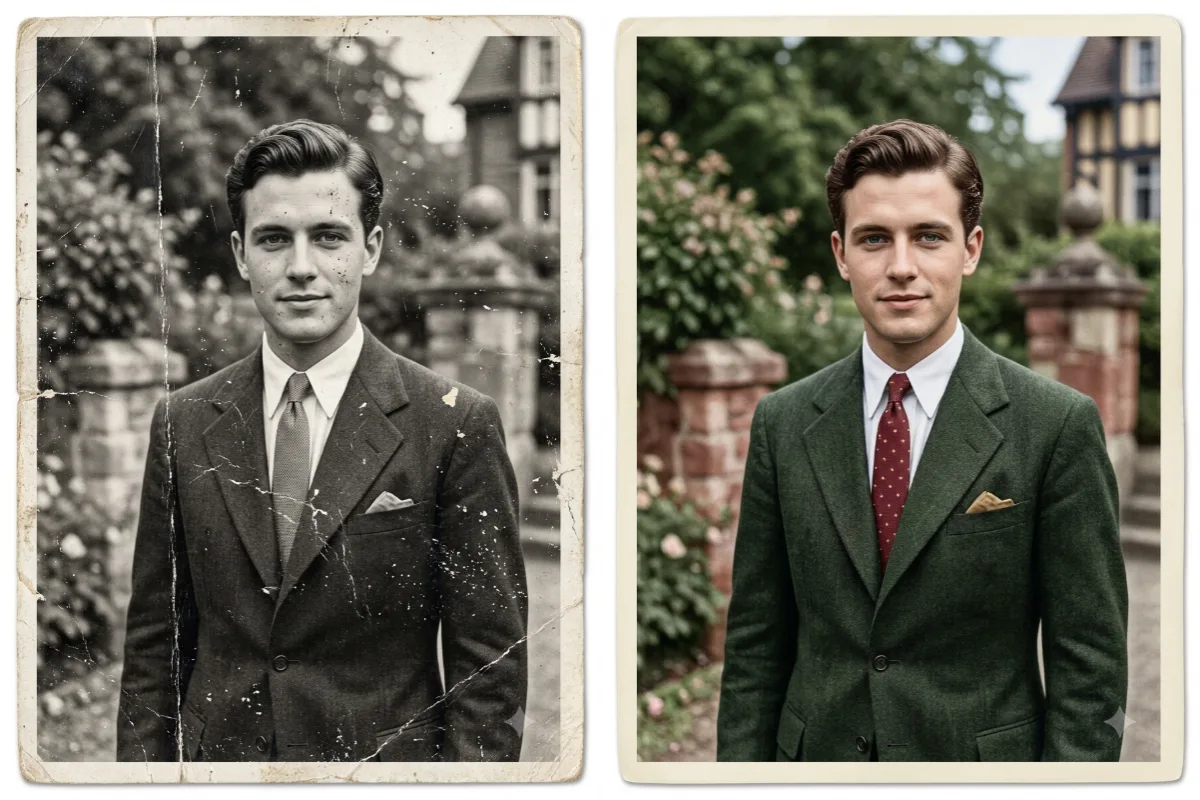
Photo Restoration
Restore and Colorize an Old Photo
Repair scratches, sharpen detail, and add natural color to an old black-and-white or damaged photograph.
The prompt
Restore and colorize this old photograph. Remove scratches, dust, creases, and stains, repair any torn or faded areas, and sharpen the details while keeping the original facial features and composition exactly the same. Add natural, realistic color with accurate skin tones and period-appropriate clothing colors. Keep it photorealistic, with no cartoon or over-smoothed look.
How to use this prompt
- Upload the old or damaged photo to Gemini.
- Paste the prompt below.
- If a face looks off, tell Gemini to keep the original facial features exactly.
Tips and variations
- Add "do not change the identity or facial features" to keep it true to the original.
- Ask for "1970s Kodak film tones" for a period-accurate look.