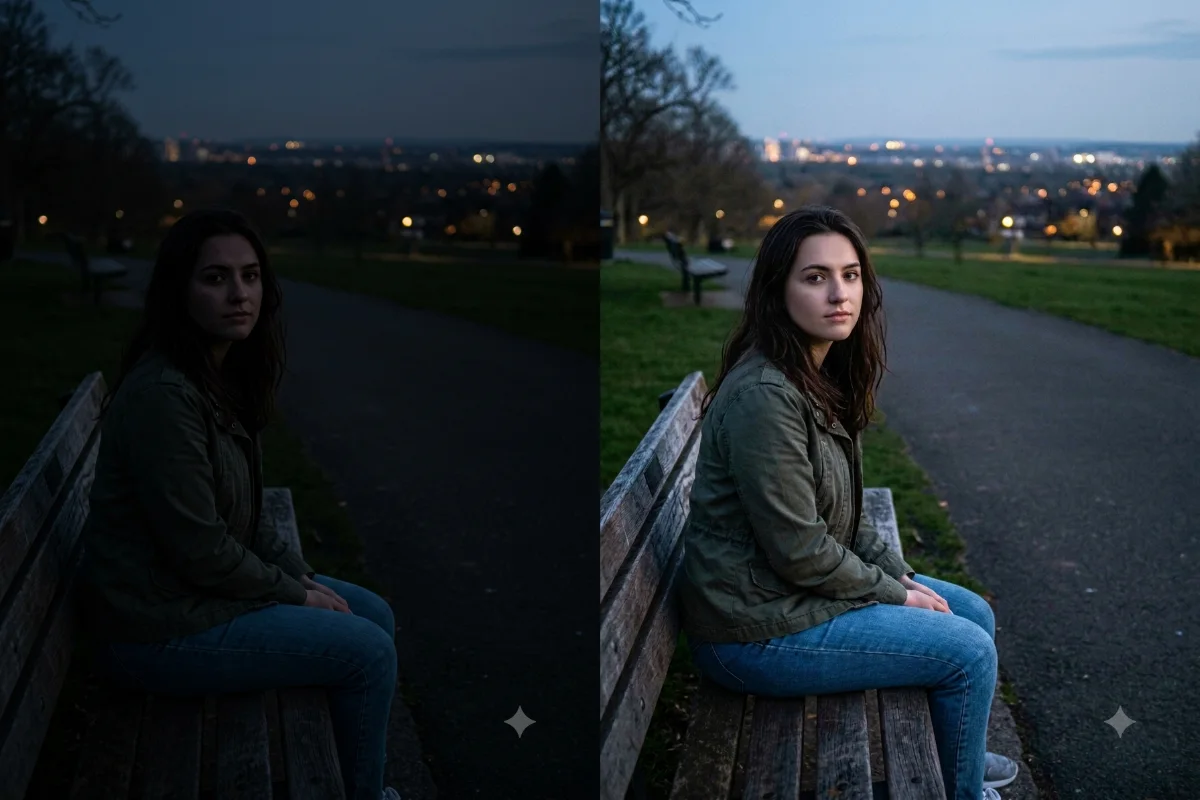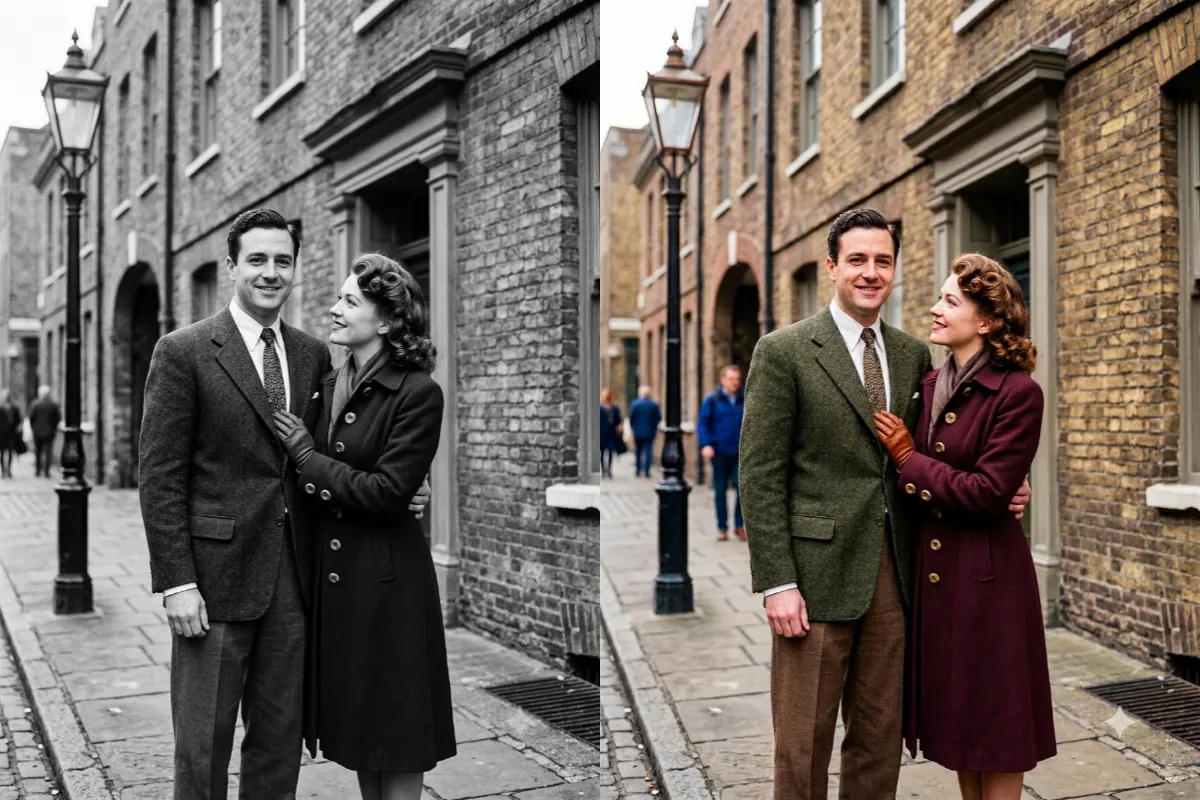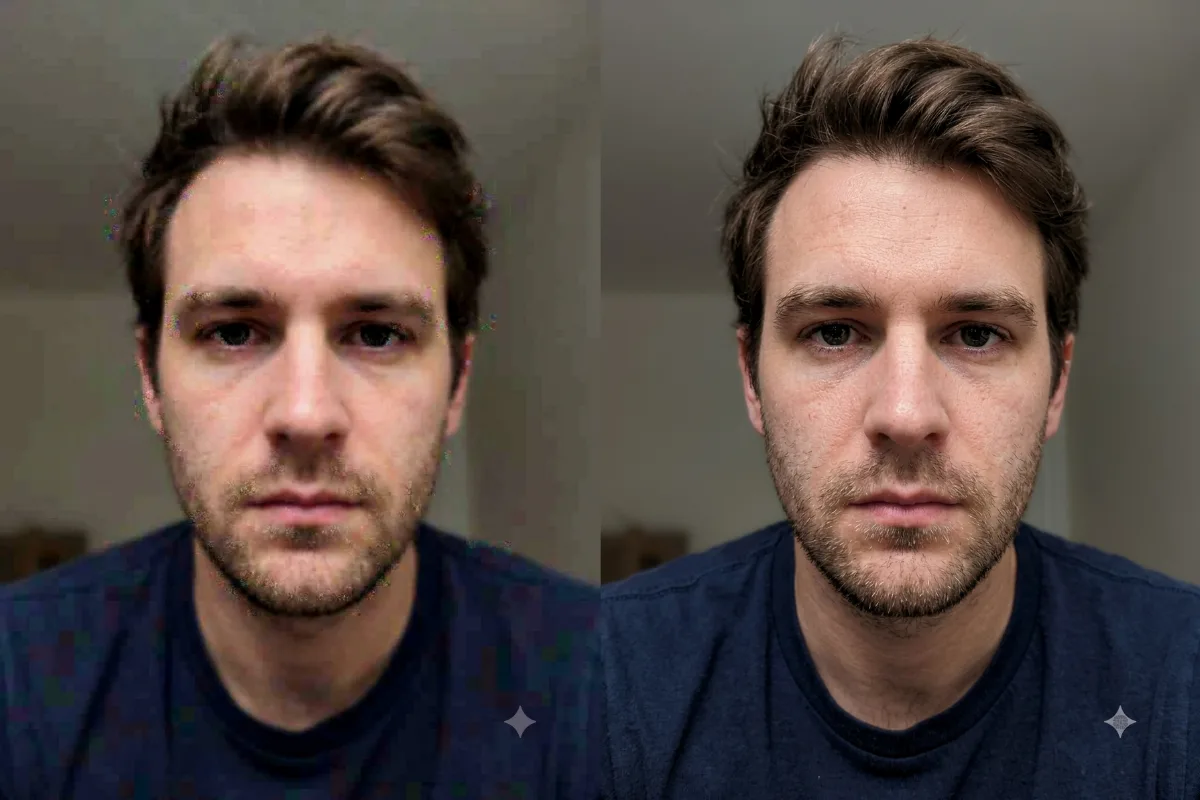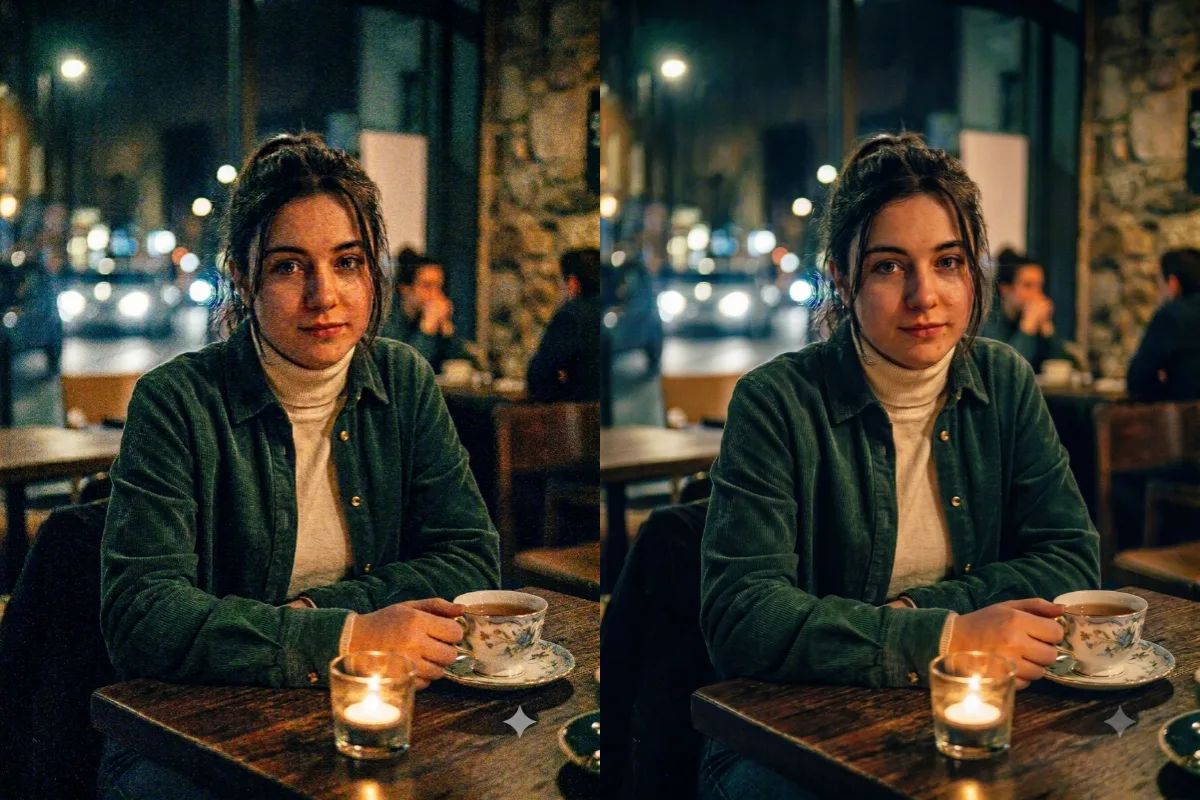
Photo Restoration
Remove Grain and Noise
Clean up a grainy, noisy photo from low light into a smooth, clear image while keeping the real detail.
The prompt
Remove the grain and digital noise from this photo, smoothing the rough, speckled areas into a clean, clear image. Keep real detail and texture in [the face, hair, and edges], and do not over-smooth into a plastic look. Keep the original colors, lighting, and composition the same. Photorealistic, clean, and natural.
How to use this prompt
- Upload the grainy or noisy photo.
- Paste the prompt and generate.
- Ask for a touch more smoothing if needed.
Tips and variations
- Add "keep real detail and texture, do not over-smooth".
- Works well on dark, high-ISO phone photos.