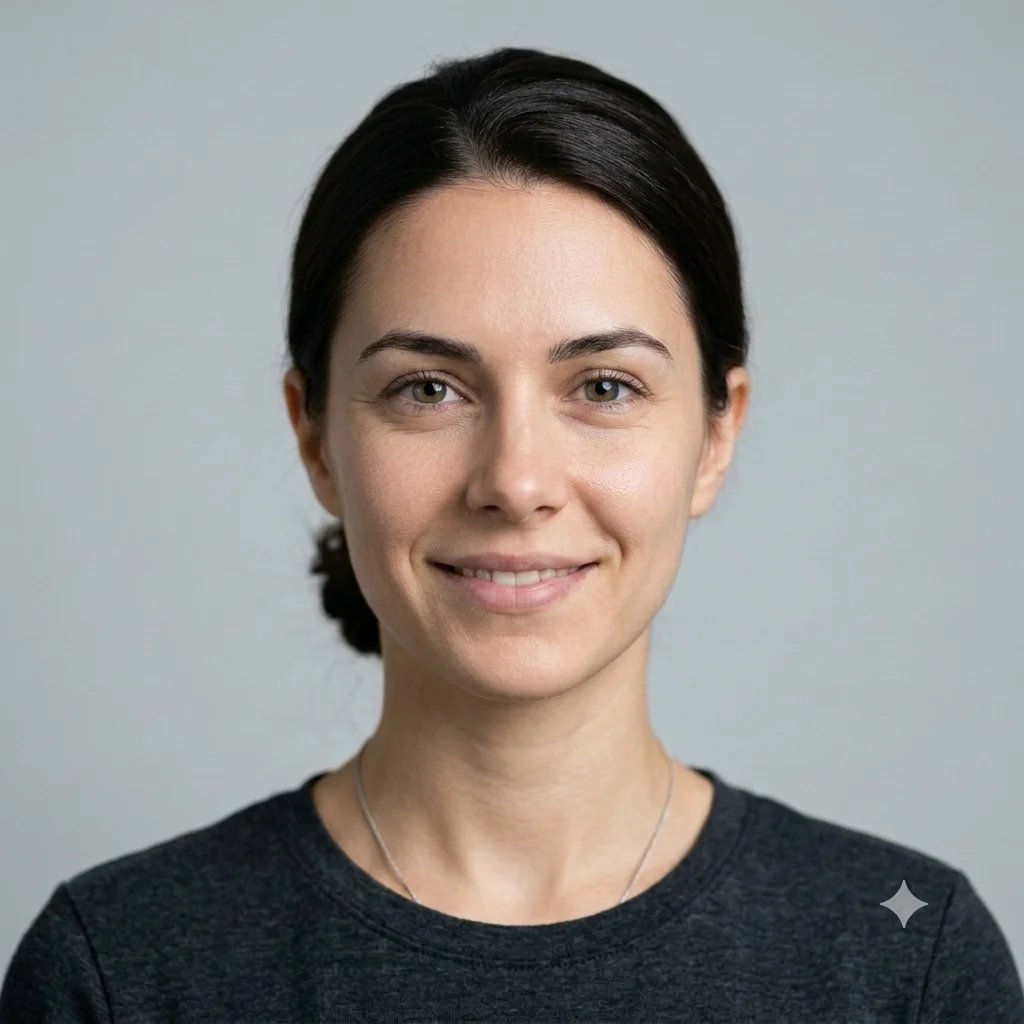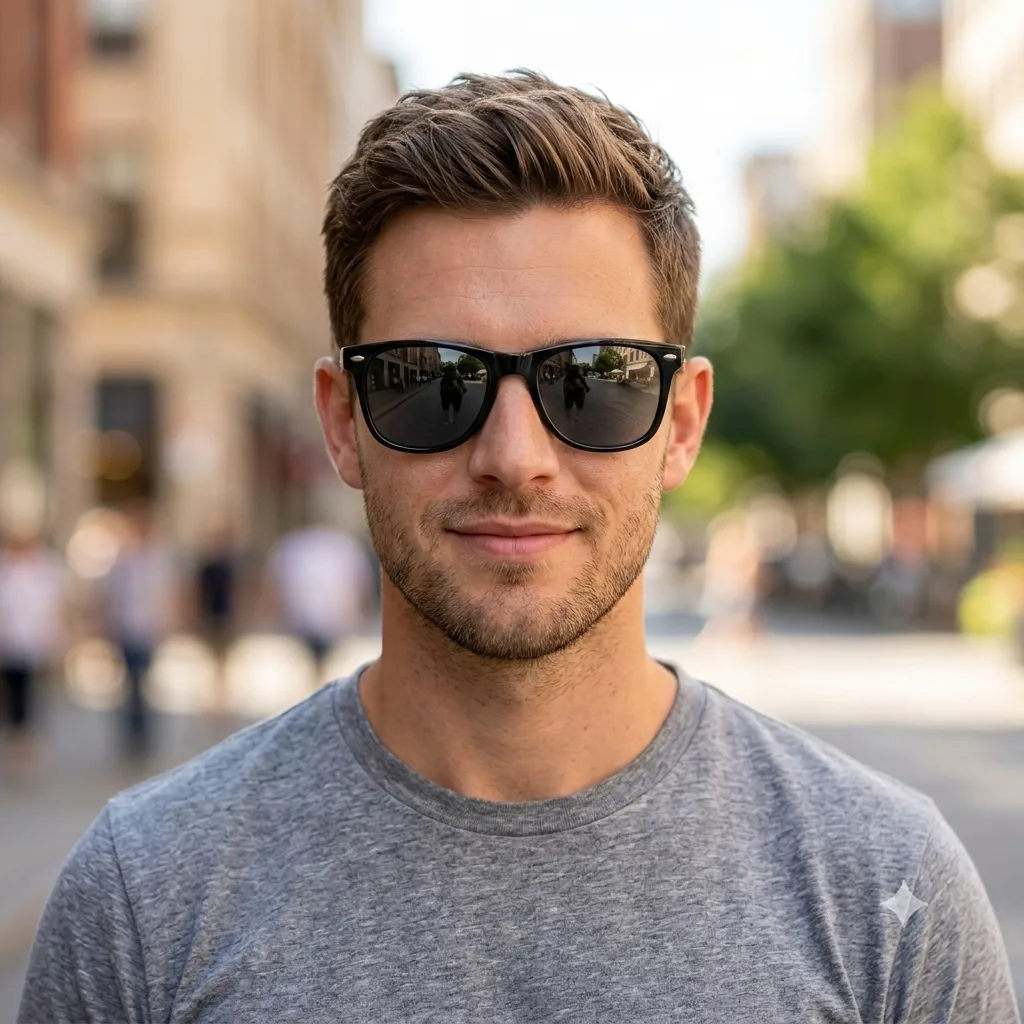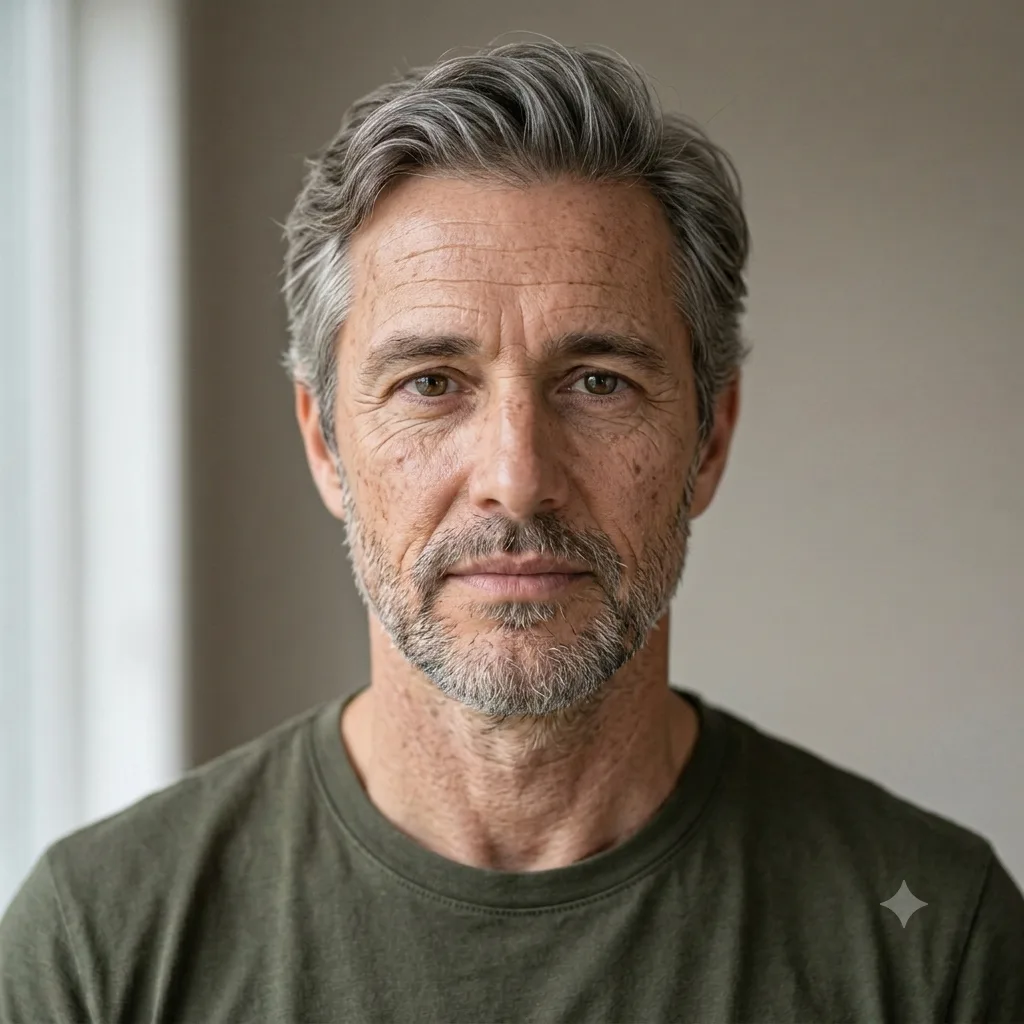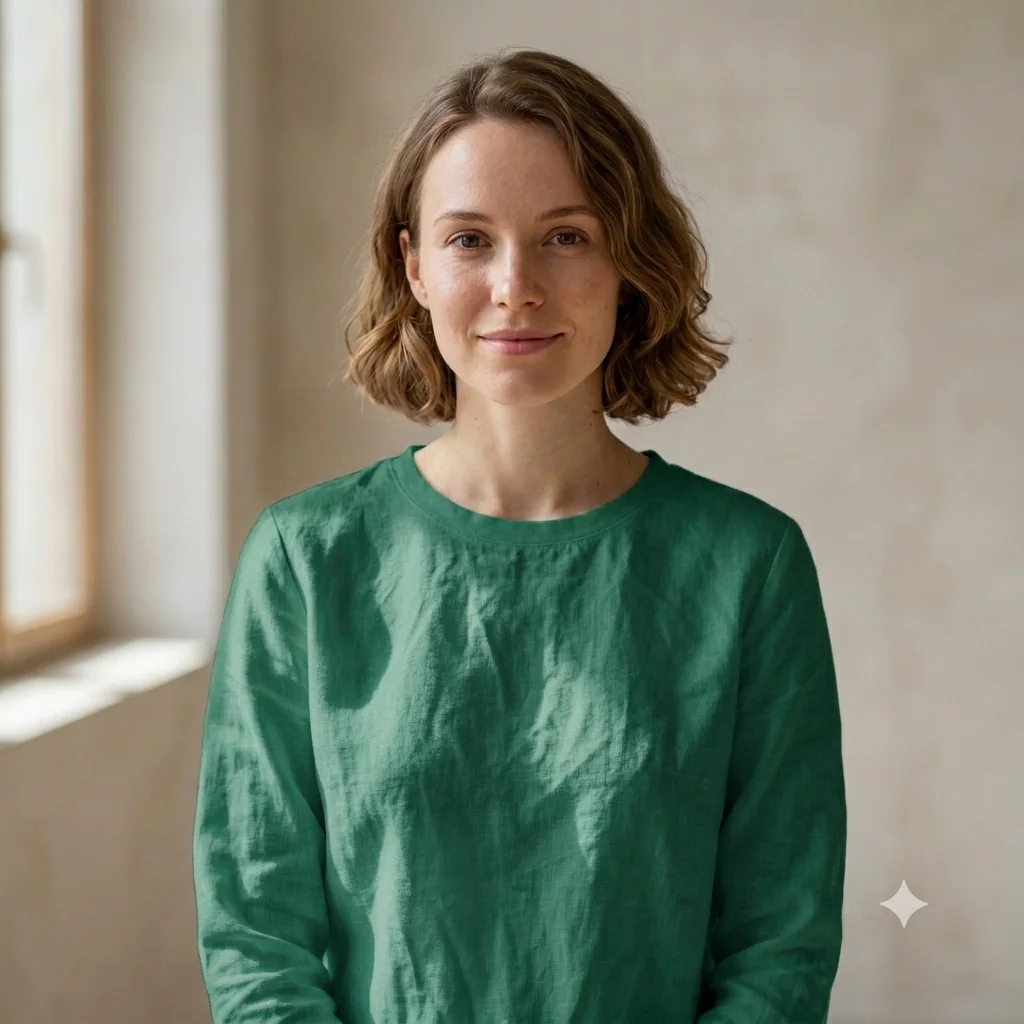
Remove Blemishes and Acne
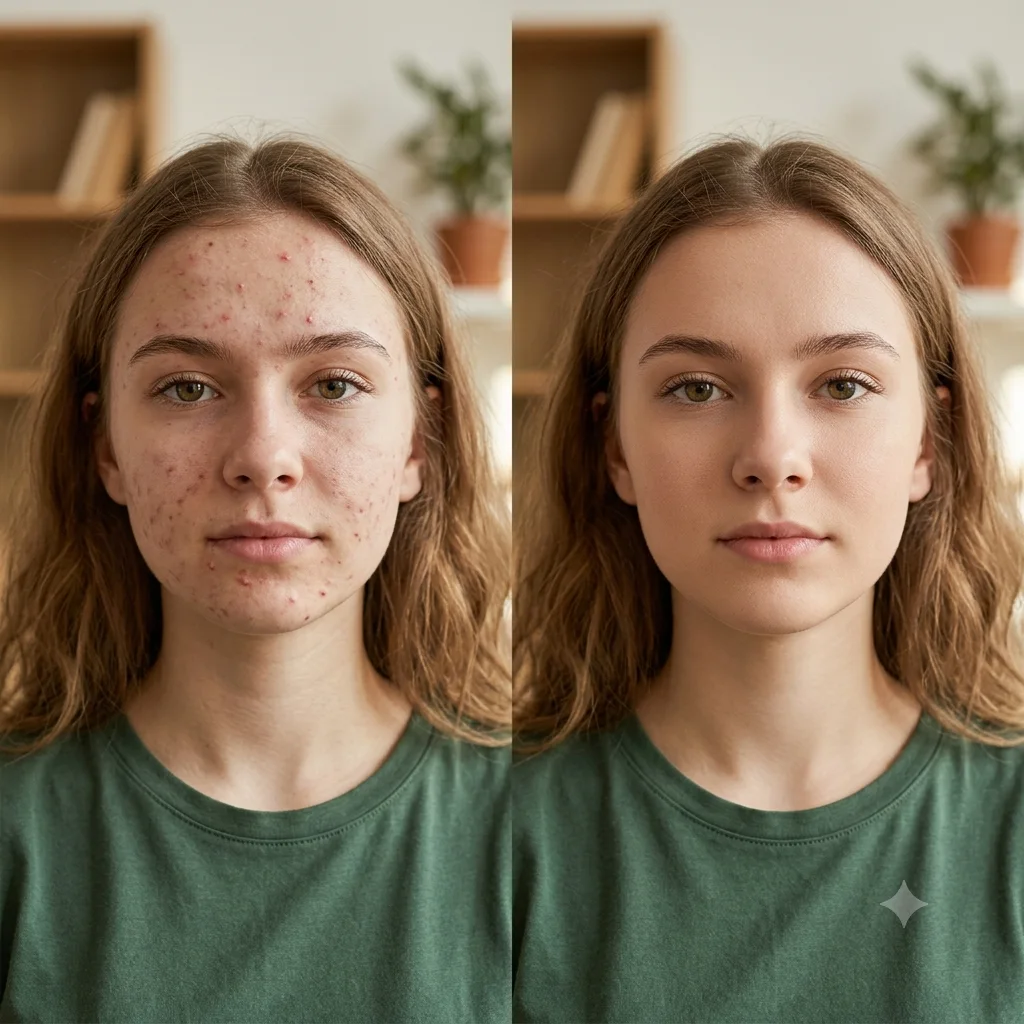
Remove only the acne, spots, and blemishes from a photo, keeping the lighting and everything else untouched.
The prompt
Remove the acne, pimples, blemishes, and spots from the skin in this photo, and nothing else. Keep the exact face, features, and identity unchanged, preserve realistic skin texture and pores down to the finest detail, and leave the original lighting, skin tone, and background exactly as they are. A clean, natural, spot-removal edit only, high resolution.
How to use this prompt
- Upload a clear, well-lit photo of the face.
- Paste the prompt and generate.
- Ask to keep skin texture if the result looks too smooth.
Tips and variations
- Add "keep natural skin texture and pores" so the skin does not look plastic or over-smoothed.
- For a stubborn spot, point to it, like "remove the blemish on the left cheek".
- Keep the edit light so the result is believable and still clearly looks like you.