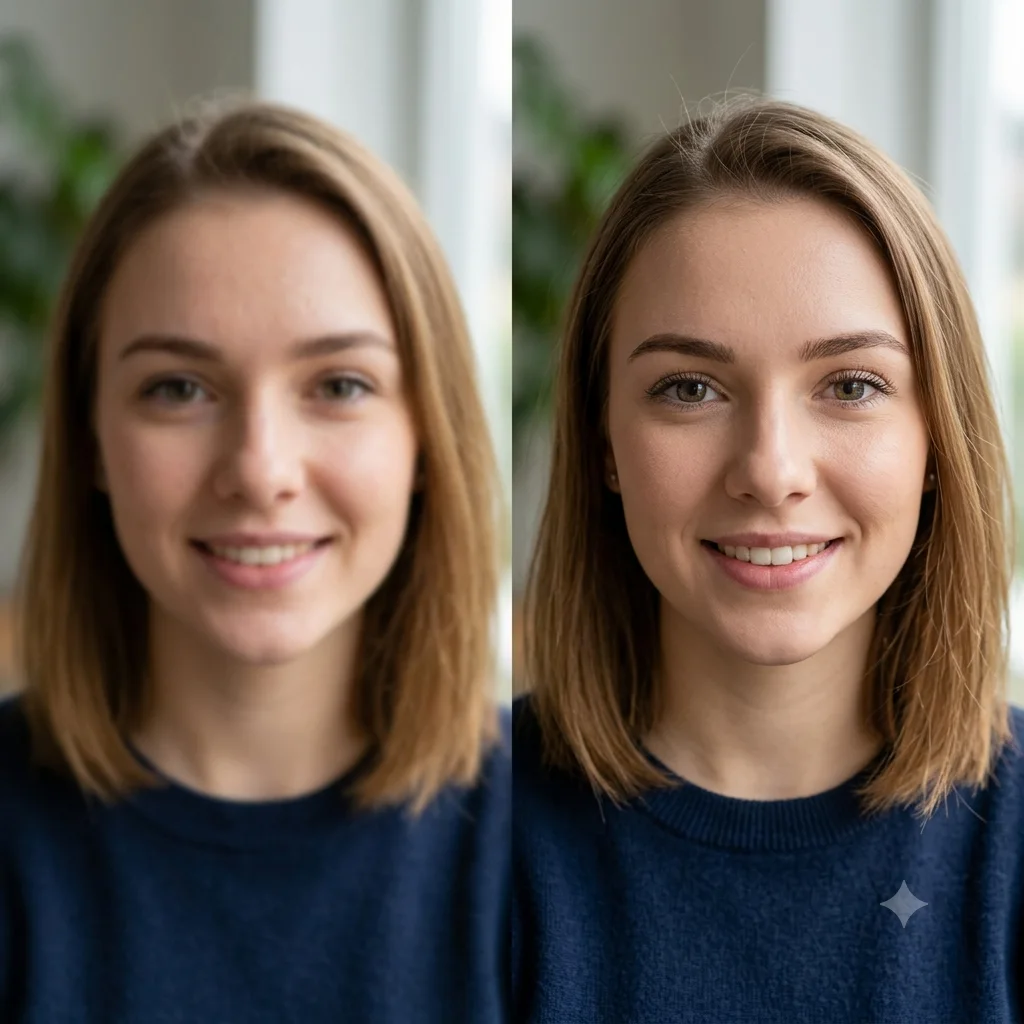
Enhance a Blurry Face in a Photo
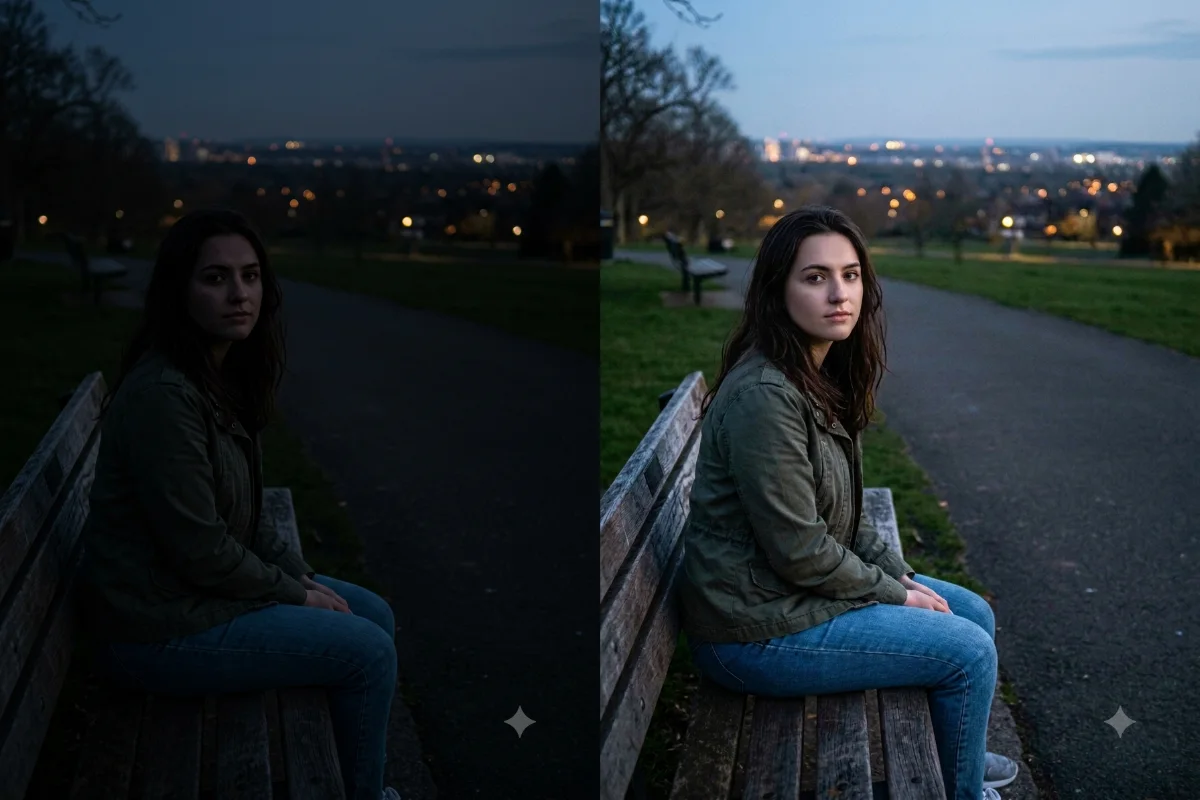
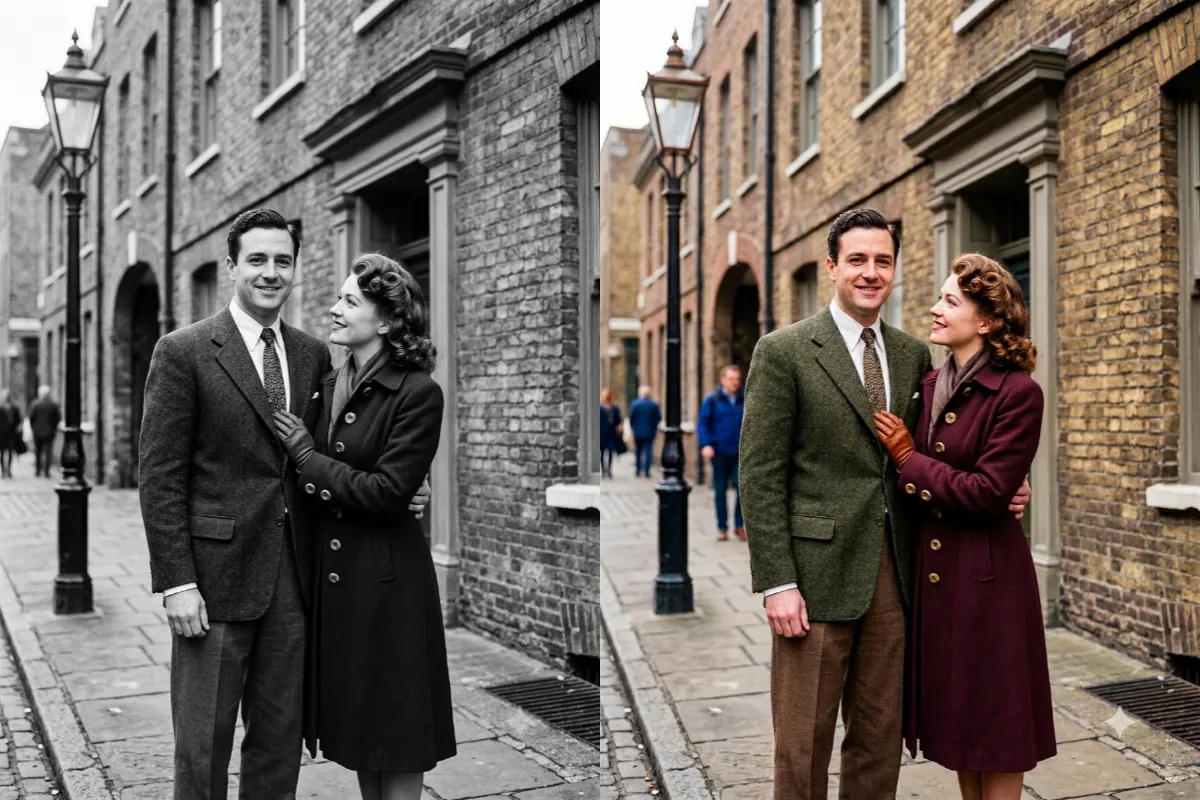
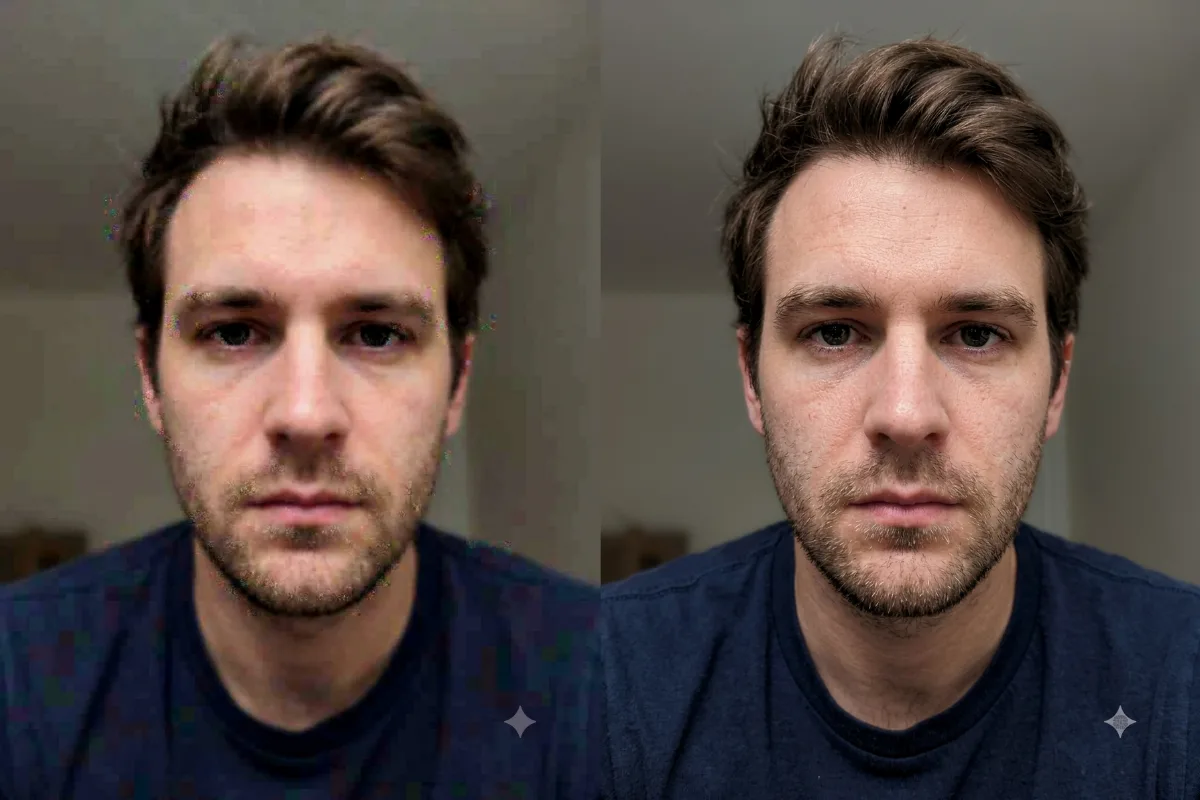
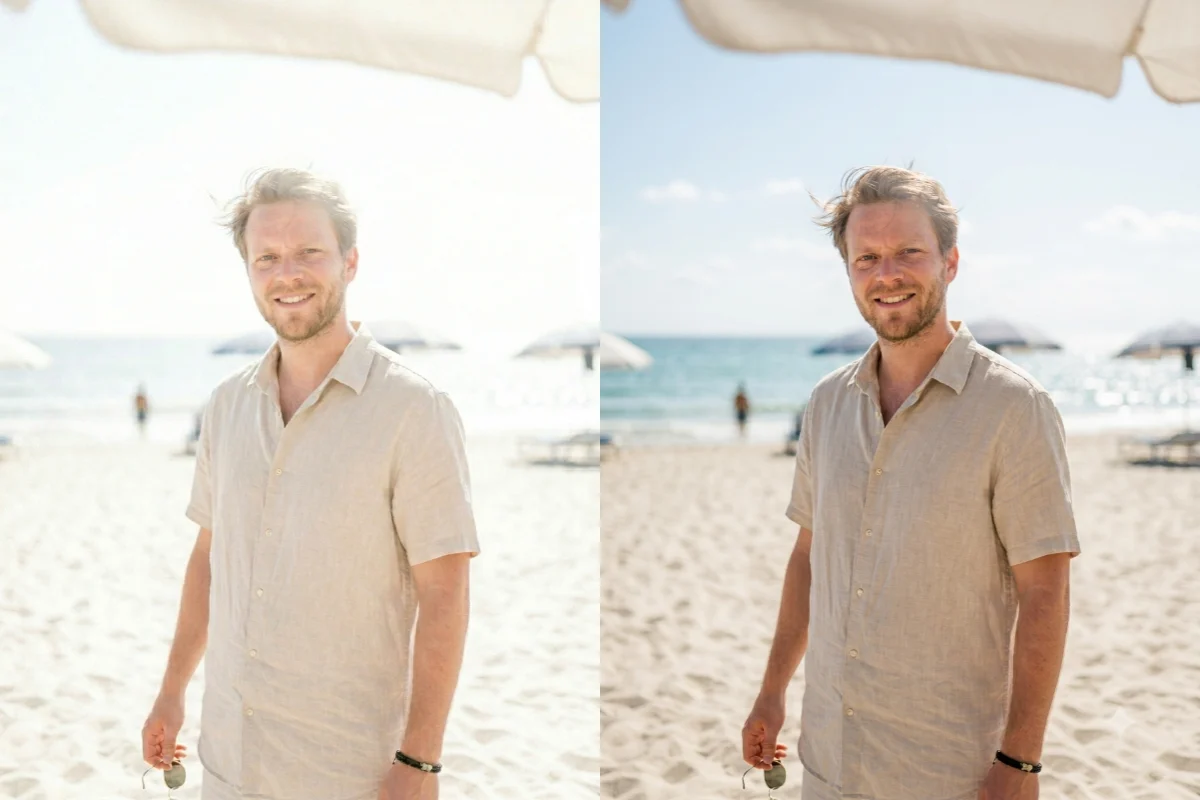
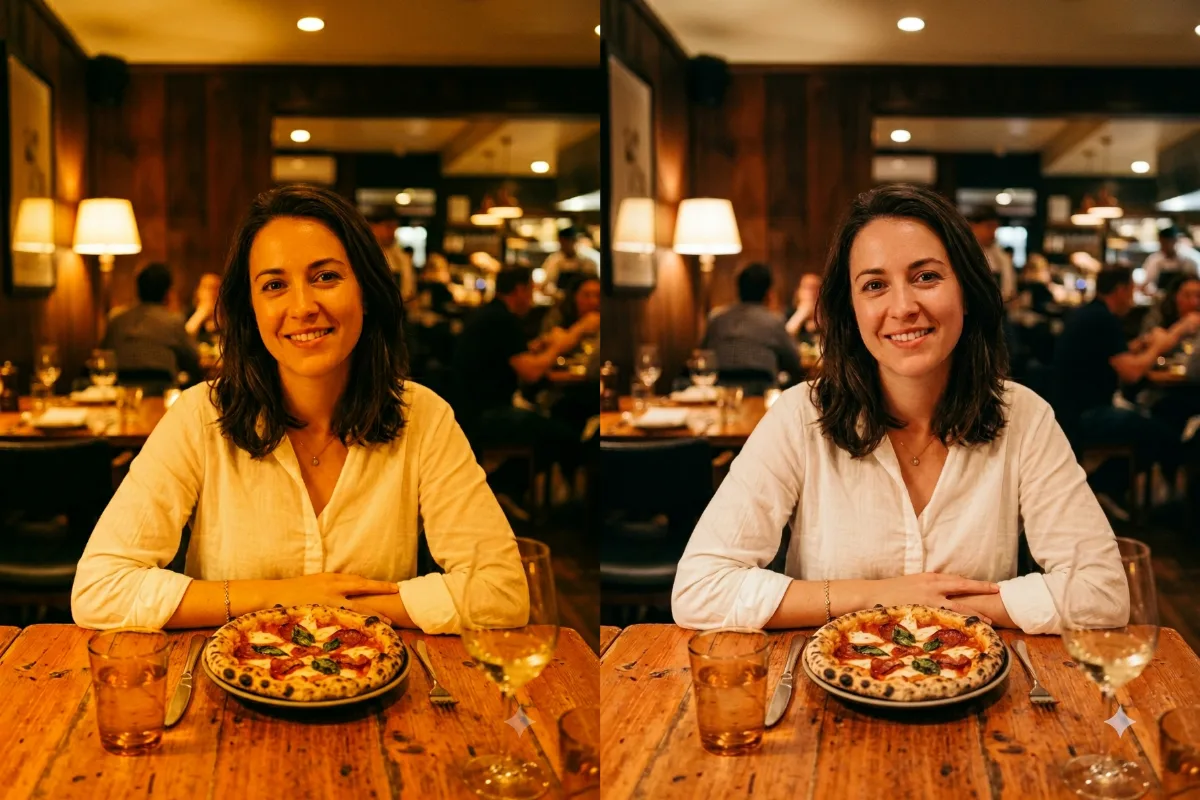
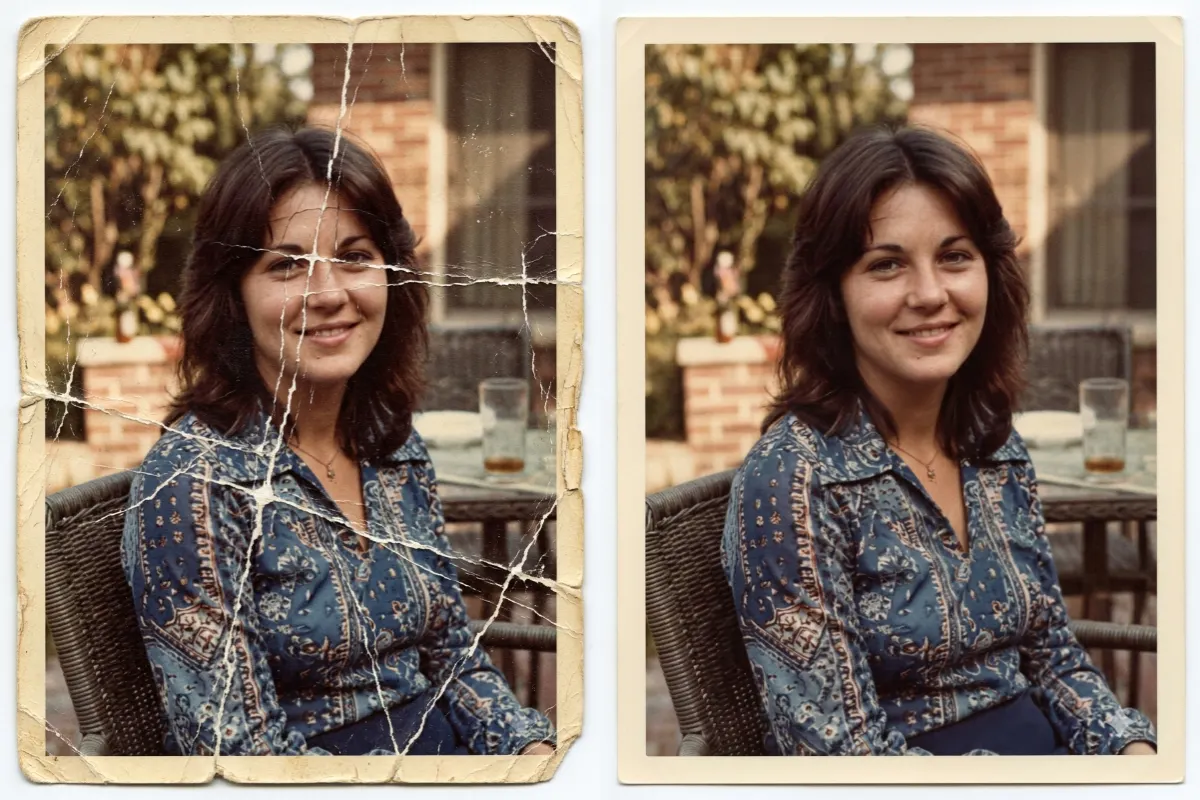
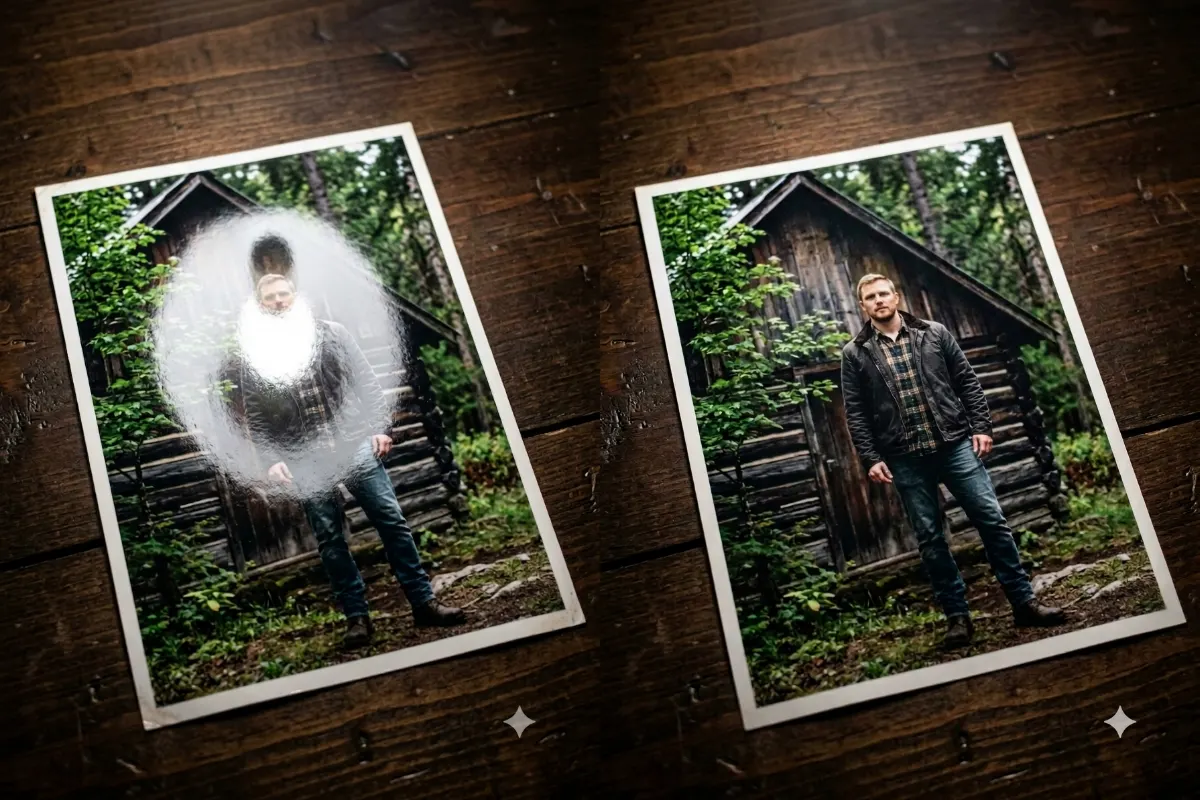
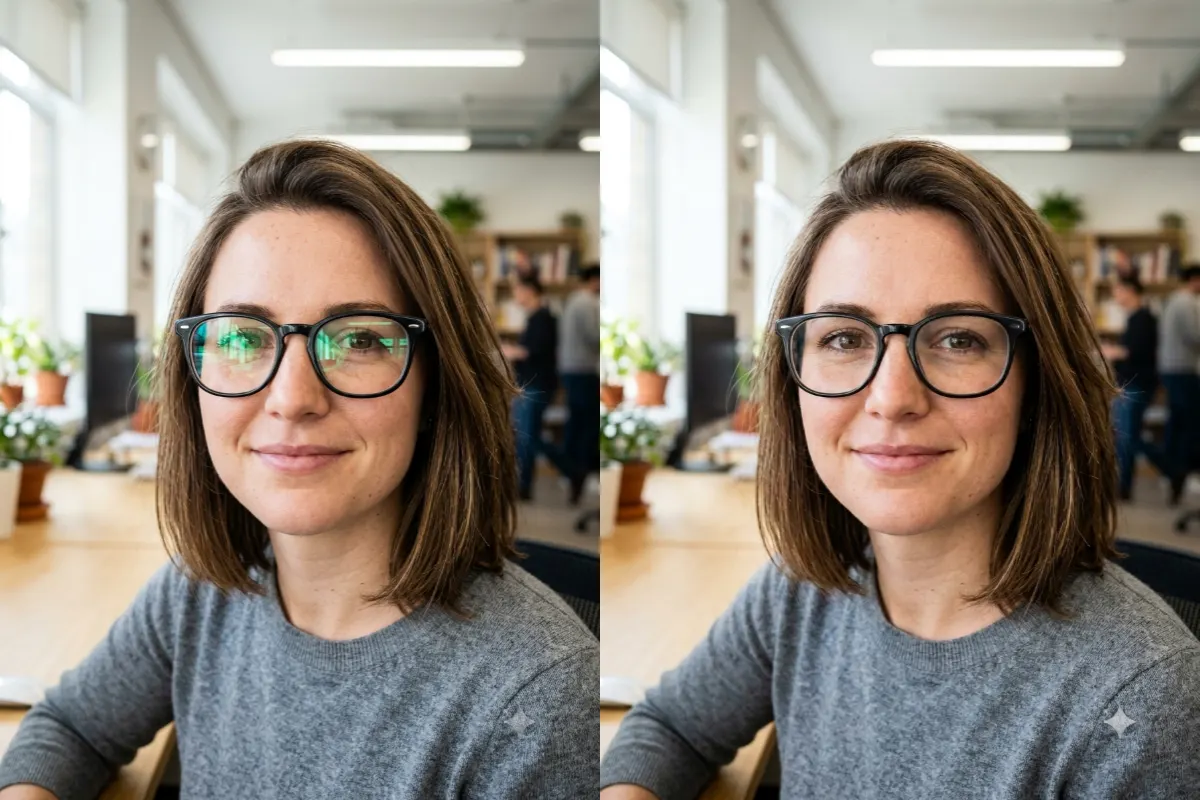
Reconstruct sharp facial detail in a blurry, low-resolution, or old photo, keeping the person's real identity.
The prompt
Reconstruct sharp, realistic detail in the blurry or low-resolution face in this photo, keeping the person's exact identity, face shape, and expression unchanged. Restore natural, lifelike facial features, with clear eyes, defined eyebrows, natural skin texture, and crisp detail in the hair, while keeping their true likeness so it still looks like the same person, not a different or over-smoothed face. Match the original lighting, skin tone, and photo style. Photorealistic, natural face enhancement, high resolution.
How to use this prompt
- Upload a photo where the face is blurry or low-quality.
- Paste the prompt and generate.
- If the identity drifts, ask it to match the original face.
Tips and variations
- Add "keep the exact same person and expression" so the identity stays true.
- Works best when the face is small, soft, or low-resolution rather than fully missing.