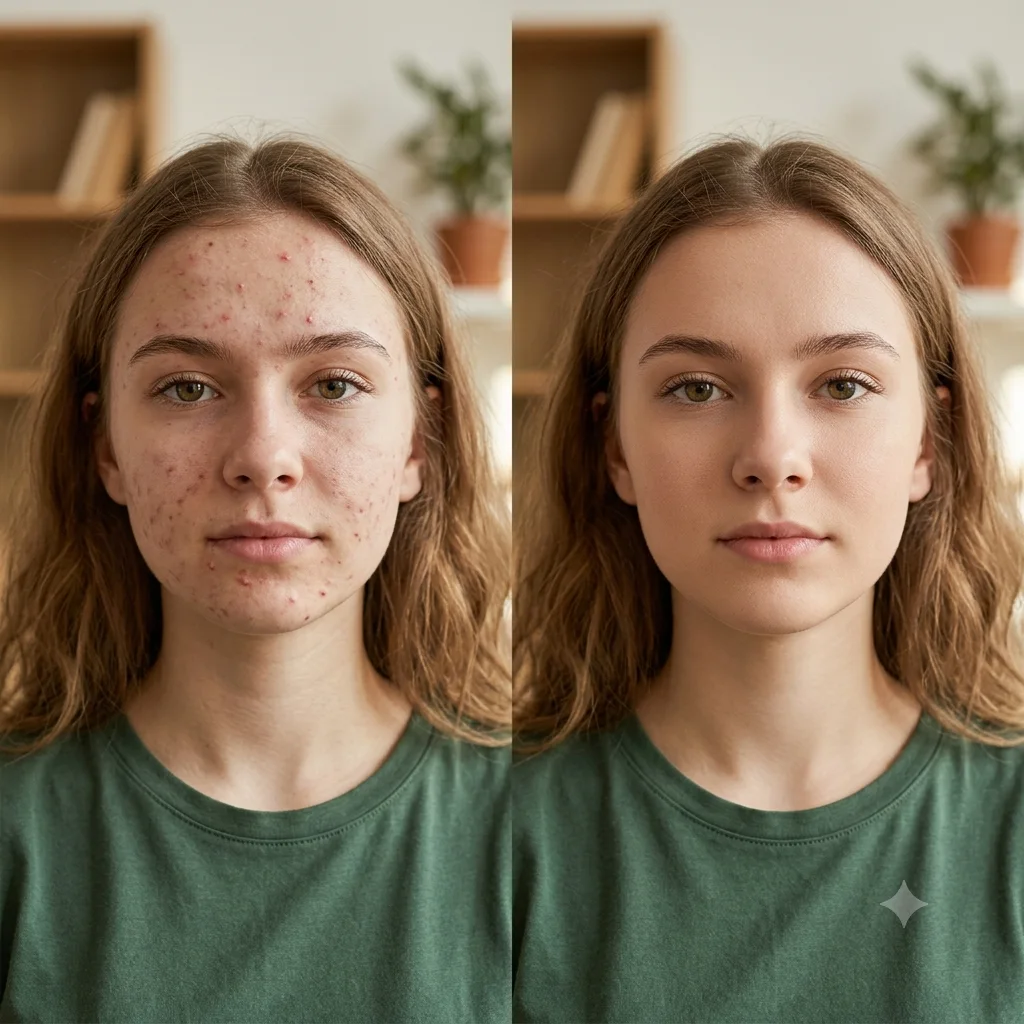
Add a Tattoo to a Photo
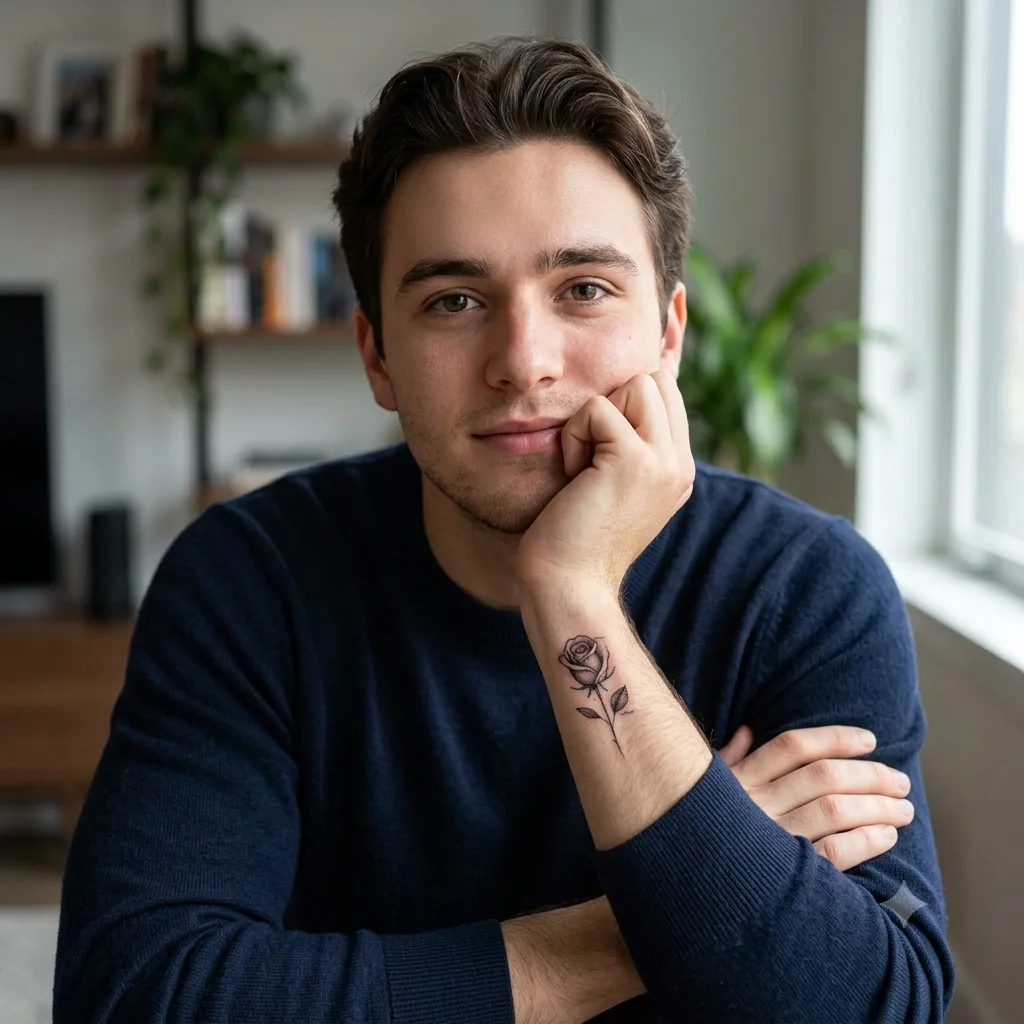
Add a realistic tattoo to a photo to preview how a design looks on your skin, blended with natural light.
Add a realistic [small rose] tattoo to the person in this photo, inking it naturally onto an area of skin that is already visible in the shot. Keep their exact face, pose, framing, hands, and composition completely unchanged, and do not reposition their arms or make them show off the tattoo. Render the design so it follows the body's contours and creases, with believable line work, shading, and tone matched to the photo's lighting, looking like a real tattoo that has always been there rather than a flat sticker or a posed display. Keep the surrounding skin texture, color, and highlights consistent around it. Photorealistic, natural candid look, high resolution.
How to use this prompt
- Upload a clear photo of the area you want inked.
- Paste the prompt and describe the tattoo design and spot.
- Generate, then ask for a bigger or smaller tattoo.
Tips and variations
- Describe the design and a visible spot, like "a small rose on the wrist".
- Add "keep the original pose and don't show off the tattoo" for a candid look.