Snow Background
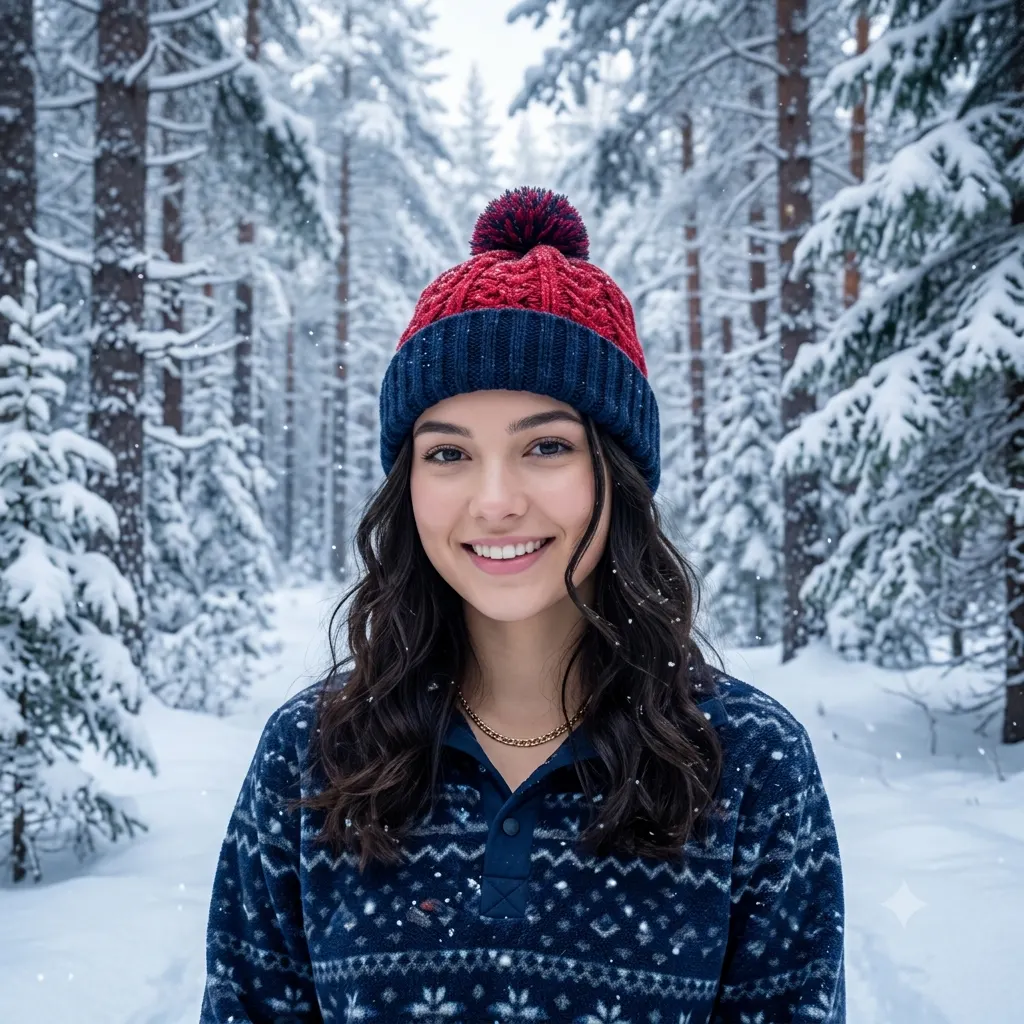
Replace a photo's background with a serene snowy winter landscape, blended to match the subject's light.
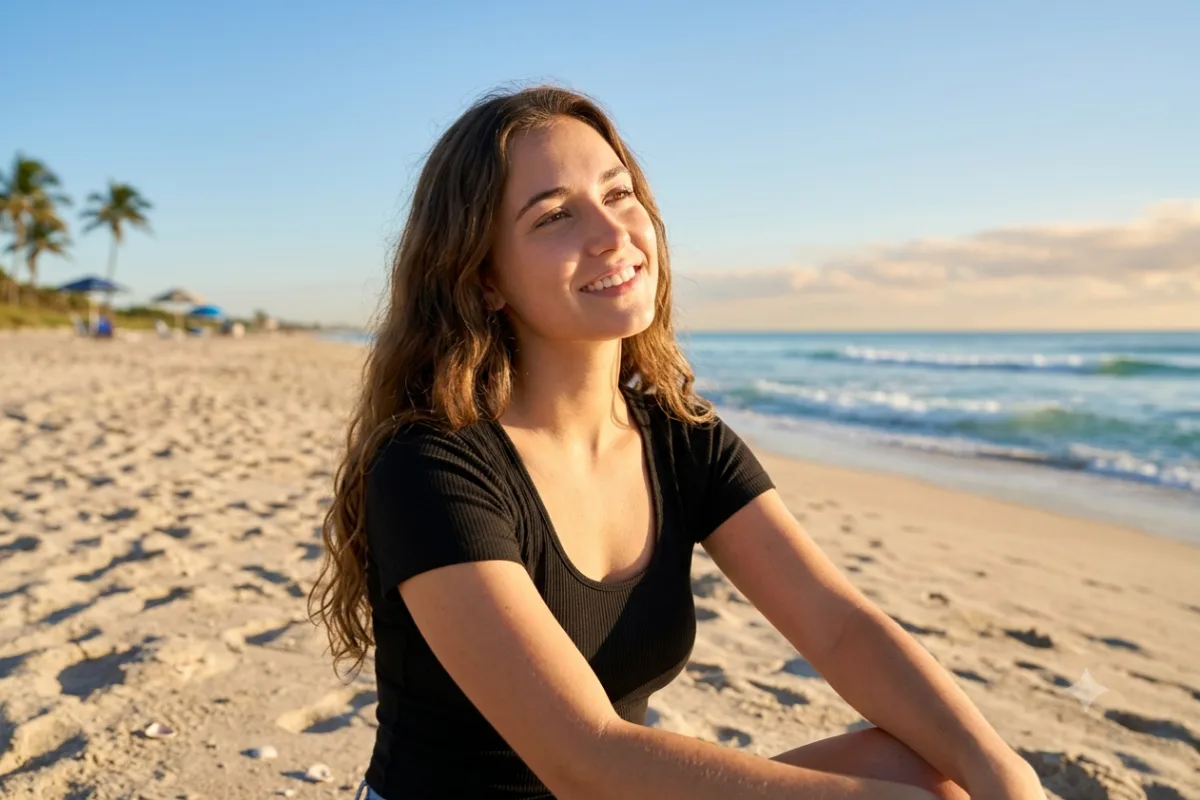
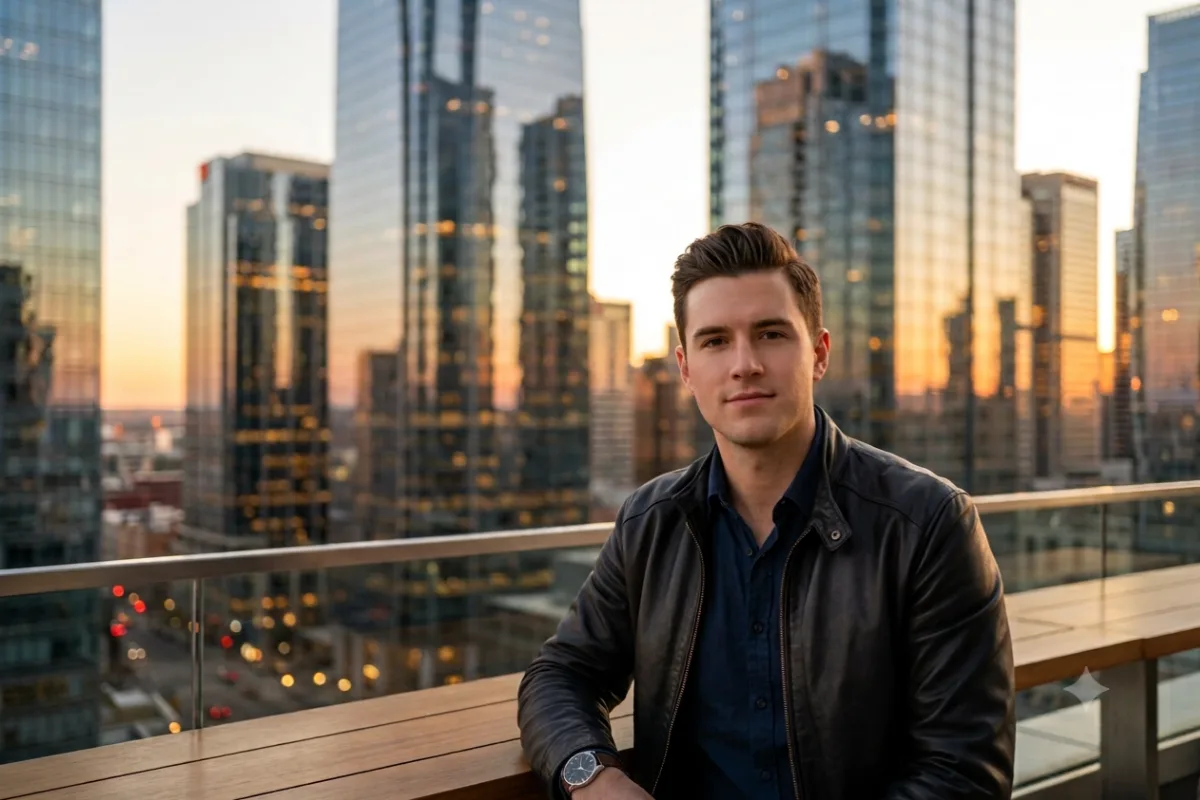
Replace the background of this photo with a serene [snowy pine forest under soft falling snow], so the whole image looks like one real photograph taken on location, not a cutout placed on a backdrop. Keep the person's face, pose, and outfit unchanged, but relight them to match the scene, with cool soft winter daylight and a gentle ambient glow spilling naturally onto their skin and hair. Blend the winter scene behind them with realistic depth, gentle drifting snowflakes, frosted branches, and a softly blurred backdrop, add natural contact shadows, and match the color grade and grain across the whole frame. Keep the edges soft and natural around the hair. Photorealistic and seamless, high resolution.
How to use this prompt
- Upload a clear photo of the person or subject.
- Paste the prompt and pick a winter scene.
- Generate, then ask for falling snow or softer light.
Tips and variations
- Name a scene like "a quiet pine forest under fresh snow" or "a snowy village".
- Add "soft falling snowflakes and cool winter light" for atmosphere.