Backgrounds
Blur the Background (Portrait Mode)
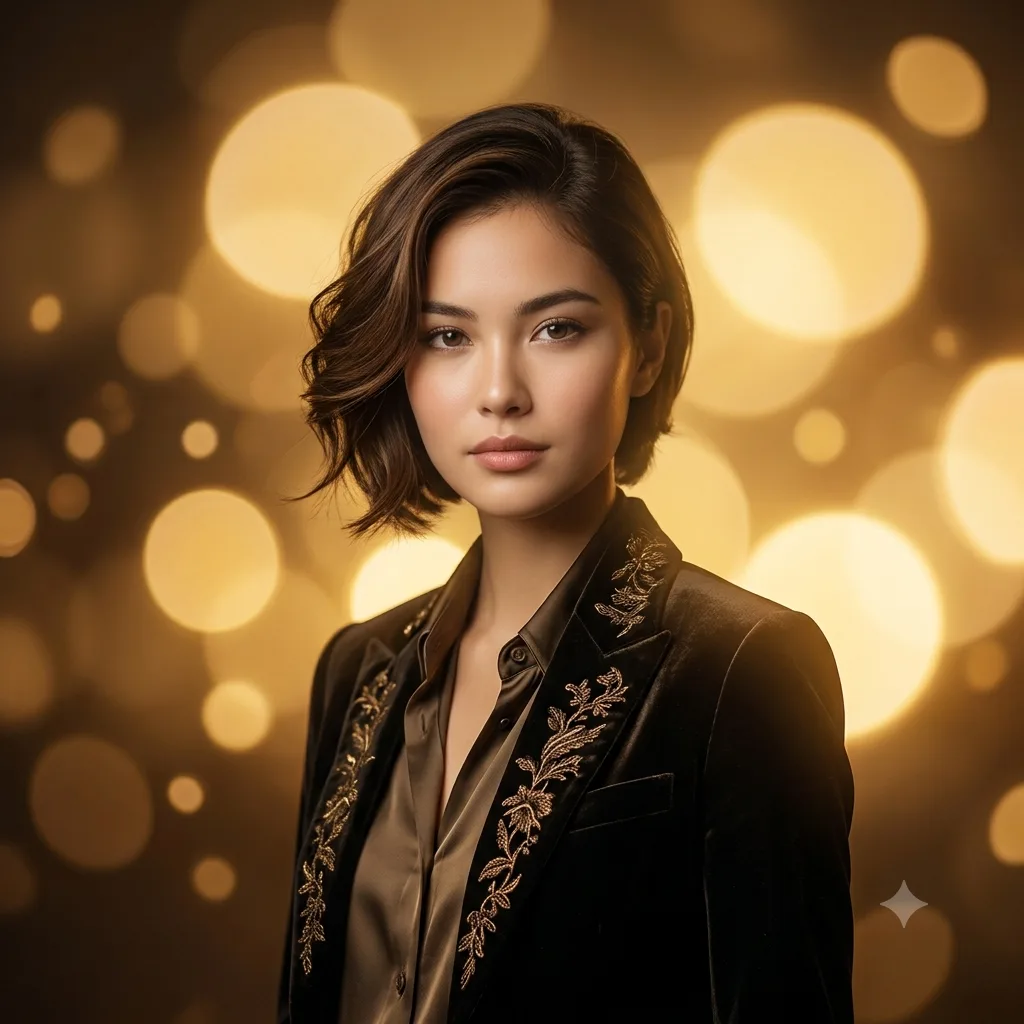
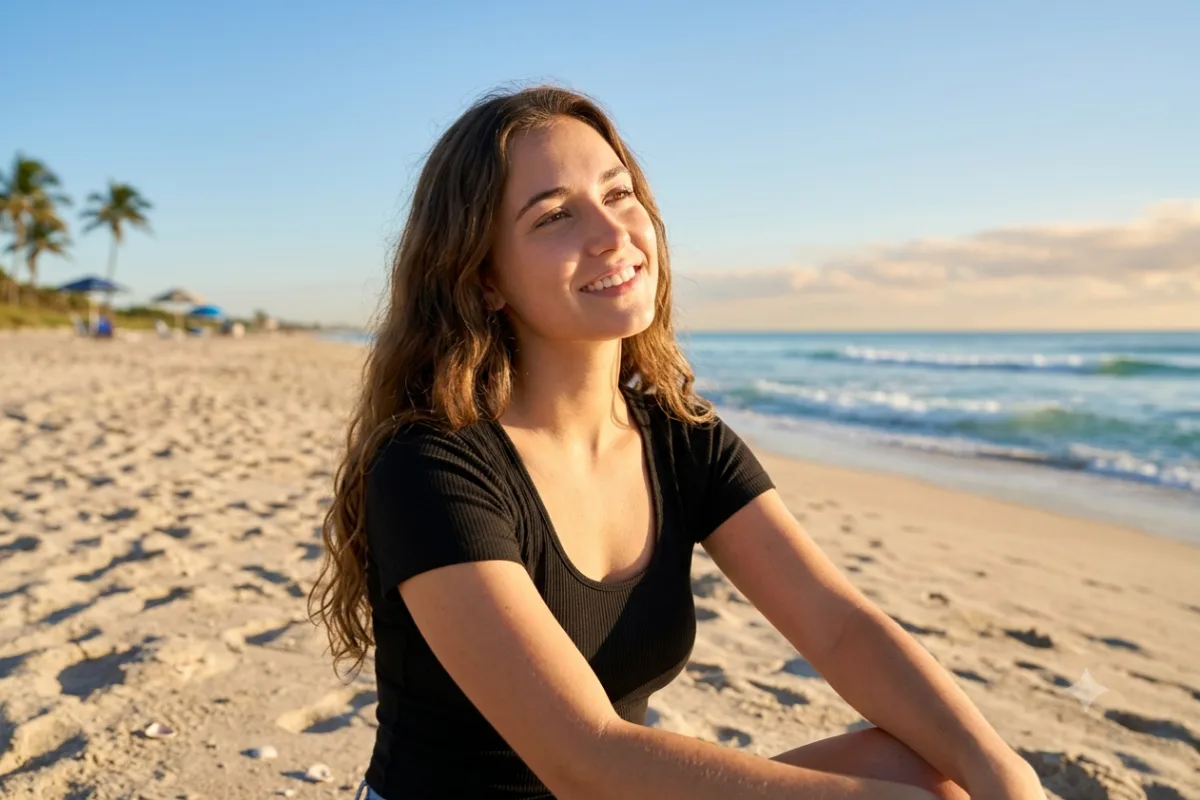
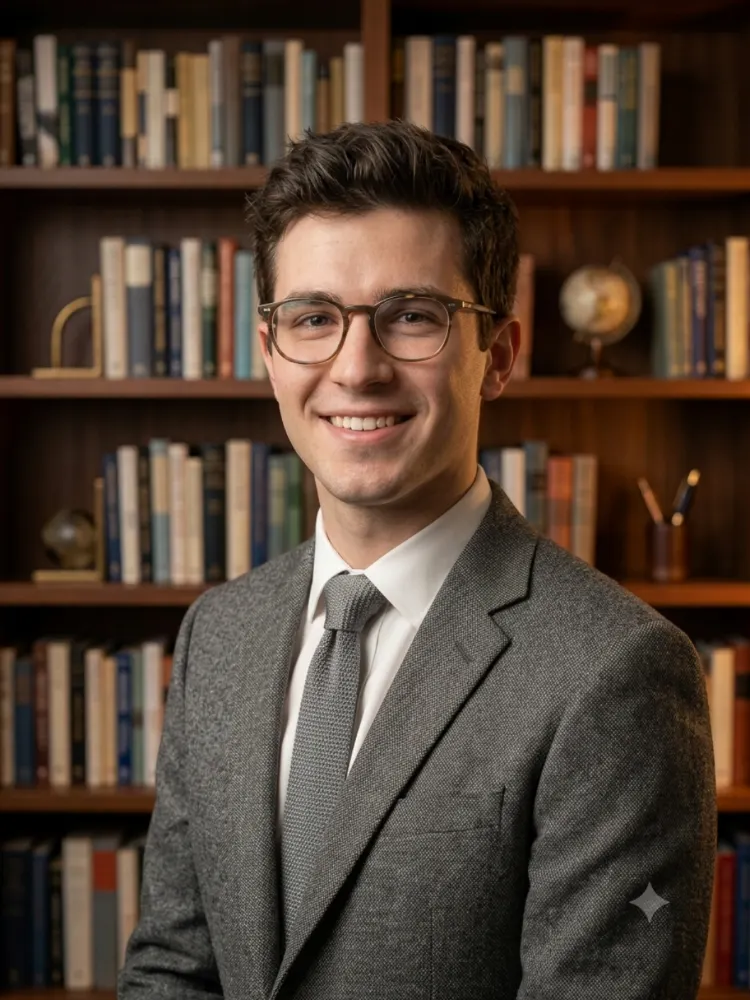
Add a soft, blurred background with creamy bokeh to give any photo a flattering portrait-mode look instantly.
The prompt
Add a soft, professional background blur to this photo, as if it were shot on a fast portrait lens with a shallow depth of field. Keep the main subject in crisp, sharp focus while the background melts into smooth, creamy bokeh with gently rounded highlights. Keep the subject's exact pose, face, and lighting natural and unchanged. Photorealistic portrait-mode result.
How to use this prompt
- Upload your photo.
- Paste the prompt and generate.
- Ask for stronger or softer blur to taste.
Tips and variations
- Add "creamy bokeh with round highlights" for a premium lens look.
- Keep the subject sharp with "keep the subject in crisp focus".