Backgrounds
Change the Background to Any Scene
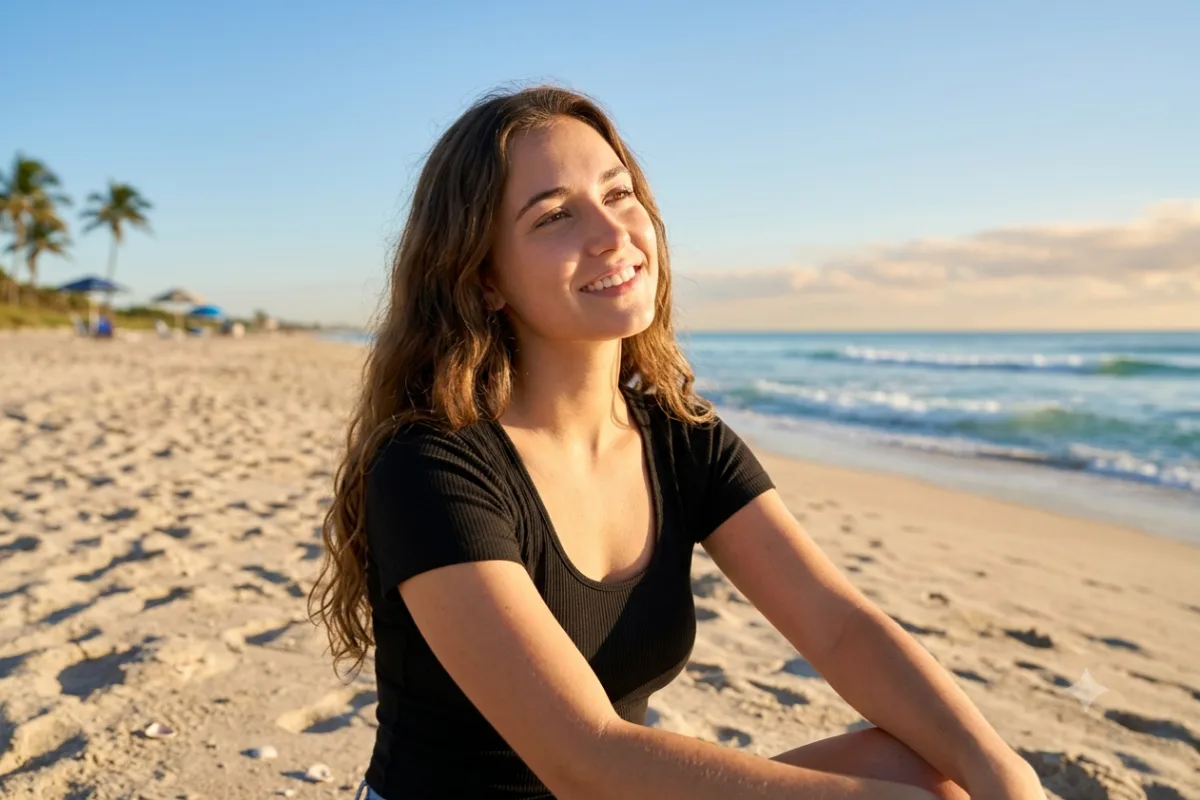
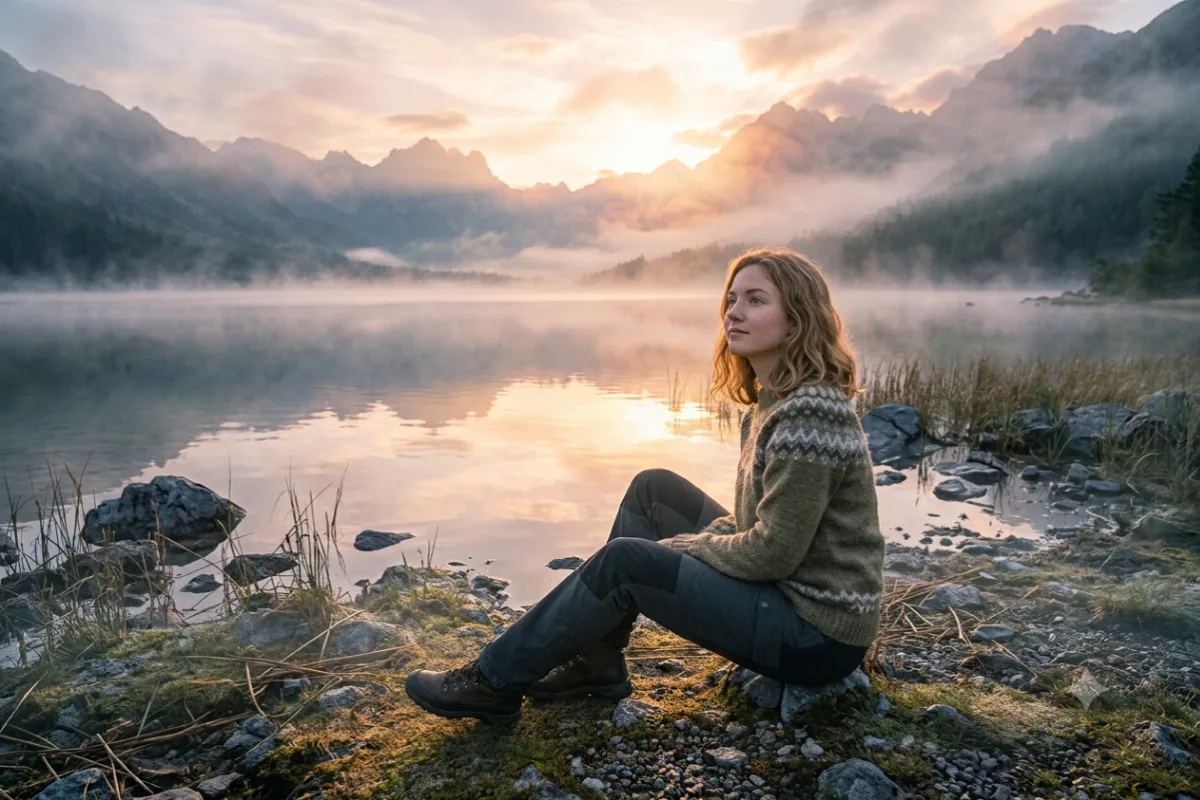
Keep your subject exactly as they are and drop them into a completely new background, scene, or location.
The prompt
Keep the main subject of this photo exactly the same, with the same pose, clothing, face, and proportions, but replace the background with [a misty mountain lake at sunrise]. Blend the subject naturally into the new scene by matching the lighting direction, color temperature, and shadows so it looks like a real photograph taken on location. Photorealistic, seamless edges.
How to use this prompt
- Upload the photo with the subject you want to keep.
- Paste the prompt and name the scene you want.
- Adjust lighting direction so the subject matches the new scene.
Tips and variations
- Name a specific place: "a mountain lake at sunrise", "an autumn park", "a desert at dusk".
- Add "match the lighting and shadows to the new background" for realism.