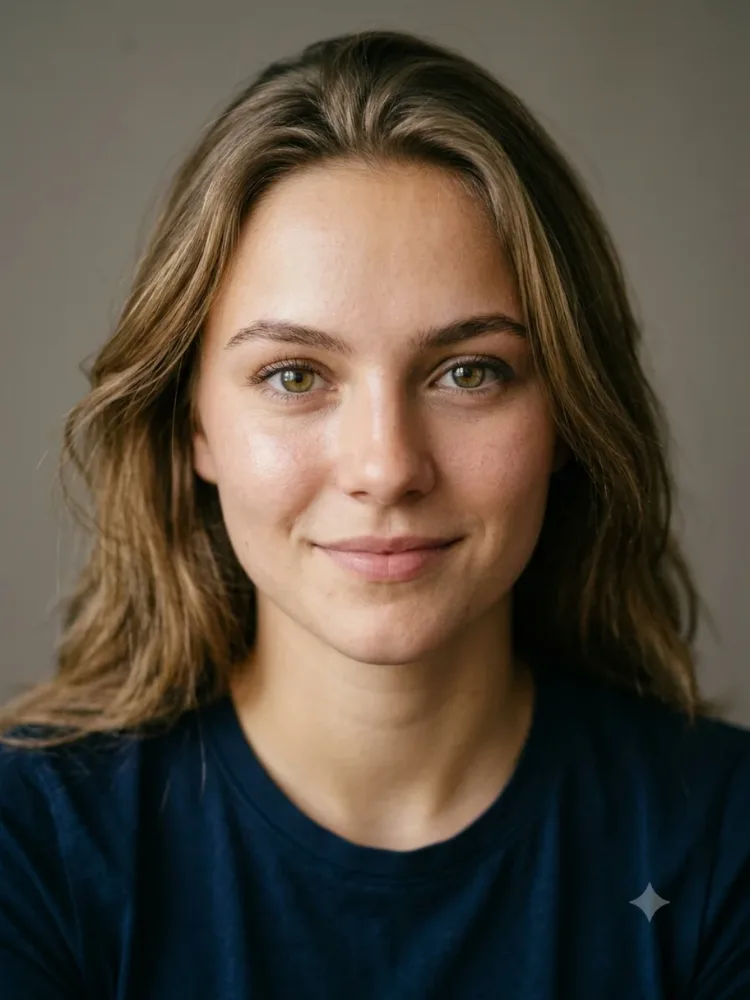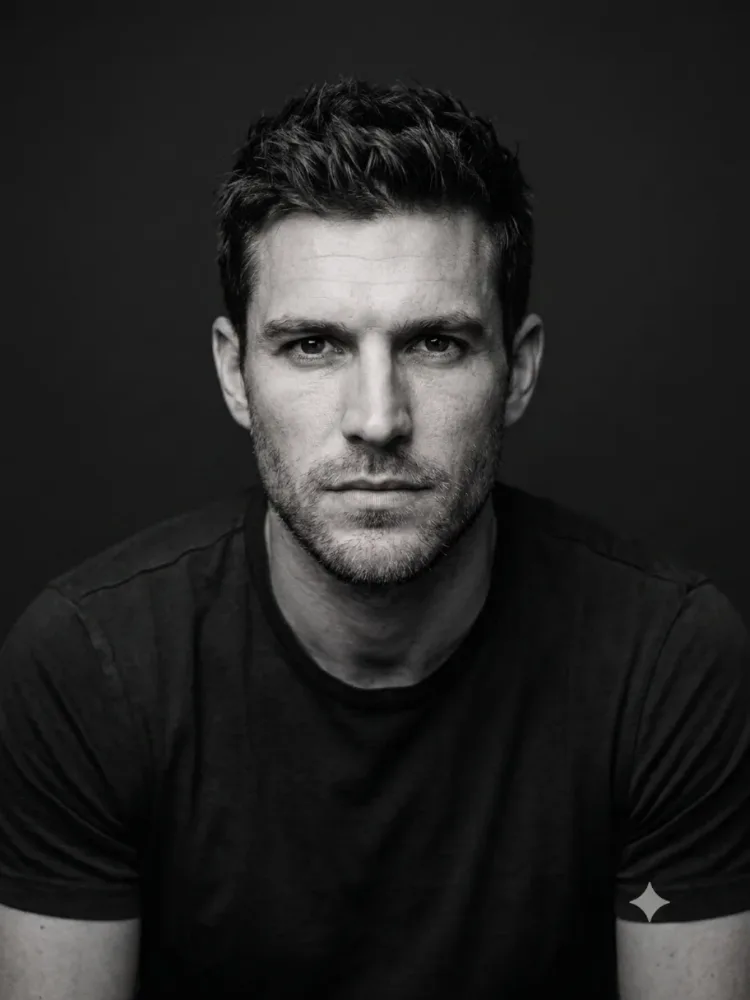
Portraits
Passport and ID Photo
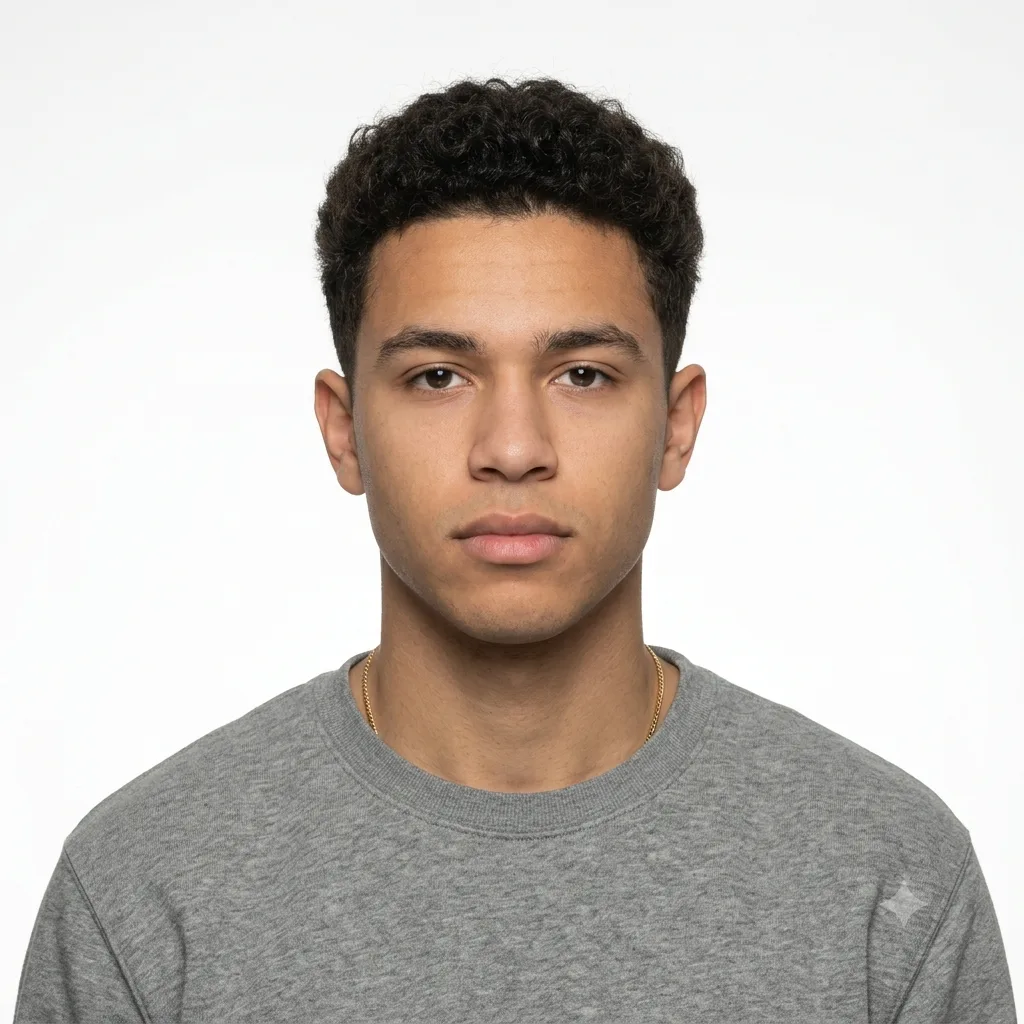
Turn a casual selfie into a compliant passport or ID photo with a plain background and neutral expression.
The prompt
Convert this photo into a standard passport or ID photo. Place the person against a plain, evenly-lit white background, facing forward with a neutral expression, shoulders square to the camera, and remove any harsh shadows. Keep the person's exact face and identity. Natural skin tones, sharp focus, proper head-and-shoulders framing, formal and official looking.
How to use this prompt
- Upload a front-facing photo with your face clearly visible.
- Paste the prompt and generate.
- Always check your country's exact passport photo requirements before printing.
Tips and variations
- Specify the background color your country requires (usually white or light blue).
- Add "even lighting, no shadows on the face or background".