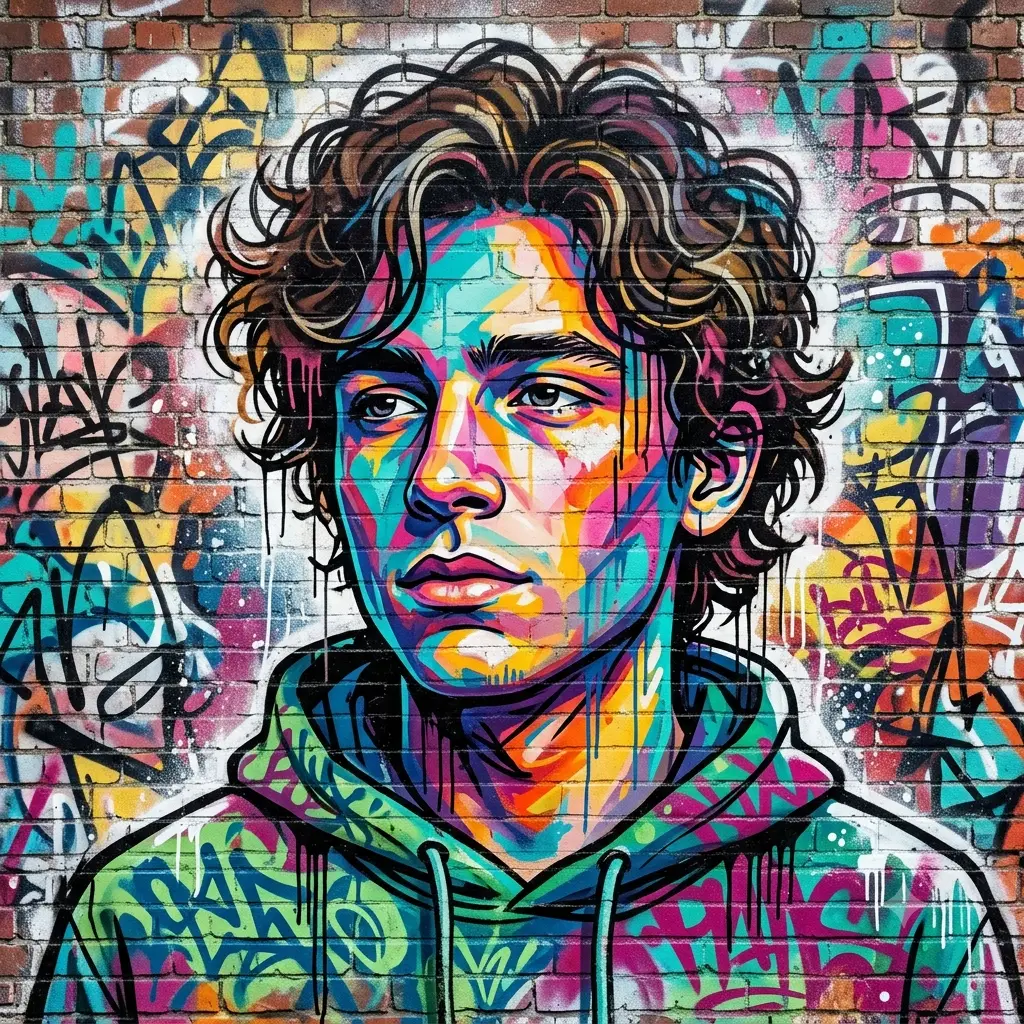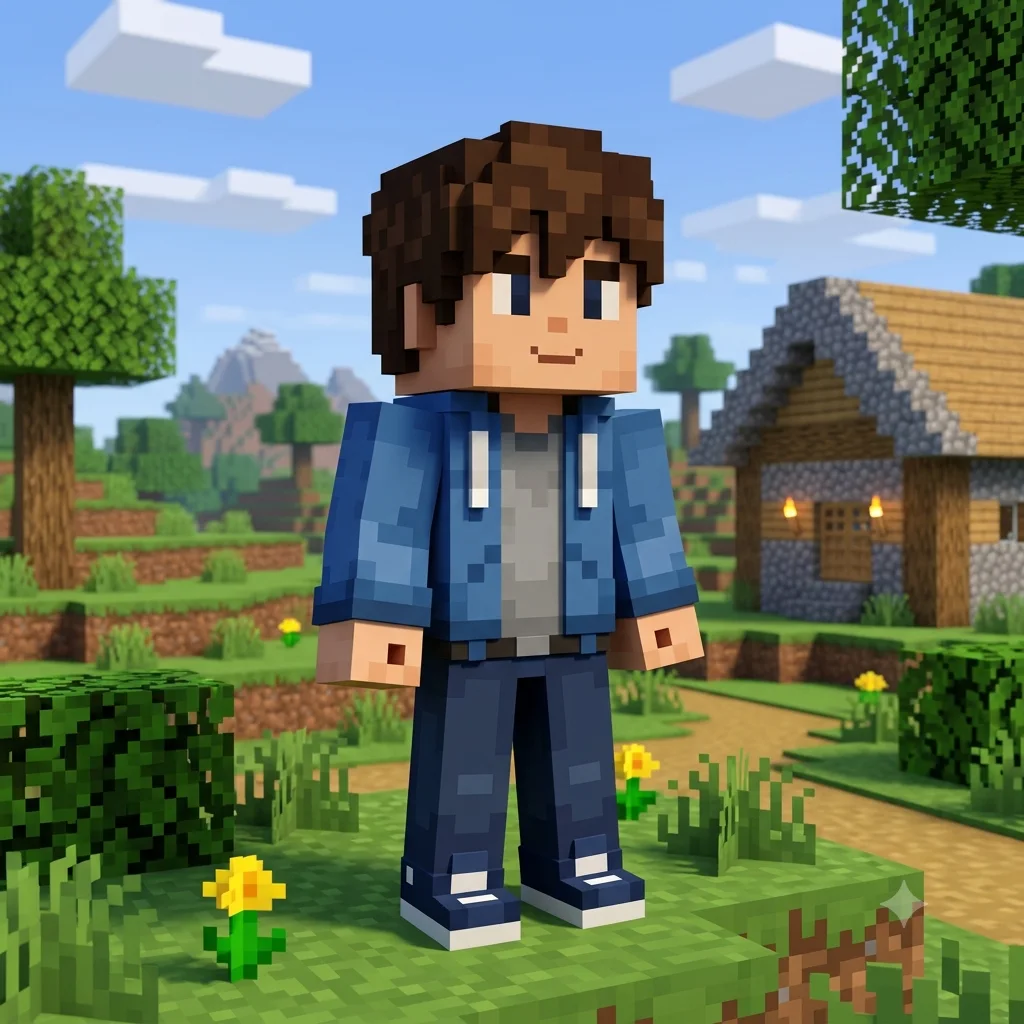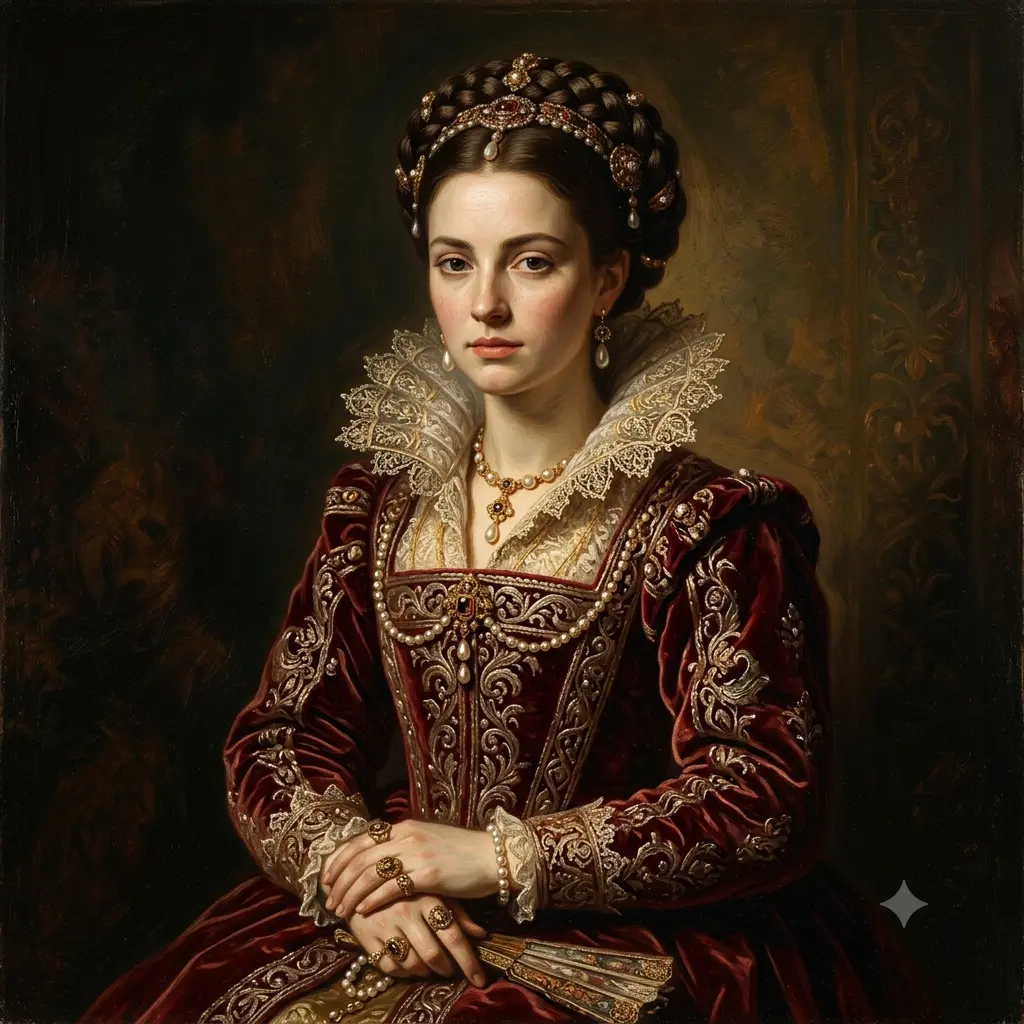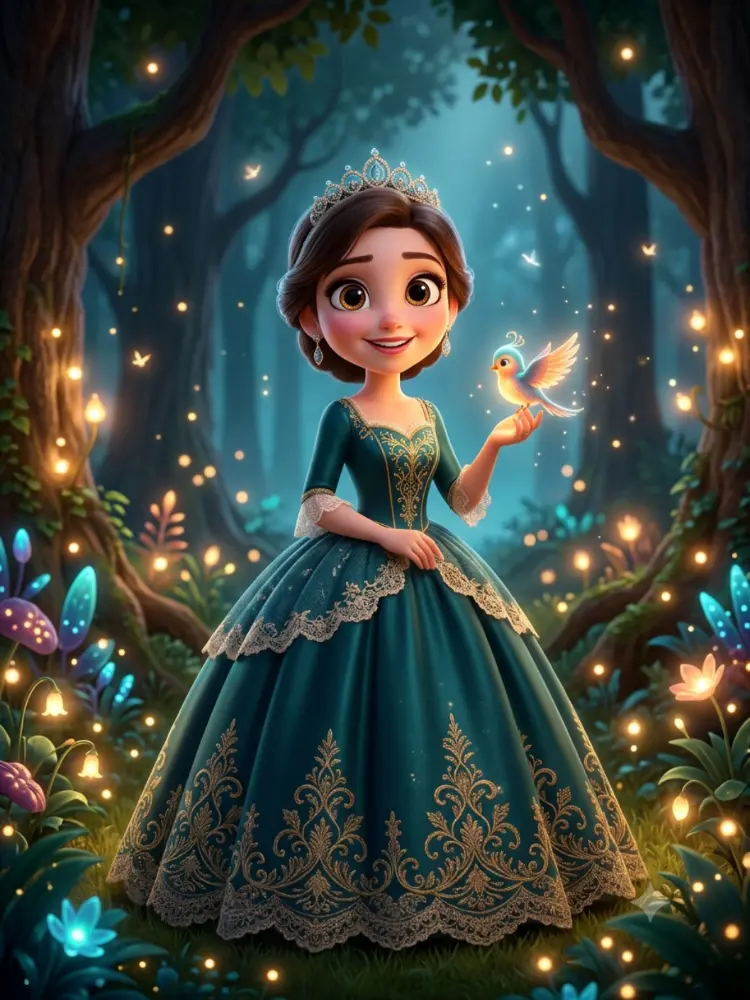
Double Exposure Portrait
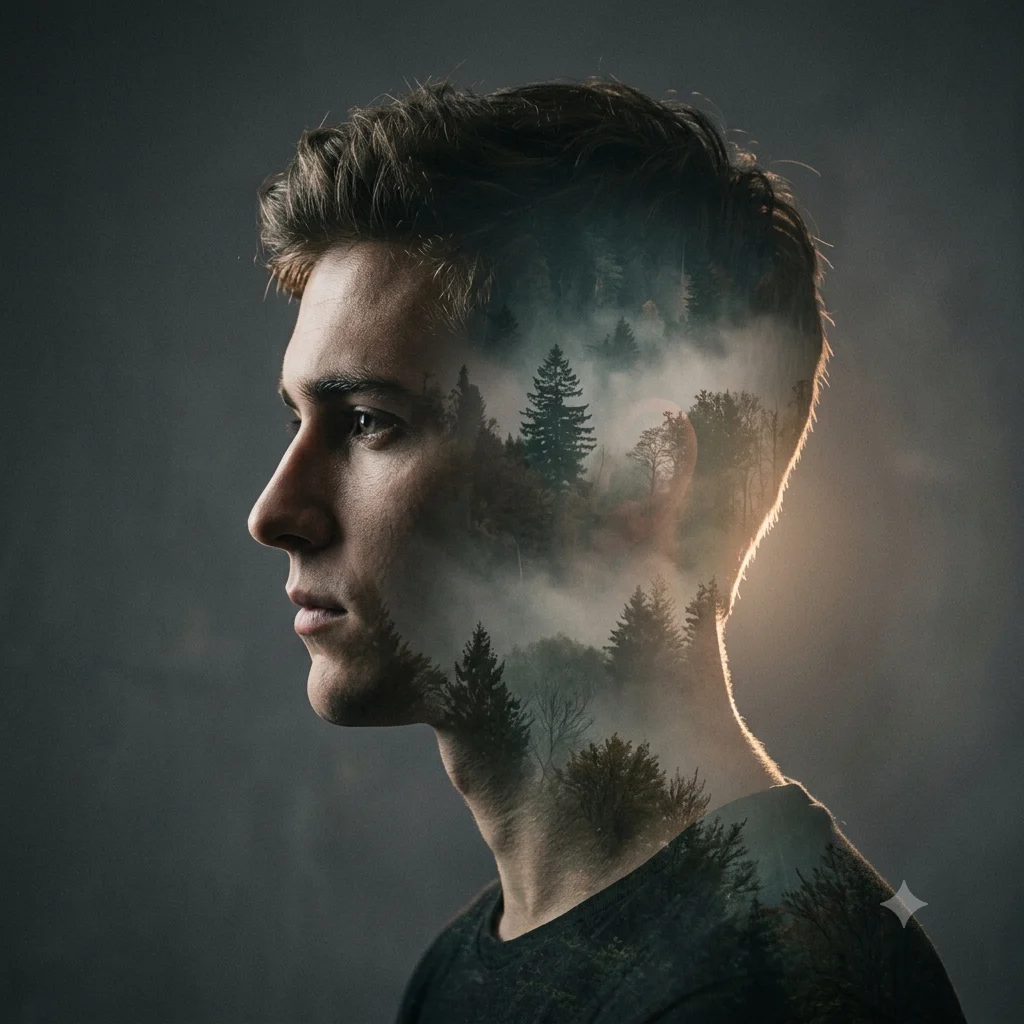
Turn a photo into an artistic double-exposure portrait, blending your silhouette with a forest, city, or sky.
The prompt
Turn [a person] into an artistic double-exposure portrait, keeping their recognizable profile and features. Blend a second scene of [a misty forest] within the silhouette of their head and shoulders, with clean edges, soft transitions, and a cinematic glow where the two images meet. A striking, moody, gallery-style double exposure on a simple background. High resolution.
How to use this prompt
- Upload a clear, front-facing photo with a defined outline.
- Paste the prompt and set the second scene in the brackets.
- Generate, then ask for a different overlay scene.
Tips and variations
- Name the overlay, like "a misty forest" or "a city skyline", inside the silhouette.
- Add "clean edges and a soft blend" so the two images merge smoothly.
- Try a plain light or dark background to make the silhouette pop.