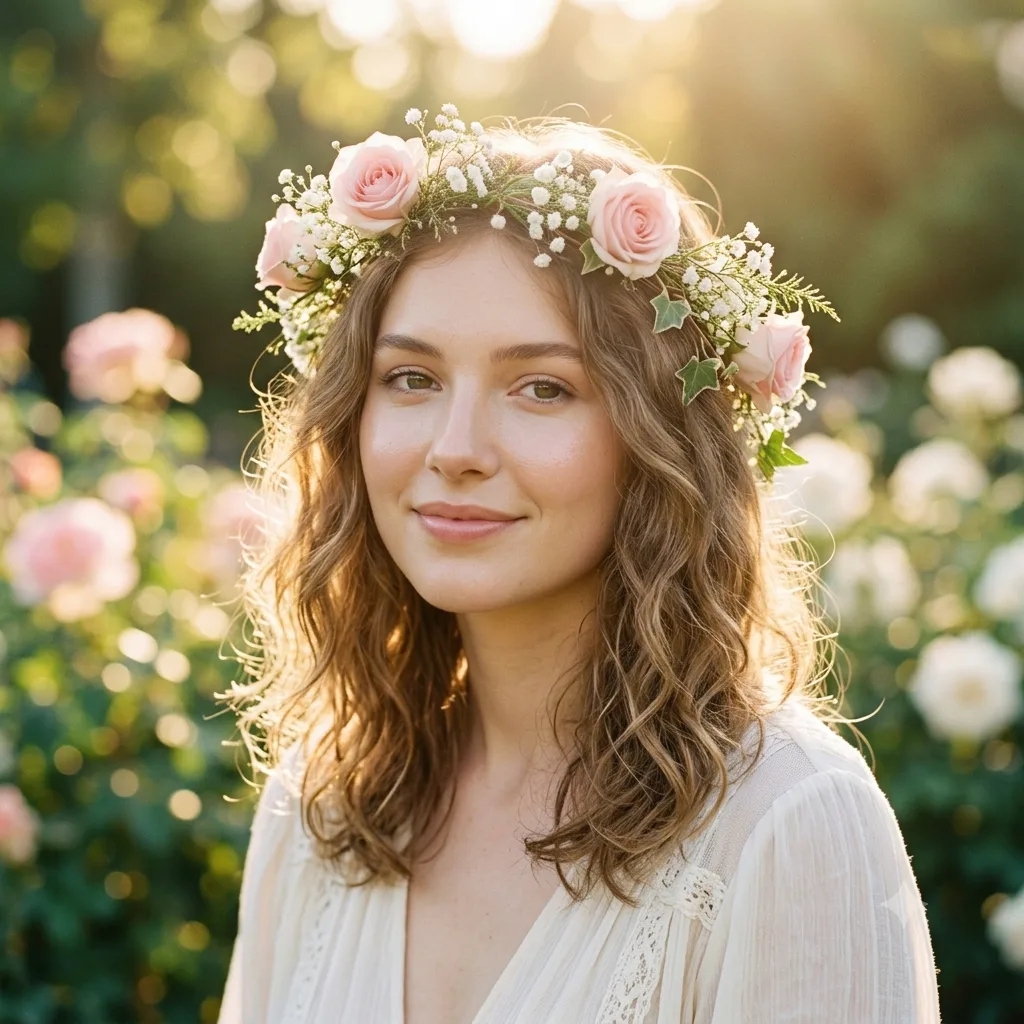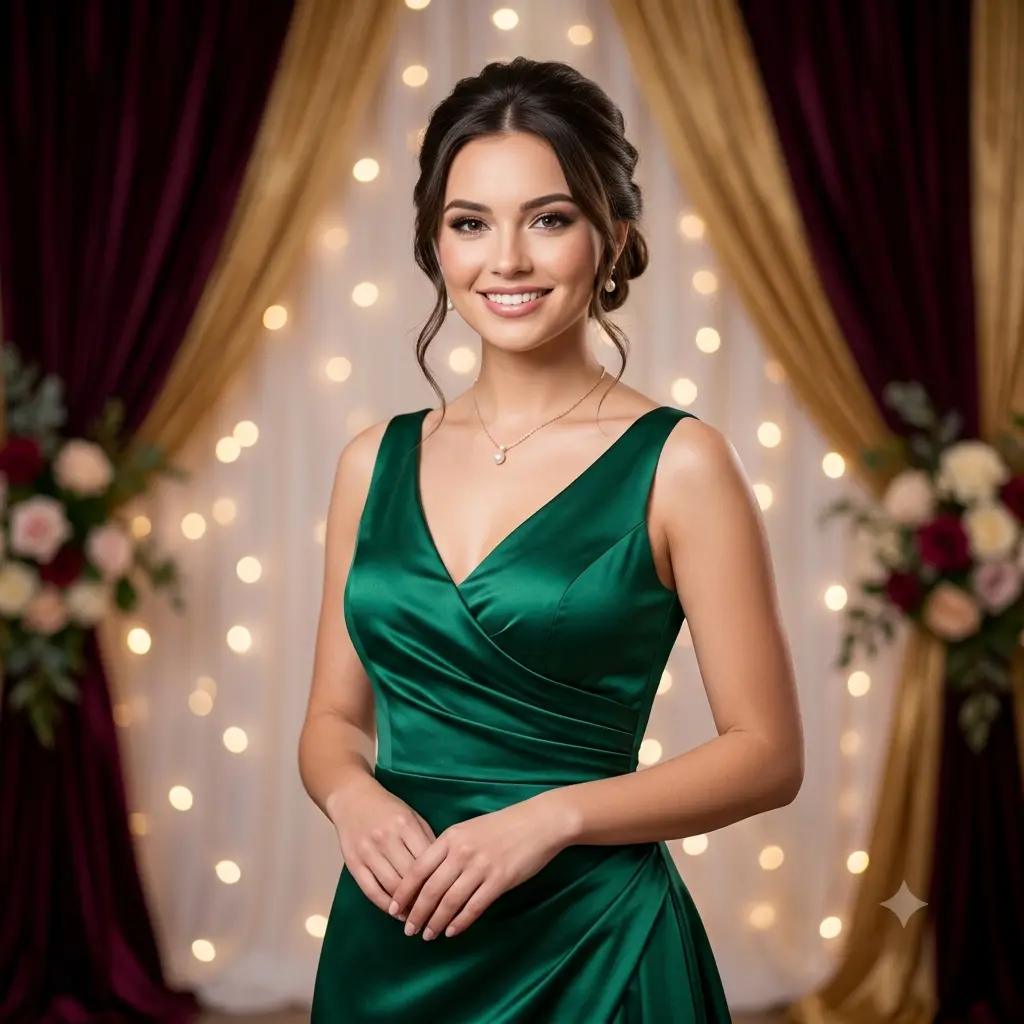
Google Gemini can dress you in a sharp business suit and hand back a portrait that looks like it came from a real photo studio. It is one of the most useful things you can do with Gemini, and all it takes is one good selfie and a couple of minutes. Gemini's Nano Banana image model is what makes it work, it keeps your face while it restyles the outfit, lighting, and background around you.
Below are the exact Gemini suit prompts to try, from a smart-casual blazer to a full editorial magazine cover. Copy any one, paste it into Gemini with your selfie, and change the parts in [square brackets] to pick your suit color or setting. For a plain professional headshot, use our professional LinkedIn headshot prompt.
How to make a suit photo in Gemini
- Open the Gemini app and upload a clear, front-facing selfie taken from the chest up in even lighting.
- Paste one of the suit prompts below and change the [bracketed] suit color or setting to taste.
- Generate a few takes and download the sharpest one.
Executive in a corporate office
A powerful, editorial feel with a modern glass office and a city skyline behind you, like a magazine feature on a top CEO.

A cinematic executive portrait of [a person] in a [charcoal grey] suit, keeping the same face and features, standing in a modern corporate office with floor-to-ceiling windows and a blurred city skyline behind them. Moody directional light, shallow depth of field, a powerful and confident pose. Premium business magazine style, high resolution.
Black-tie tuxedo
For events, dating profiles, or just a sharper look, swap the business suit for a formal black tuxedo with moody lighting.

An elegant portrait of [a person] in a sharp black tuxedo with a bow tie, keeping the same face and features. Warm cinematic lighting with a soft rim light, a dark blurred background, a poised black-tie expression, the fabric showing crisp tailored lines under the light. Glossy, editorial, magazine-quality finish, high resolution.
Vintage three-piece suit
A warmer, old-money look with a three-piece tweed suit and classic golden lighting is great for a timeless vintage portrait.
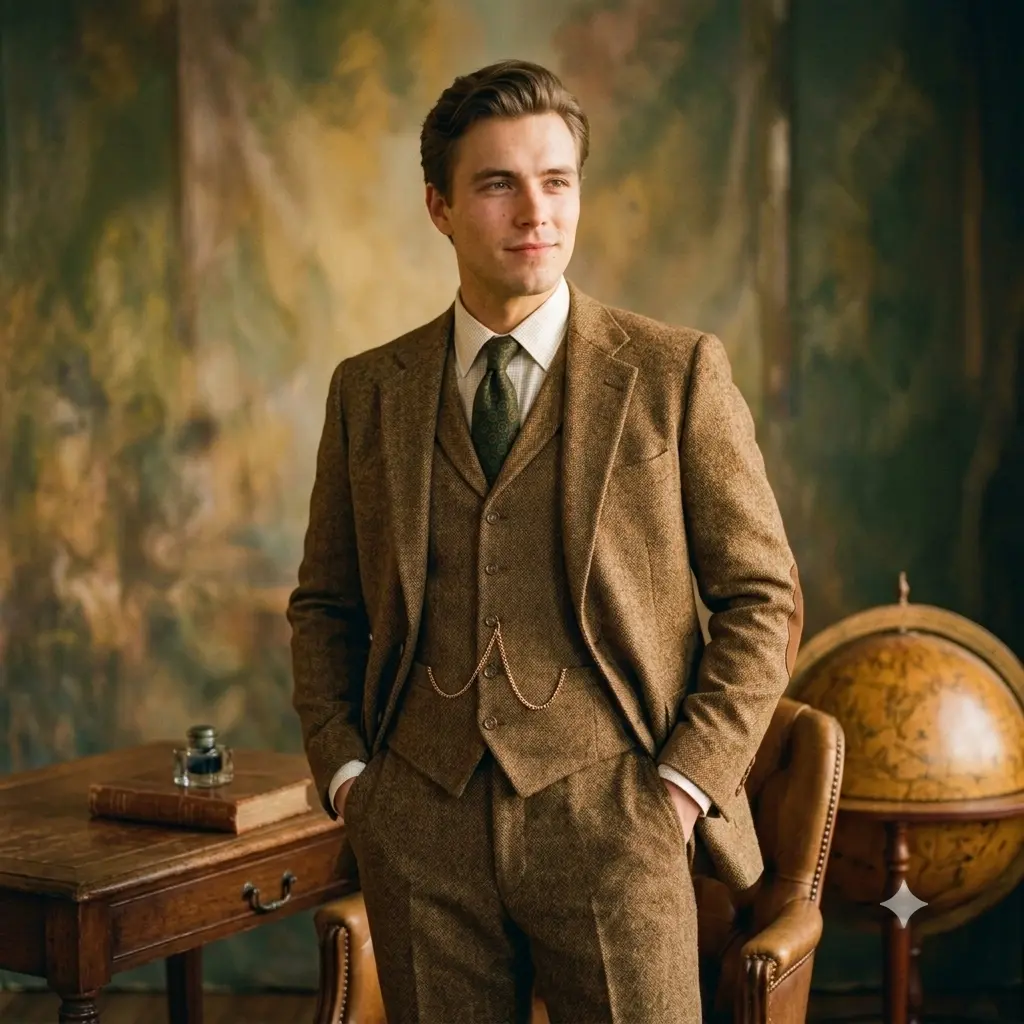
A warm retro portrait of [a person] in a [brown tweed] three-piece suit with a waistcoat, keeping the same face and features. Golden vintage lighting, a softly textured studio backdrop, the tweed weave showing warmly in the light, classic old-money styling. Timeless editorial look with fine film grain, high resolution.
The smart-casual blazer
The relaxed option, an open-collar blazer with no tie, a sharp but approachable look for startup profiles and creative resumes.

A relaxed smart-casual portrait of [a person] in a [navy] blazer worn open over a plain t-shirt, no tie, keeping the same face and features. Soft natural lighting, a clean blurred office background, a friendly confident expression. Modern business-casual style, true-to-life skin and fabric texture, high resolution.
Bold magazine-cover suit
Go loud with a colored suit and dramatic studio lighting for a striking, cover-ready shot. Change the color to anything you like.
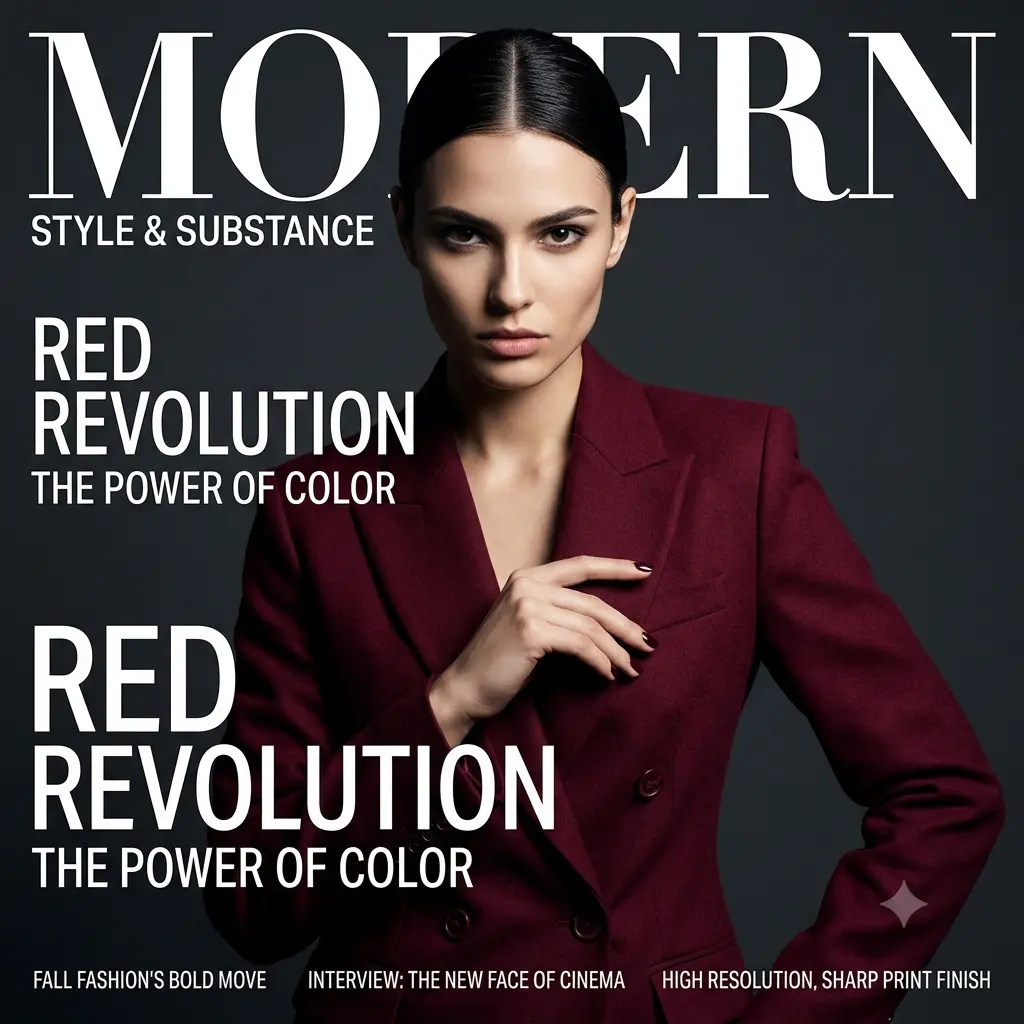
A high-fashion magazine cover portrait of [a person] in a bold [burgundy] suit, keeping the same face and features. Dramatic studio lighting with strong contrast, every shadow placed with fashion-shoot precision, a solid colored backdrop, a striking editorial pose. Sharp, glossy, cover-ready finish, high resolution.
A few extra tips
- Navy and charcoal read the most professional, while a bold color like burgundy stands out more on social.
- Add a cue like "soft studio lighting" or "shallow depth of field" for a premium, magazine-like feel.
- Run the same prompt two or three times. Gemini gives different framings each time, so keep the best one.
- Doing it with your partner too? Our couple prompts turn two photos into a matching black-tie portrait.